Share with others:

Samsung Odyssey G8 OLED (G81SF) review – most people don't need it, but it's damn good

MonitorThe ones I have at home aren't bad. But when I put them next to the Samsung Odyssey G8, I realized the harsh truth about how much room there is for upgrades. And how much you have to pay if you want the best.
You have to fork out almost ten hundred from your wallet if you want the new Samsung Odyssey G8 OLED to grace your desk. Well, if you go across the Austrian border, you can get it for €200-300 less. I used to be able to build a solid computer for that money, today I only get RAM and maybe a basic SSD drive for the same price. Crazy times, so maybe €800 for a QD-OLED monitor isn't too much after all.
But I was curious what's so special about it that it's so much more expensive than similar QD-OLED monitors. I know that MSI, Dell, ASUS, AOC, Lenovo have quite a few monitors with 4K resolution, OLED panels and at least 240-Hz refresh rates between €500 and €1000. Some are also available in 32-inch versions, although I'm not sure I'd want to sacrifice the sharpness that 4K offers at 27 inches.
The Samsung Odyssey G8 really has to be something special to justify its price.
| Advantages | Weaknesses |
| Exquisite workmanship | Matte coating may cause grainy image on white background |
| Tilt, swivel and height adjustable | Some will miss KVM functionality |
| Almost zero margins | Missing USB-C port and DisplayPort 2.1 |
| Extremely thin | |
| Wide range of connections | |
| Matte coating completely eliminates glare | |
| Great picture | |
| Guaranteed against image burn-in* |
Samsung Odyssey G8 OLED price and specifications
- Samsung Galaxy S8 G81SF: between 800 and 1000 €
There is also a 32-inch version available, which is understandably more expensive. When purchasing, be careful not to confuse the monitor with the 2024 version.
| Size | 27 inches (68.6 cm) |
| Panel | QD-OLED |
| Resolution | 3840 x 2160 (4K UHD) |
| Refresh rate | 240Hz |
| Response time (GTG) | 0.03ms |
| Matte coating | Yes |
| Pixel density | 166ppi |
| Brightness | 250 nits (typical), peak 1000 (HDR) |
| Color range | 99 % (DCI), 100 % sRGB |
| Connections | DisplayPort 1.4, 2x HDMI 2.1, 2x USB-A 3.2 Gen 1, USB-B, headphone jack |
| The rest | AMD FreeSync Premium Pro, swivel, tilt, and height adjustment, wall mountable |
| Weight | 6.9 kg (with stand) |
Samsung Odyssey G8 – it doesn't lack prestige
Samsung used real metal, which I think was a good choice. Not only because the slightly heavier weight makes it more stable when you move it, rotate it, and adjust its height, but because the metal also works better with the built-in cooling system. The case feels cool to the touch most of the time.
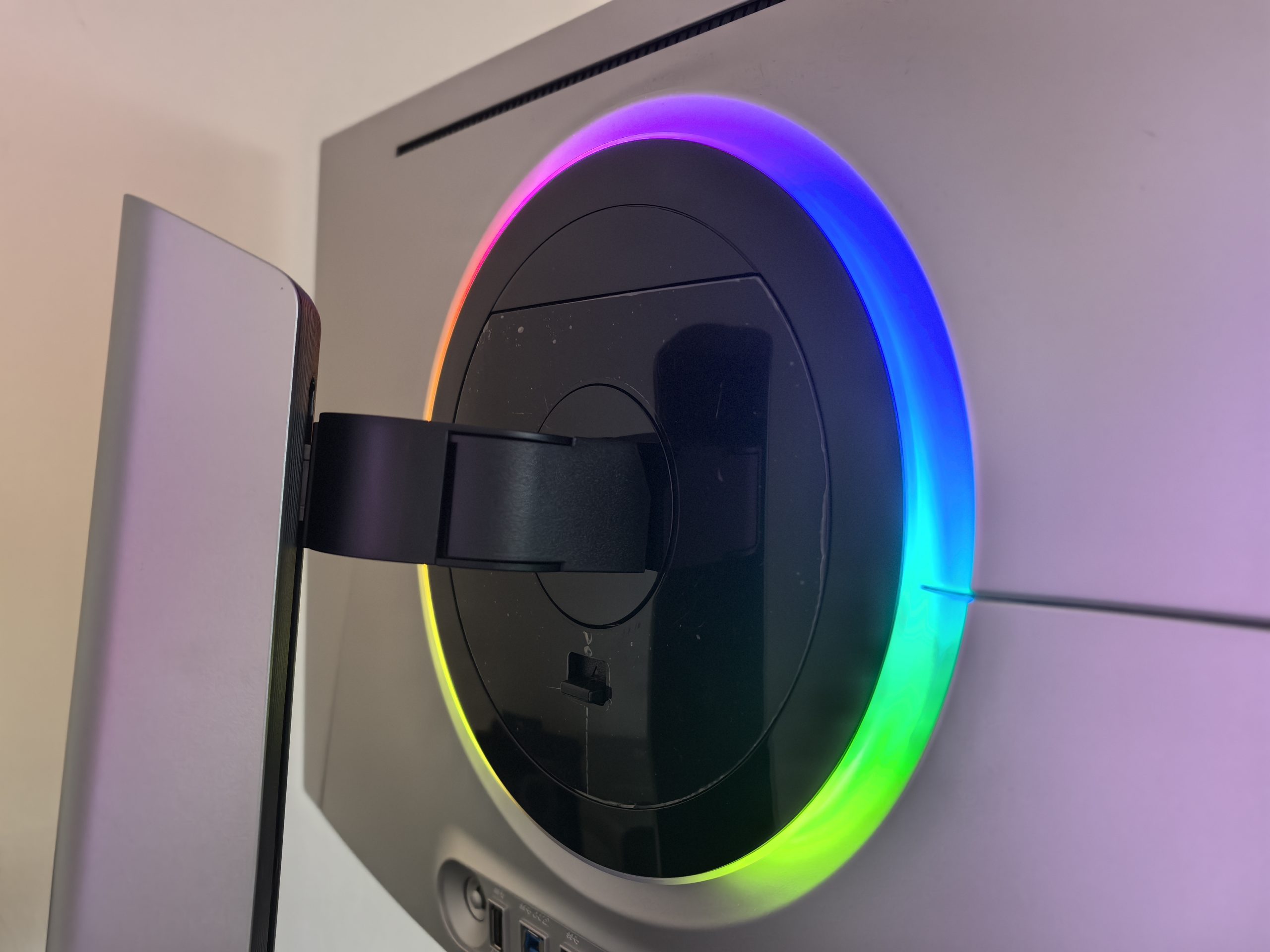
The thinness of the panel is almost scary. It measures only a few millimeters at the edges. I like the silver color and it doesn't scream for attention. There is backlighting on the back (the so-called CoreSync ring), but it is tasteful and not kitschy like some (gaming) monitors. I even like that it stays on for a few seconds after you turn off the computer.
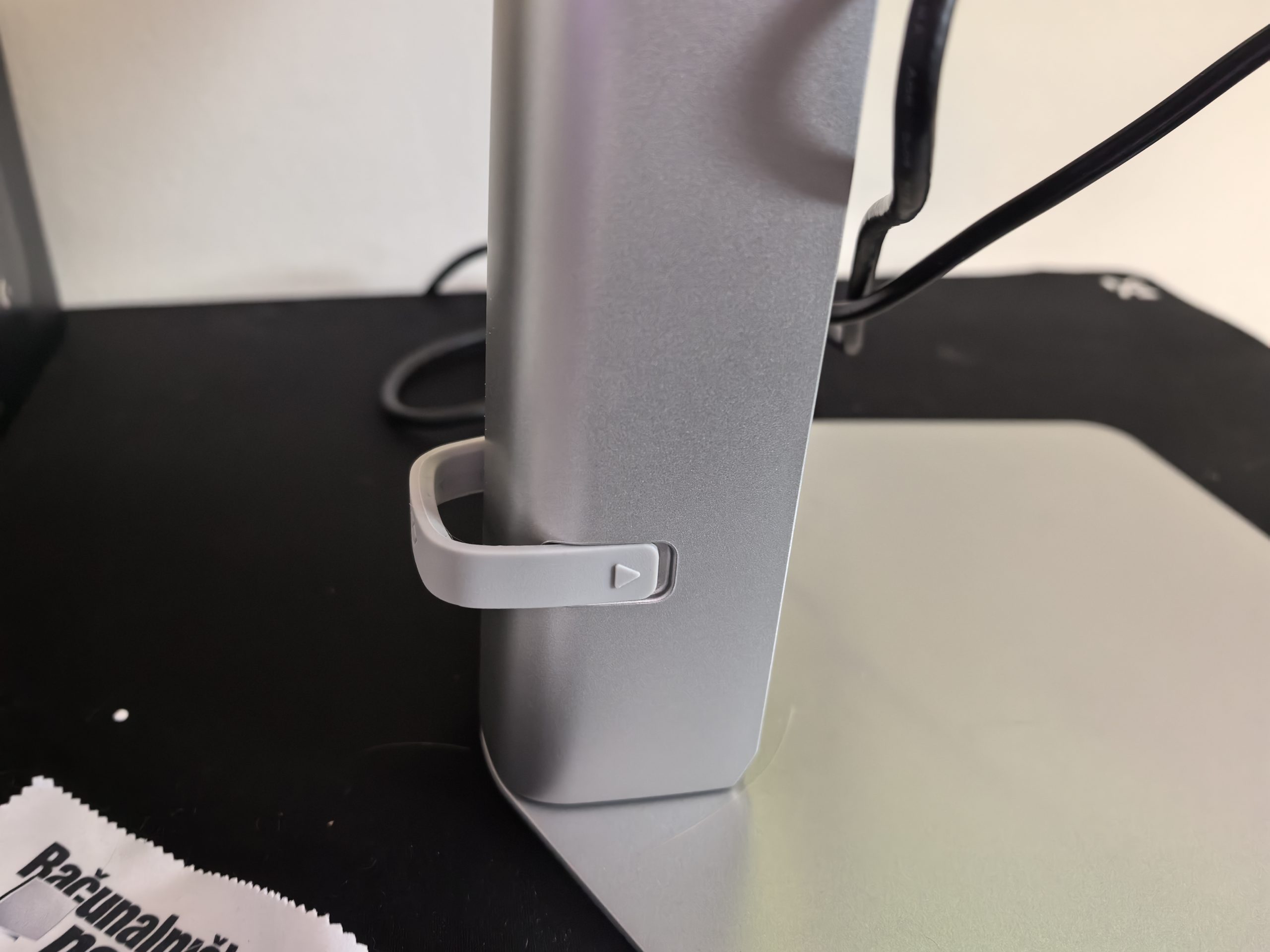
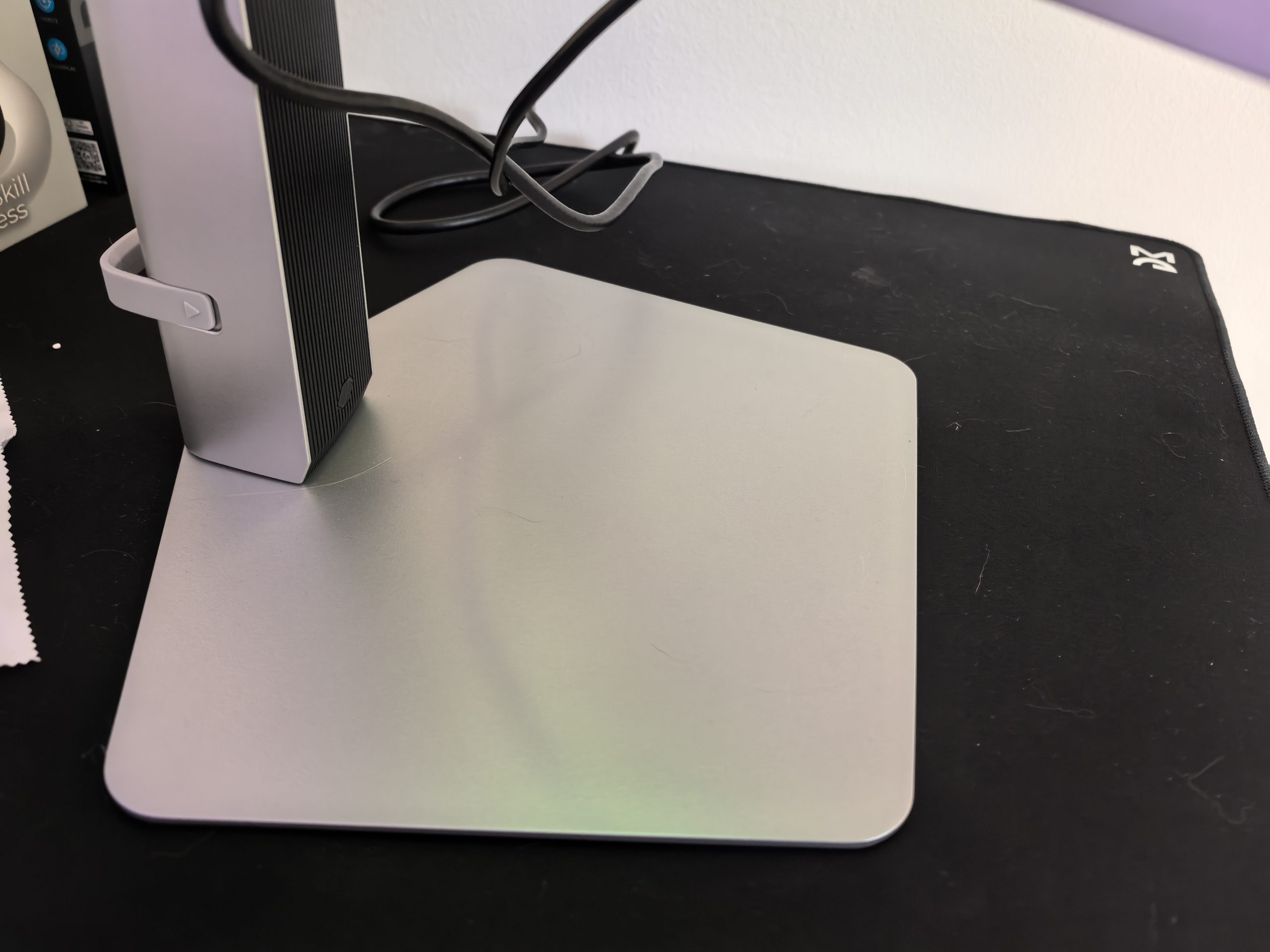
The stand is surprisingly compact for the stability it provides. Since I don't have a huge desk, I like that I can put my controller on it. The monitor's adjustability is perfect. You can change its height, you can rotate it all the way to portrait mode, and you can also tilt it. For me, the height is the most important thing because the space under the monitor is very popular with my cats.
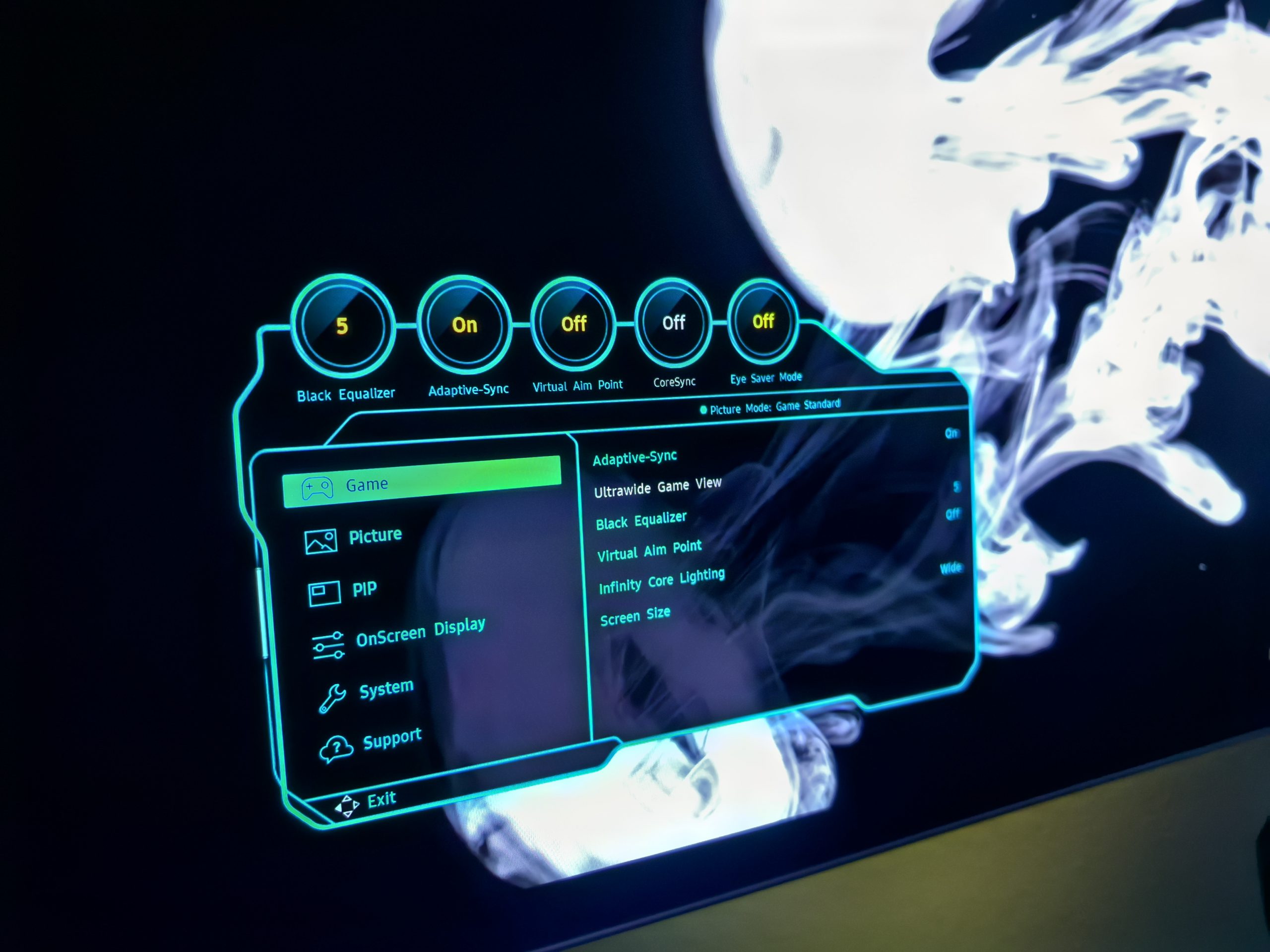
There's a small control on the back to access the monitor's settings. The interface is well-organized and you can quickly access the functions you might want to change. Perhaps Samsung could have taken more time to break down a particular function in more detail, such as when choosing the light temperature. Instead of "warm 1, warm 2", they could have included numbers in Kelvin.
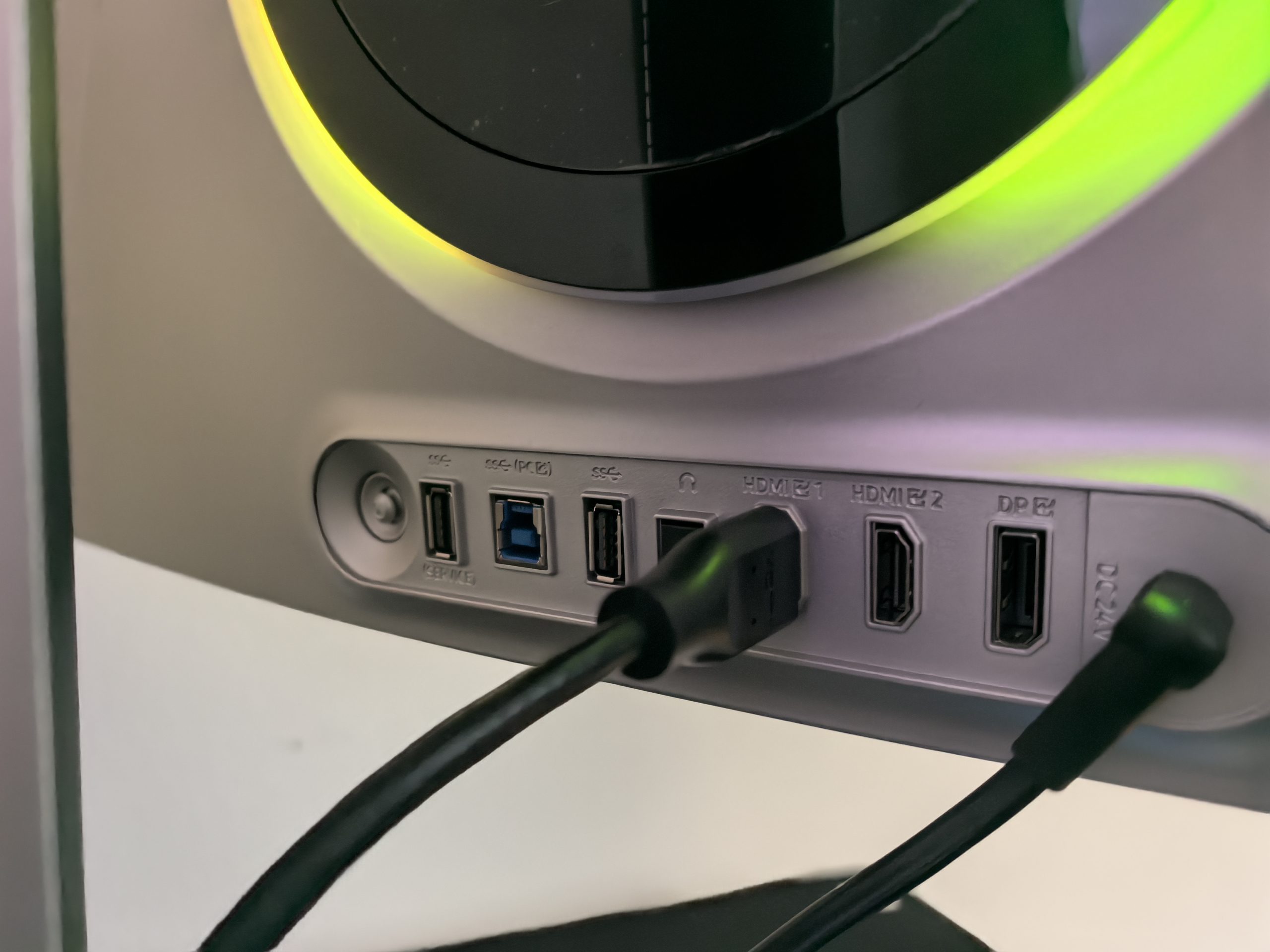
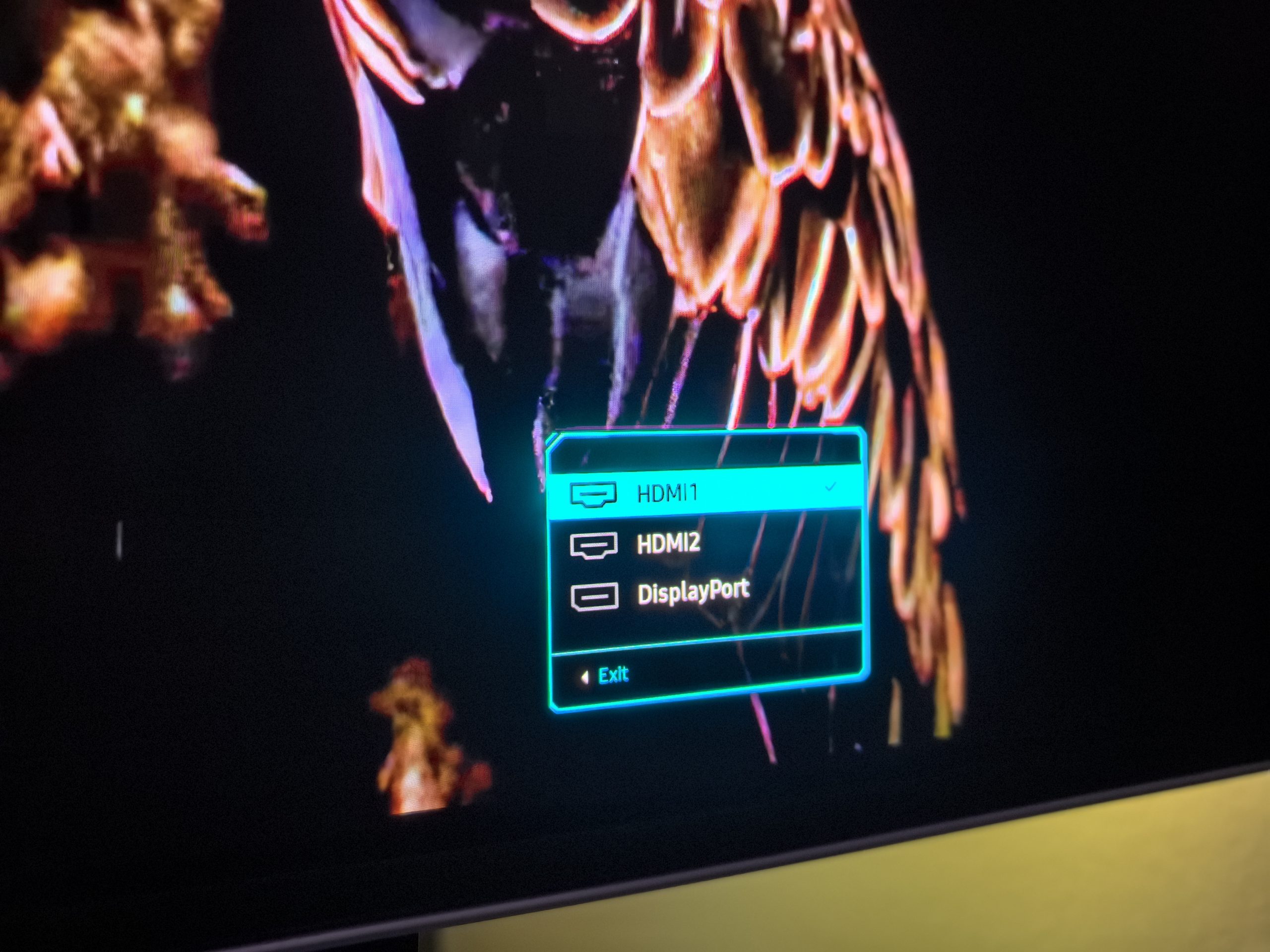
Next to the controller are all the connectors: DisplayPort 1.4, 2x HDMI 2.1, 2x USB-A 3.2 Gen 1, USB-B, headphone jack. Surprisingly, USB-C is missing, and even more bizarrely – the newer DisplayPort 2.1, which is required if you want to achieve full 4K resolution at 240 Hz. The older 1.4 standard does not have enough bandwidth, so it has to use Display Stream Compression (DSC) technology if it wants to achieve the same results. Many people distinguish monitors that use DSC from those that do not need this technology, mainly in image quality. I was connected to HDMI most of the time, and when I tested DisplayPort, I did not notice any distortions, poorer quality, or random black screens.
Even Picasso would be proud of how he works with colors
The Samsung Odyssey G8 (G81SF) features the latest QD-OLED panel. For those of you who aren't familiar with the technology, it's a hybrid that combines the self-illuminating pixels of OLED with Quantum Dots technology. Traditional OLED displays sometimes suffer from lower color luminance because they use a white sub-pixel to boost brightness, which dilutes color saturation. QD-OLED, on the other hand, creates each color directly, meaning reds, greens, and blues are incredibly pure and vibrant even at the highest brightness settings.
With a resolution of 3840 x 2160 on a 27-inch diagonal, you can only admire the pixel density (166 ppi). You won't notice the pixels, even if you get really close to the screen, and there's no graininess. Text almost always looks crystal clear (more on that below), which was a big problem with previous generations of OLED monitors due to the specific arrangement of sub-pixels. Samsung has greatly improved the structure with the new generation of panels, which means that color fringing around letters is almost imperceptible. When editing photos, I could rely on 99% coverage of the DCI-P3 color space, which gave me confidence that the colors I saw were accurate and professionally calibrated, as confirmed by the Pantone Validated certificate.
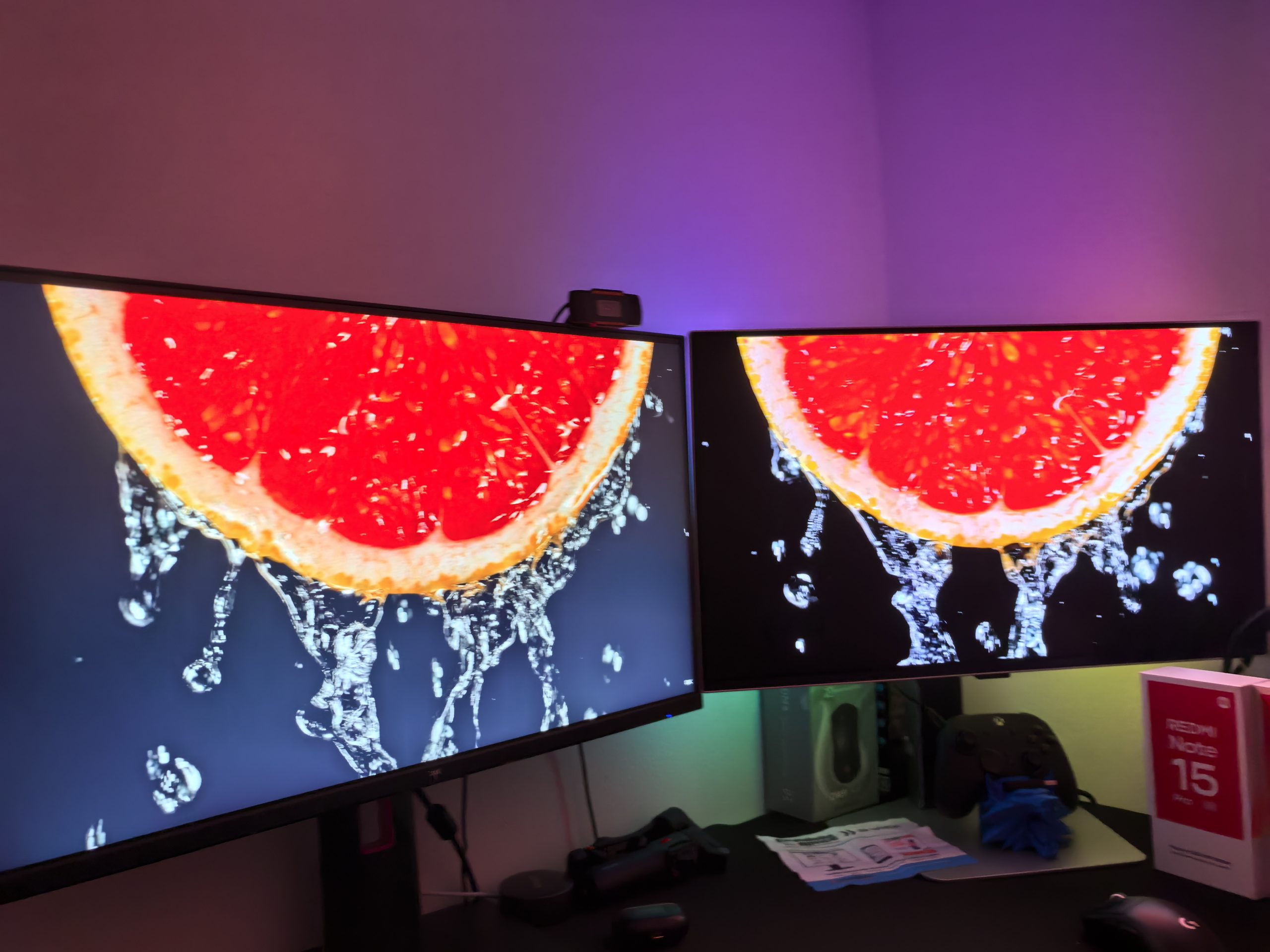
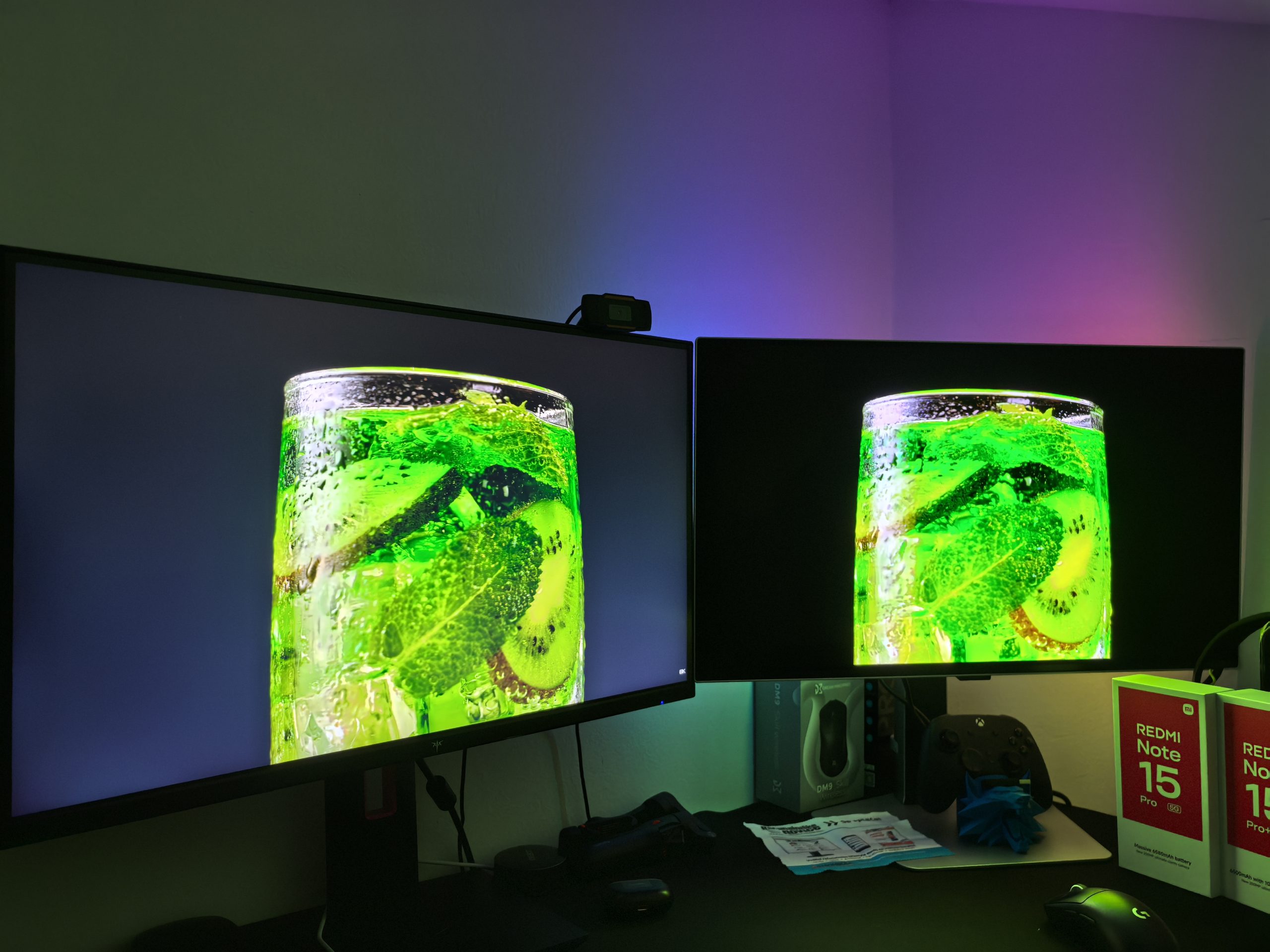
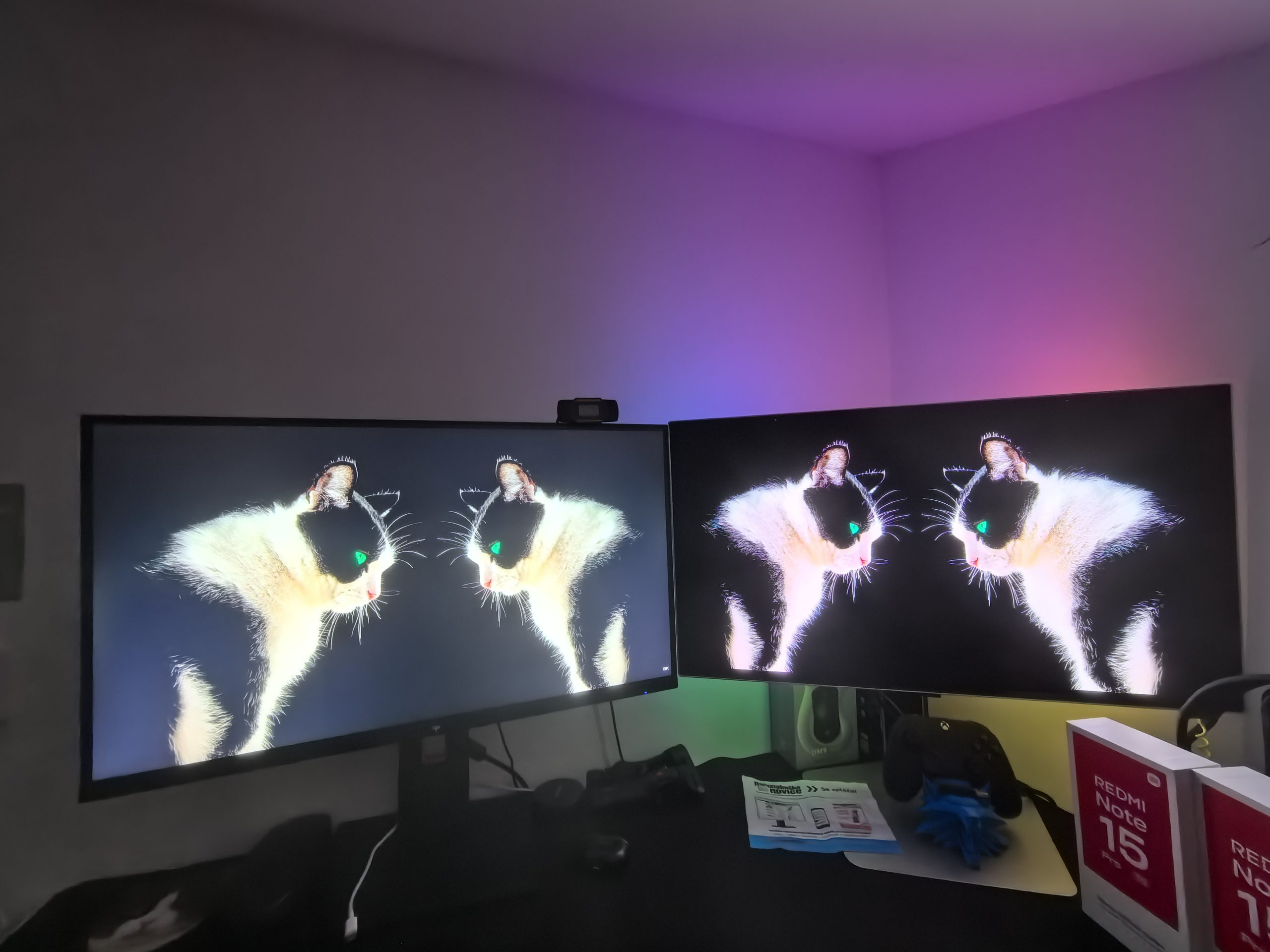
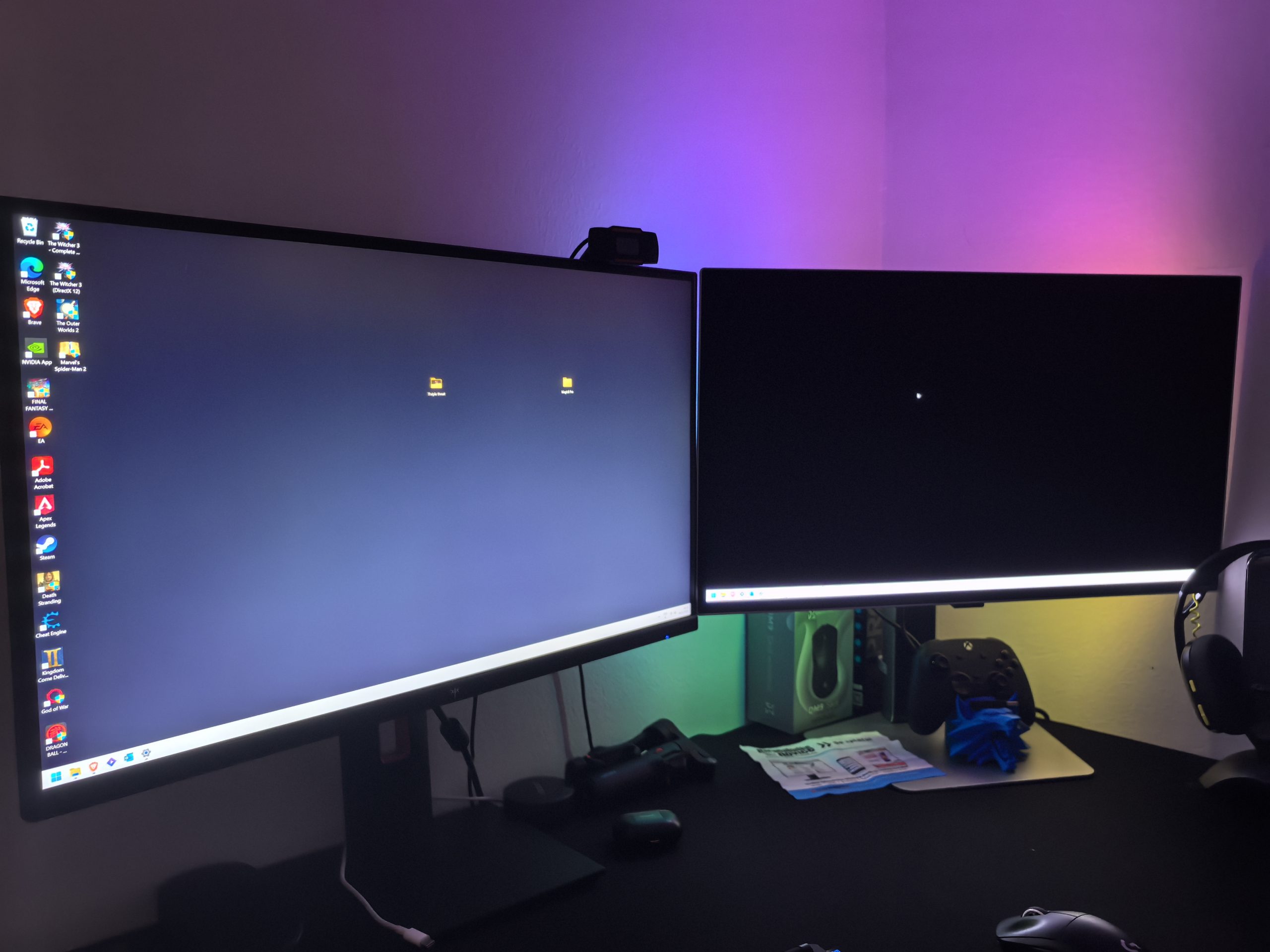
It's not just the resolution that's superb, but also the contrast. The infinite contrast ratio means that blacks are truly black, not the dark grey we're used to with IPS or even VA panels (see image). VESA's DisplayHDR True Black 400 certification may sound less impressive than HDR 1000 on LCDs, but in practice, OLED's ability to completely turn off pixels right next to those that are glowing at full power creates a visual effect that LCDs with local dimming zones can't replicate.
Despite all this, I sometimes preferred the shades produced by my IPS monitor. It's a matter of personal taste, but at those moments, some of the colors seemed exaggerated, oversaturated, even though they may have looked more beautiful and deeper.
Matte screen or glossy screen? I'm in a dilemma
I mentioned earlier that the image is almost always crystal clear. Well, this almost refers to the matte coating (Samsung calls it Glare-Free), which is very good at scattering annoying reflections, which is very important in my home office (the window is right behind my chair). My classic glossy screen can be like a mirror during the day in very bright light (I'm exaggerating a bit), which can be annoying. Not so much when I'm working, but when I'm playing a game, especially in dark scenes. Samsung's matte coating reduces reflections by 50 %, although at the same time, while scattering light, it creates a larger surface for reflection, which is less visible.
Going back to crystal clarity, when working on a white background (like Word), you may notice a slight graininess, haze, or “oily” effect that is typical of more aggressive matte coatings. I’ve only had the monitor for a good two weeks, but I thought that would be enough time for my eyes to get used to it. But that wasn’t the case. I’ve always leaned more towards matte screens, but now I’m not entirely sure if I should have gone with a glossy screen. I might regret my decision the first time I see the bright sun.
While playing games, this effect has completely disappeared, or you simply don't notice it during all the action.
Gaming experience: Unparalleled speed
When you start the game, you enter a world of ecstasy. A 240 Hz refresh rate combined with 4K resolution is the holy grail of gaming, provided you have the hardware to drive it. However, I realize that this is not a reality for many users. Today's prices are brutal for the consumer. Even my RTX 5070 Ti has to rely on DLSS and Frame Generation in more demanding games if it wants to achieve higher fps at 4K. Yes, 240 Hz is of course intended for e-sports games (Apex Legends, Valorant, Counter-Strike ...), which are really not a heavy load on my graphics card.
A response time of 0.03ms (GtG) means motion blur is virtually non-existent. Every quick mouse turn is rendered with absolute clarity, and you'll often spot your opponent before they spot you.
The monitor supports AMD FreeSync Premium Pro, which ensures stable, tear-free gameplay even when the frame rate fluctuates. While it's not officially G-Sync certified in all regions, I was able to activate VRR without any problems in the Nvidia Control Panel and the monitor responded flawlessly, without any flickering or other artifacts.
I would especially highlight the Black Equalizer feature, which analyzes dark parts of the image in real time and brightens them slightly without "washing out" the rest of the color palette.
HDR10+ support means that games that support it will automatically calibrate their brightness based on the capabilities of your display. How well HDR works depends heavily on the game. I was impressed with how well the lighting effects worked in some games, and I preferred to turn it off in others (Alan Wake 2) because I wasn't happy with the contrast.
During gaming, the monitor was flawless: no tearing, no ghosting during fast movements, and responsiveness as advertised and expected for a premium monitor.
Is OLED ready for the eight-hour workday?
I have two concerns: image burn-in and possible eye fatigue due to the matte coating. OLEDs have advanced greatly and Samsung has also included quite a few technologies that prevent image burn-in, so I am relatively reassured about this.
To protect against image burn-in, Samsung uses the OLED Safeguard+ system, which includes some fascinating technologies. First, there's the Pulsating Heat Pipe (PHP), which dissipates heat away from the panel five times faster than traditional solutions. During my testing, the monitor stayed cool even after an eight-hour workday. In addition, the software constantly monitors static elements, such as the taskbar or logos, and subtly reduces their brightness.
As for eye fatigue, I generally don't have any problems with blue light or screen fatigue. And even though I spend most of my time working in Word, the white background and the aforementioned "oily" effect didn't cause any discomfort to my eyes.
Would I use it for work then? Sure, I would just pay more attention to static images and maybe use a darker background.
For work, I have two more drawbacks to mention. It lacks a USB-C port with Power Delivery. Not everyone needs it, but it's definitely convenient to be able to plug in and charge a laptop. The monitor also lacks a built-in KVM switch, which would allow me to easily switch between my personal and work computers with the same mouse and keyboard. These are features I would reasonably expect from a monitor in this price category.
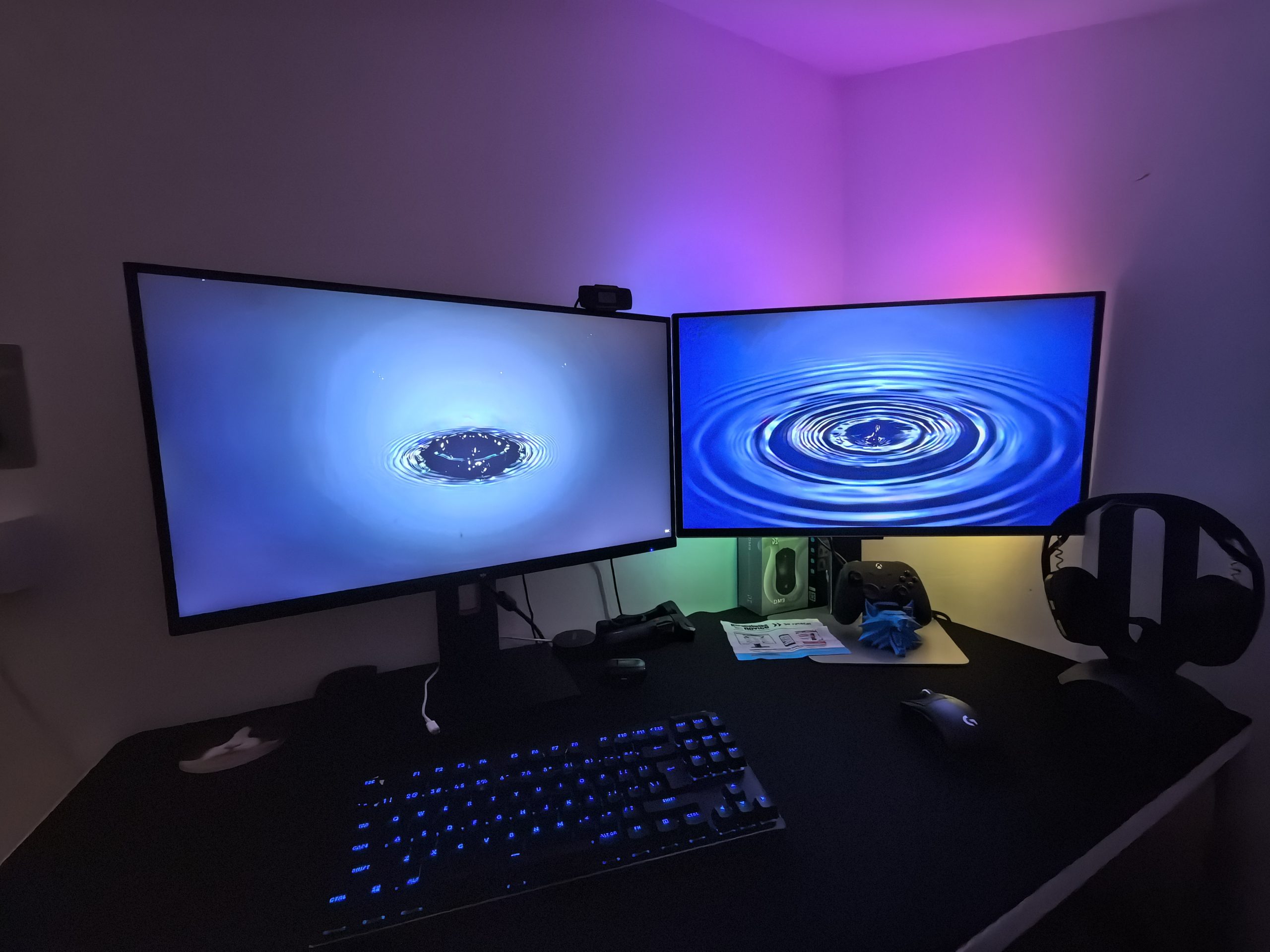
The Samsung Odyssey G8 G81SF is strictly speaking "dumber" than its predecessor, but that's not the point
There are two versions of this monitor on the market: the G80SD and the G81SF. The main difference is that the G80SD model includes Samsung's Tizen operating system, which turns the monitor into a smart TV with apps like Netflix, a remote, and speakers. The G81SF model I tested is a monitor without these extras.
I never missed additional features because I don't need TV functionality in a monitor. Tizen OS, which I don't like even on classic TVs, would only hinder the monitor from its main task. I like that the menus on the Samsung Odyssey G8 G81SF are very simple, without clutter, and that I can get to everything I need in just a few clicks. I really don't need the monitor to show me some recommended content that I don't want to watch.
For those who use the monitor in a bedroom or dorm room and want to use it as a TV as well, the G80SD is a better choice, while for serious gamers and professionals who have the monitor connected to a powerful PC, the G81SF is a more focused and less intrusive device.
In addition, the G81SF does not have built-in speakers, which may be a minus for some, but let's face it, built-in speakers rarely offer quality worthy of such a panel.
The Samsung Odyssey G8 is a Ferrari, but I'd be just as happy with a Porsche
My time with the Samsung Odyssey G8 monitor is coming to an end. It was sweet, and above all, very informative. I look forward to the day when such monitors will be as affordable as classic LED monitors. This will happen, maybe even sooner than we think. Today you can get a good OLED monitor (in 1440p resolution) for €400, which was a pipe dream just a few years ago.
The Samsung Odyssey G8 was over €1,000 when it was released, but today you can get it for €800. Prices are dropping fast. Maybe some advice for the future. If you need such a monitor, it might be wise to wait a few months or buy the previous generation.
The Samsung Odyssey G8 G81SF showed me what the best monitors on the market can do. Its combination of 4K resolution, 240-Hz refresh rate and image superiority is rarely beaten. I already mentioned rivals at the beginning (Dell AW2725Q, AOC AG276UZD, MSI 272UP …) that have very similar or even identical specifications, but are up to €200 cheaper. The Samsung Odyssey G8 G81SF is a Ferrari for me, but I wouldn't hold back from a Porsche that would offer me a similar experience for less money.