Share with others:

How to use an old phone as a dash cam
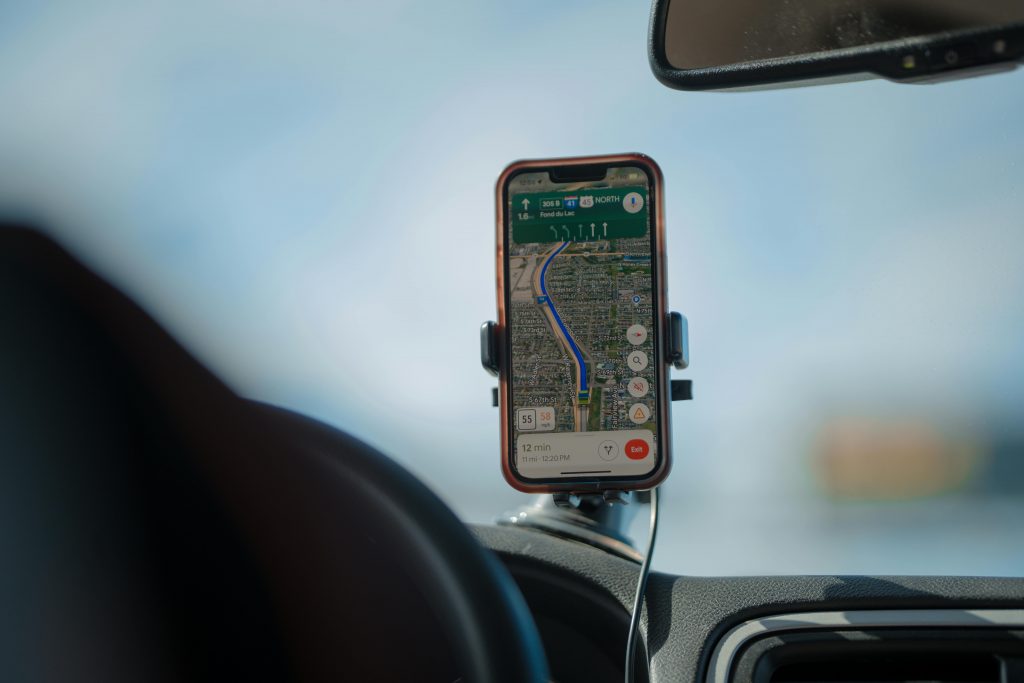
It would be a shame to put a phone that you could have paid a thousand euros or more for years ago in a drawer and forget about it. It's best to give it to your partner or child so that it retains its function (unless something is seriously wrong with it). I recently saw a driver on the road who used his phone as a dashcam, which gave me the idea for an article.
Why buy a new device if you already have one in your drawer?
Virtually any modern smartphone with video recording capabilities can serve as a dash cam. However, the results will be better if you choose a phone with at least a solid camera and stable performance. It is ideal to have a phone that can record in at least 1080p (Full HD) resolution at 30 frames per second, and almost all phones in the last five years fall into this category.
It is important that the phone is in perfect condition. Check the camera's performance (sharpness, autofocus) and the battery status. A very old or worn-out battery can mean that the phone will drain quickly or even turn off while recording.
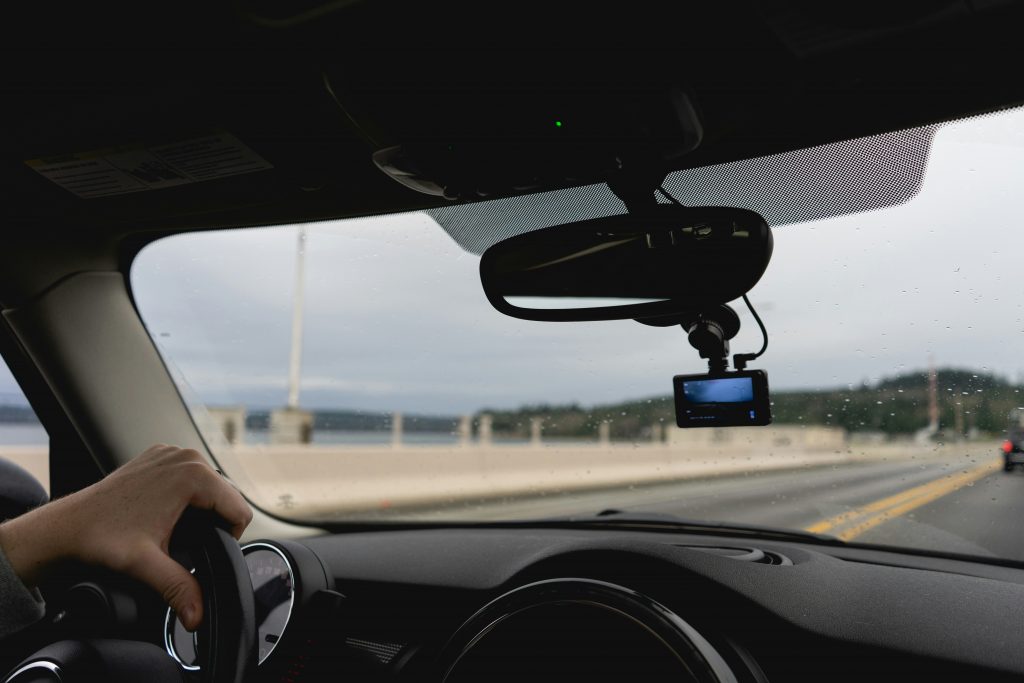
If you have the choice, go with an Android phone. There are more free dashcam apps to choose from on Android, and it’s easier to do things in the background (like automatically starting a recording). Of course, an older iPhone can do the job, but be aware of the limitations (lack of background recording on very old models, and limited storage expansion).
It is recommended to factory reset your phone before use or at least remove unnecessary apps. This way, your device will be dedicated solely to recording and you will not have problems with unnecessary interruptions due to push notifications or other apps running in the background. Also, turn off mobile data, Wi-Fi and other unnecessary features (except GPS, if you want to record your location) to reduce power consumption and heat. You can insert a microSD memory card into your old phone (if it supports it), as recording video quickly fills up the available memory.
What do you need to turn your phone into a dash cam?
To make your phone work as a real dash cam, it's not enough to just use the built-in camera app. You need dedicated software that allows for loop recording. This means that the app automatically deletes the oldest footage when the memory is full, and only keeps those that were taken in the event of a crash or manual command.
For Android and iOS users, one of the best free options right now is the app Droid DashcamIt allows for background recording (so you can use navigation at the same time), automatic collision detection using the accelerometer, and automatic recording when the device detects power via USB. Another popular choice is the DailyRoads Voyager, which has been on the market for years.
iPhone users also have apps like Nexar AI Dashcam available. Nexar is interesting because it uses elements of artificial intelligence to identify dangerous events on the road and allows you to save important events to its cloud for free. Although Apple's ecosystem is a bit more closed off when it comes to background app activity, modern versions of iOS allow enough freedom for your phone to become a reliable witness on the road.
If you'd like to try another alternative, here are: AutoGuard, AutoBoy, Car Camera, CamOnRoad, Driver, Smart Dash Cam, Drive Recorder, and any other you might find.
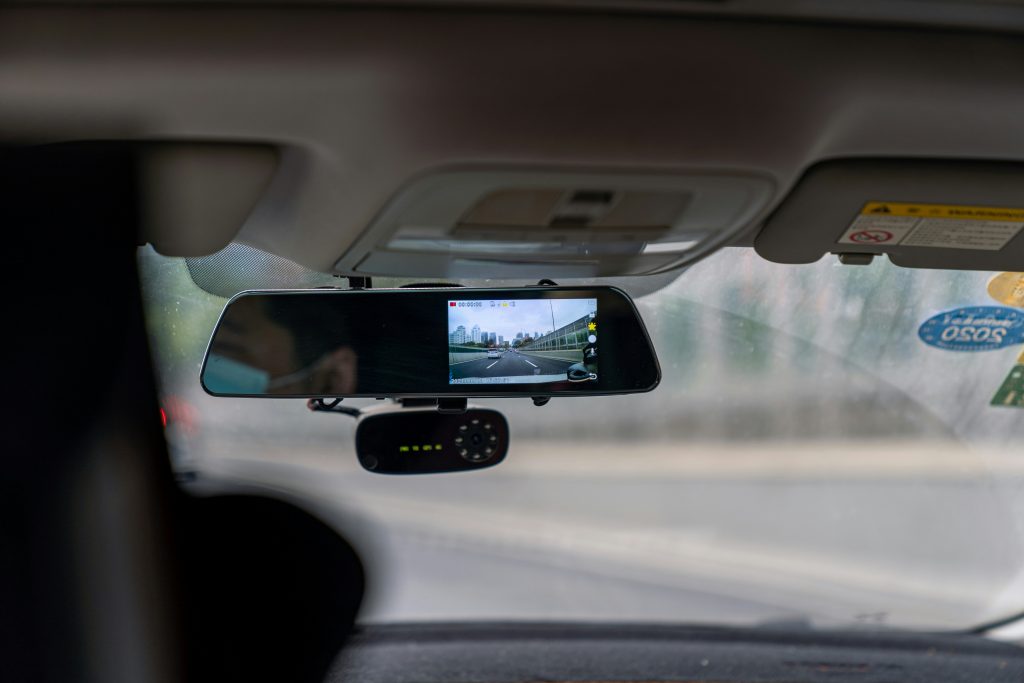
Watch out for heat and power
When we use our phone as a camera, it will be under a lot of stress the entire time we are recording. The camera is recording video, the processor is encoding data, the screen may be on, and the device is also getting heated up by the sun in a hot car. This means we need to pay special attention to power and cooling.
Most phones will drain their battery in a very short time in continuous recording mode, so a constant power supply is essential. A 20-minute test drained about 20 % batteries from my 6-year-old phone. So always plug your phone into your car charger while driving. It is recommended to use a good quality car charger that provides at least 2A of current, as video recording and possibly GPS operation require a lot of power. Make sure that the USB port in your car really provides sufficient current. It is better to use a 12-V socket with its own adapter designed for charging phones.
When using your phone as a dash cam, the biggest problem is probably overheating. Smartphones aren't designed to withstand prolonged exposure to high temperatures on your windshield. The combination of the summer sun, hot air in the cabin, and the heat generated by your phone's electronics can lead to overheating. Manufacturers of dedicated dashcams are installing capacitors instead of batteries and housings that are better at transferring heat to withstand extreme temperatures. Your phone, on the other hand, has a sensitive lithium-ion battery that doesn't perform well in the heat (it can swell or, in extreme cases, fail).
So how do you limit the heating? If possible, first place your phone so that it is not directly in the blazing sun. If you use a holder on the rearview mirror, the phone is at least somewhat in the shade of the roof. In this case, direct the ventilation (air conditioning) towards the windshield to cool the area around the phone. When driving, at least one ventilation slot should be open near the device. Remove any protective case from the phone, as it retains heat. It is better for the phone to be without a case, as this will help it cool down more easily.
It is also recommended to reduce the load on your phone. In the application settings, you can lower the resolution or bitrate of the video. In this case, FullHD resolution is a better choice than 4K, as the latter will drain the battery (and memory) too quickly. Also, reduce the screen brightness to the lowest usable level or turn off the screen while driving. Many applications (such as AutoBoy, DailyRoads ...) allow recording in the background with the screen off, which significantly reduces heating and also energy consumption. Do not use other demanding applications in the background - the phone should really be used only for recording. If the phone still becomes very hot to the touch or displays a warning about excessive temperature, it is better to turn it off and cool it down before continuing, otherwise you risk damage.
How to install the phone
Your phone should not be in your way and should have good coverage of the road. You will probably need a phone holder.
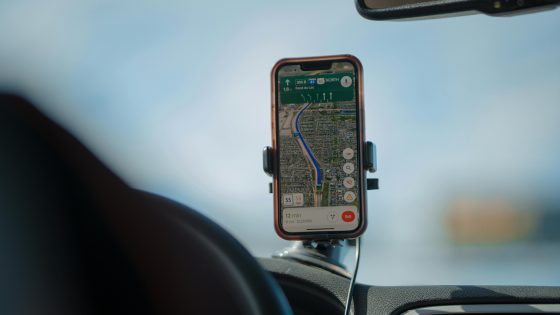
The most popular choice is a suction cup mount that attaches to the windshield. We attach the phone to the adjustable holder and try to position it as centrally and as high as possible. The ideal placement is just behind or below the rearview mirror, where it will record from a similar perspective to a classic dashcam. It is important that the device does not obstruct the driver's view of the road and that it is firmly attached.
It is recommended to try several positions. Often, mounting behind the rearview mirror or high in the middle of the windshield works best. If your phone is very heavy, consider a good quality mount with a strong suction cup, or even a mount that attaches to the rearview mirror or dashboard.
Route the power cables along the edge of the windshield and dashboard so they don't get in the way while driving - you can tuck them behind the sun visor or trim for a neater look.
Also, make sure you are safe from thieves. A phone that is left in a visible place in your car can attract thieves. If you leave your car in a public parking lot, it is wise to take the device with you or at least put it out of sight.
Extend the life of your old phonea
While such a solution offers excellent footage and flexibility, it requires more manual control and attention than a dedicated device, so it is best suited for tech-savvy users.