Share with others:

Hisense 65UR9S review – RGB MiniLED conquistador that wants to dethrone OLED

I'm always skeptical about TVs when manufacturers promise a revolution with every new technology. I'm not saying they're lying, but their expectations are often different from ours as consumers. Every year we get new processors, more nits of brightness, smarter algorithms for adjusting the picture and sound, more dimming zones, content that adapts to your viewing habits, countless labels that let you know that this TV is really something special. How many times have I heard that a certain technology will finally dethrone OLED, but in the end it doesn't happen. Finally, it was MiniLED, which can come close to OLED in certain areas, but it's still not the same experience.
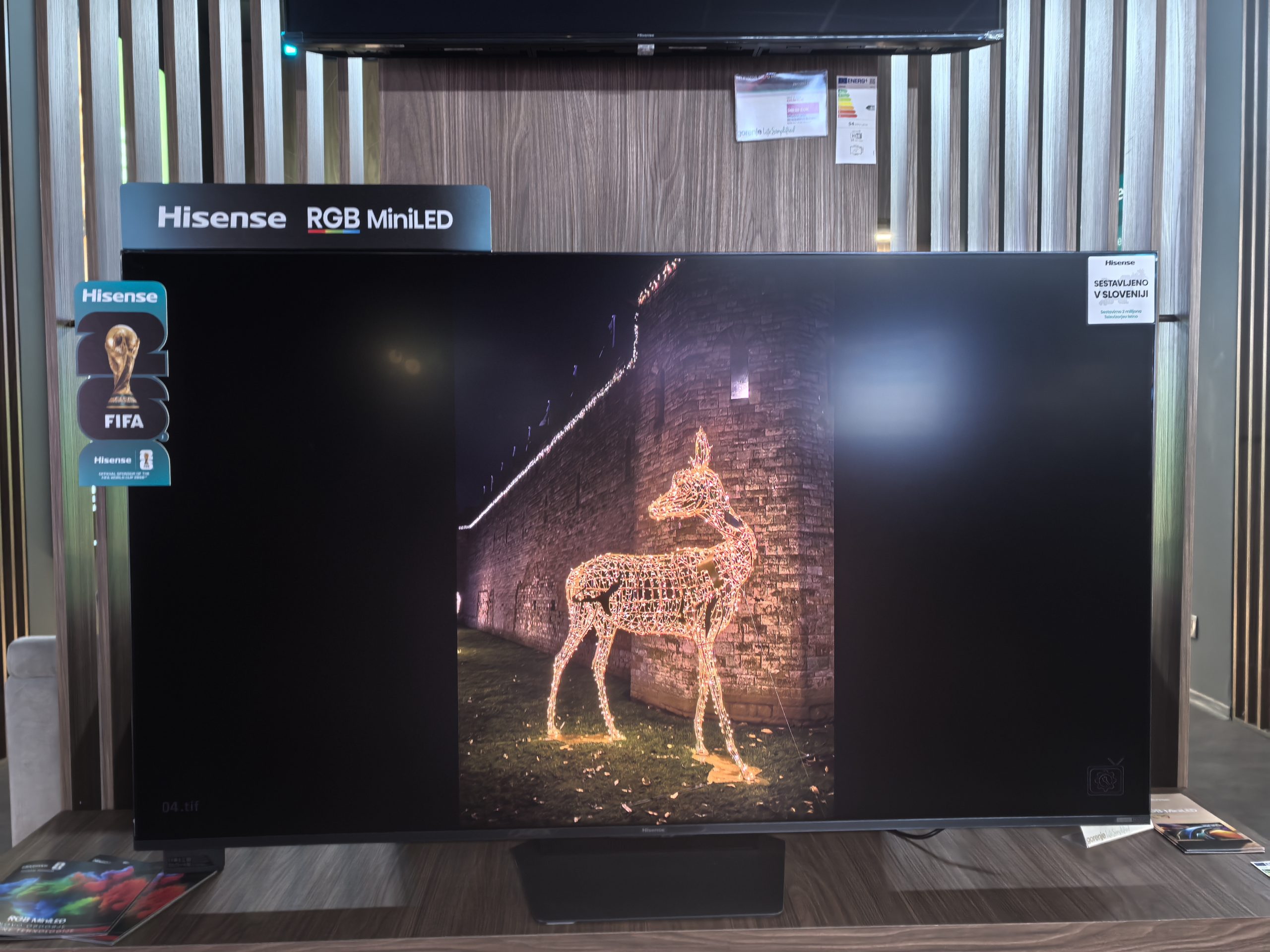
RGB MiniLED is the latest conquistador to try to conquer OLED territory. I tested it on a Hisense 65UR9S TV. This time the test was a little different, because unfortunately the test model was not available for home testing, but only in the living room. Therefore, the testing was also a little different, but I still tried to create the same conditions (external drive full of test files, movies and music) as if I were testing the TV at home or in the office.
Let me just quickly explain what RGB MiniLED is and how it differs from classic MiniLED. The latter uses white or blue LED backlighting, color filters, local dimming, and possibly quantum dots to create the image. This works well, but it has limitations. When a TV wants to display a very bright and highly saturated color, it has to go through several stages of loss. For example, red light is not pure red to begin with, but part of filtered white light.
RGB MiniLED uses separate red, green, and blue LEDs instead of a single white or blue light. RGB MiniLED TVs don't just create color by filtering light, they also have a more color-accurate light source in the background. All of this means that the TV can display a wider color gamut, more saturated colors at high brightness, and more intense HDR scenes. Well, that's the theory. I was curious to see if my eyes would notice this.
| Advantages | Weaknesses |
| RGB MiniLED is a step forward | OLED is still better at blacks and contrast |
| High luminosity | Occasional halo effect |
| All supported HDR formats | Sometimes too much emphasis on colors |
| Solid sound for your TV | Store less stocked with specialized apps than Google's |
| 170 Hz refresh rate | |
| USB-C with DisplayPort | |
| Better than OLED in bright scenes |
Hisense 65UR9S price and specifications?
Hisense 65UR9S It is available on the official website for €1899, but I noticed in the store that it is currently discounted to €1699.
Specifications Hisense 65UR9S
| Property | Data |
|---|---|
| Screen size | 65 inches / 164 cm |
| Display technology | RGB MiniLED |
| Resolution | 4K Ultra HD, 3840 × 2160 |
| Refreshing | 170Hz |
| HDR support | HDR10, HDR10+ Adaptive, HLG, Dolby Vision, Dolby Vision Gaming |
| Color space | up to 100 % BT.2020 |
| Game features | VRR up to 170 Hz, ALLM, Game Mode Pro, input lag ≤ 8 ms at 4K/120 Hz |
| HDMI connections | 3 × HDMI 2.1, eARC |
| Smart system | VIDAA Smart OS |
| Wireless connectivity | Wi-Fi 6E, Bluetooth, AirPlay 2 |
| Sound | 4.1.2-channel system, Dolby Atmos |
| Speaker power | 2 × 15 W + 2 × 10 W + 20 W + 2 × 10 W |
| Weight without stand | 28.4 kg |
| VESA | 400 × 400 mm |
Hisense 65UR9S is not the thinnest because it still has decent audio equipment on the back
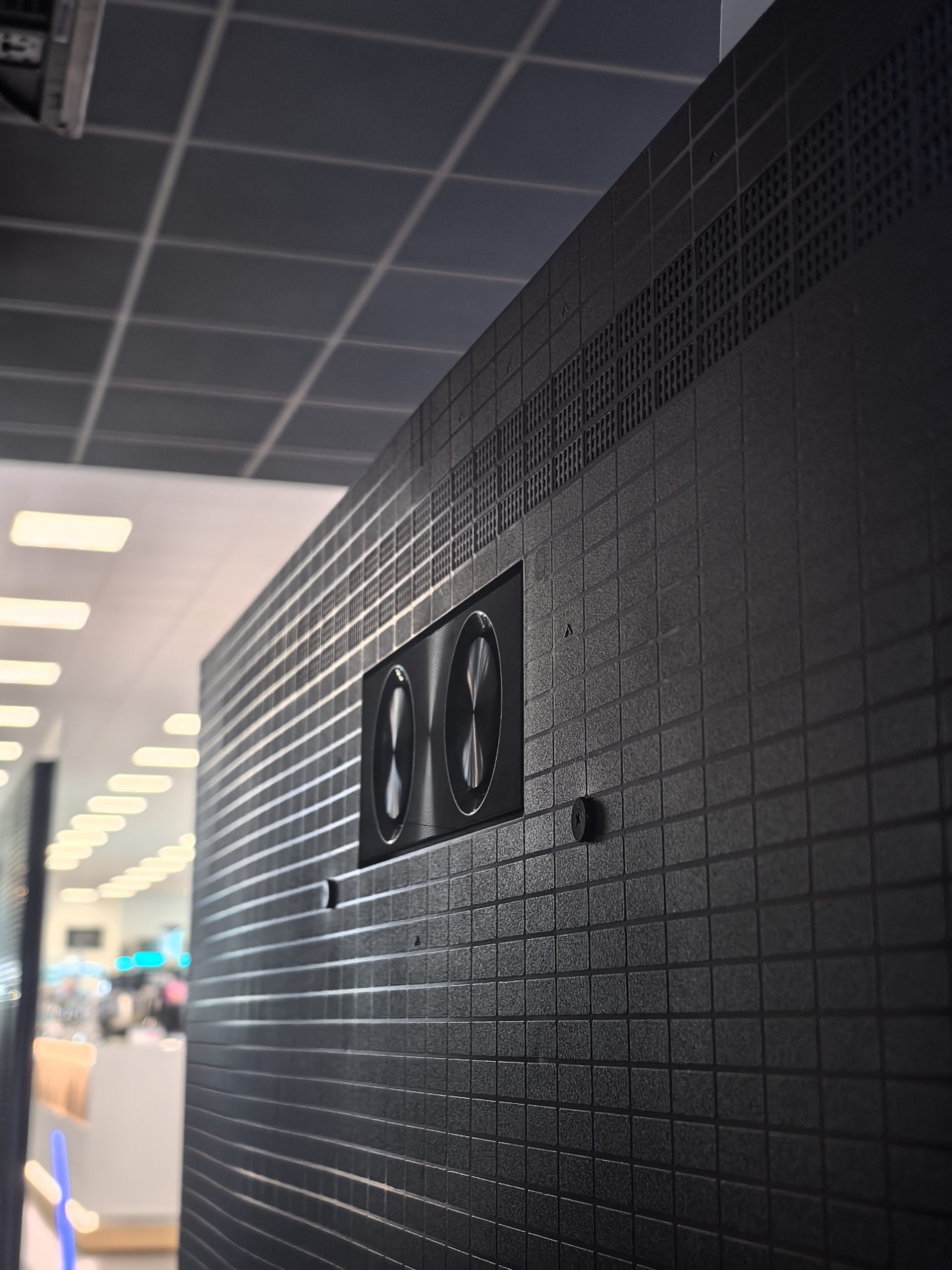
If you look at it from the front, you don't even get the sense of whether it's an extremely thin or thick TV. It's not bulky, but it's not the thinnest either, it's kind of chunky, although once you put it on its feet, you don't care at all if it has a frame that's a centimeter thicker. The illusion of thinness is perhaps also added by the extremely thin edges around the screen, you hardly notice them, you have to look for them deliberately. There are small recesses on the left and right sides that wind all the way to the top and are also hiding places for the side speakers. When you get to the top, you find another set of speaker grilles, which of course ensure that the sound spreads upwards. There are two more subwoofers at the back, completing the 4.1.2-channel sound system with Dolby Atmos support. More on the sound a little later, but the total output power is 80 W, which is a very encouraging number for TV speakers. This is also the reason, in addition to the RGB technology, that the frame is slightly thicker.
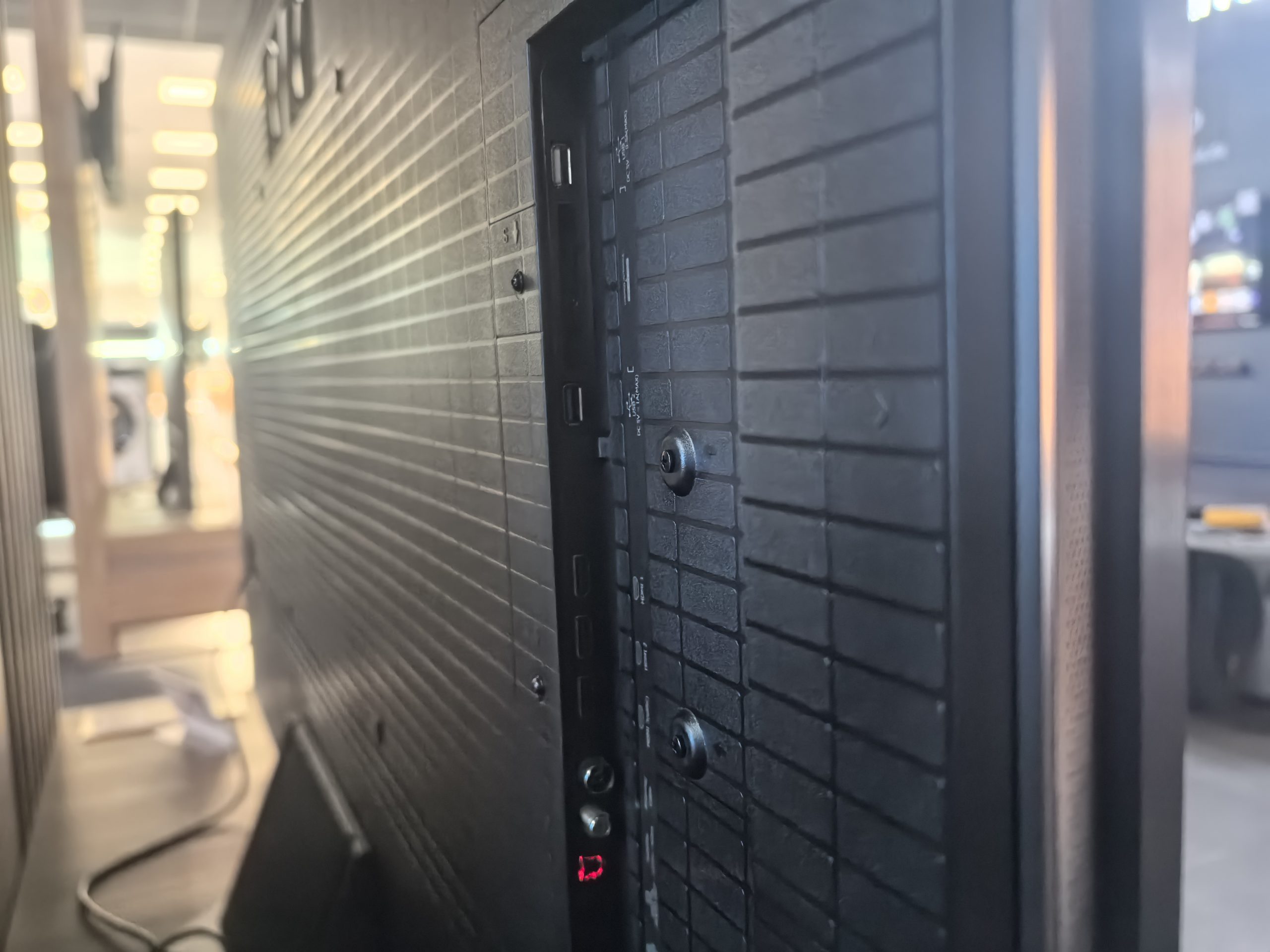
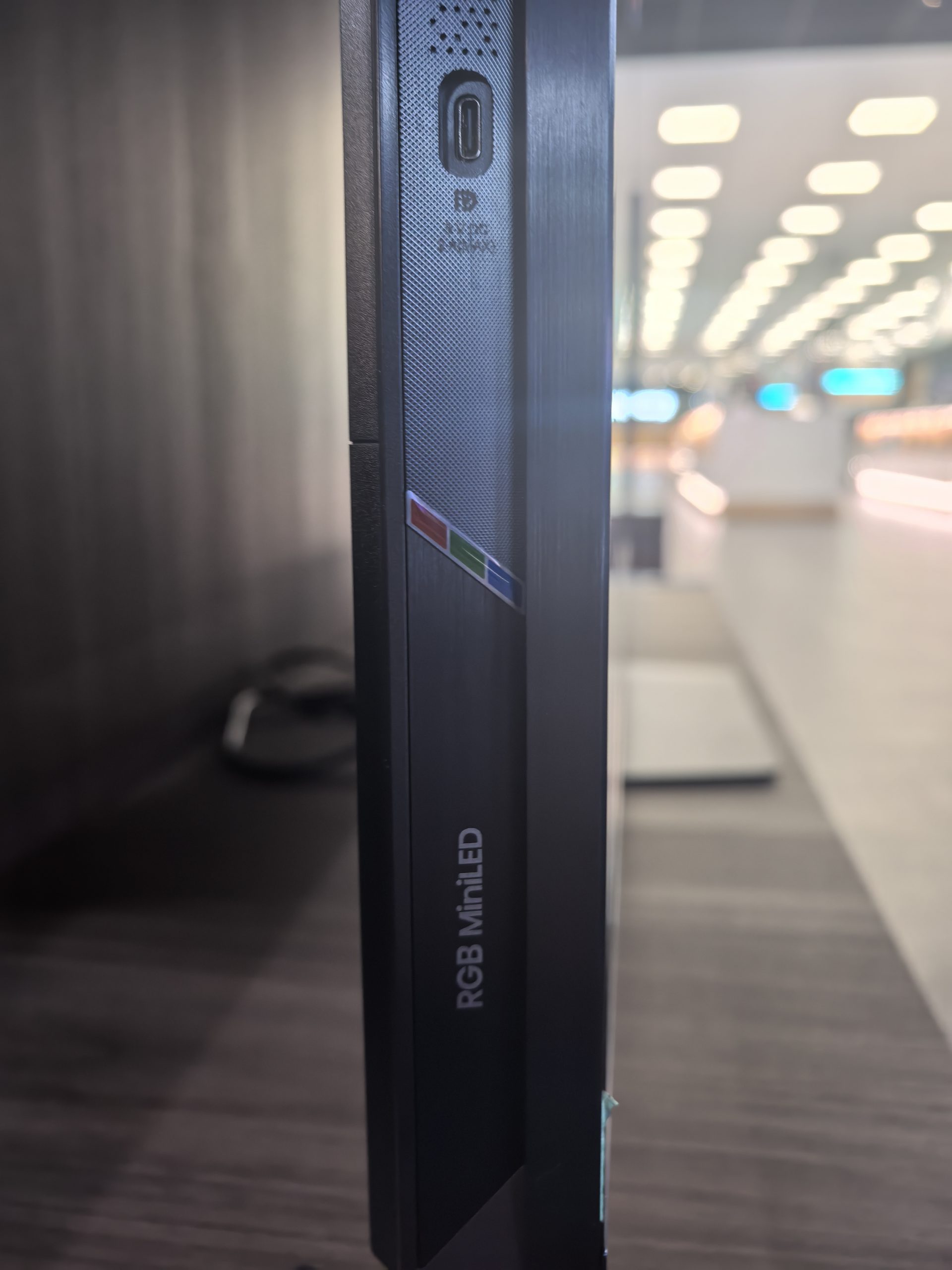
Of the connections, we get three HDMIs (one with eARC support), two USB-A (2.0 and 3.0), Ethernet, an optical connector, an RF antenna and surprisingly, a USB-C with DisplayPort support, which is still a rarity in TVs. It is located in a very convenient place on the left side. If you often connect external devices, you will not have to strain your hand all the way to the back, but you will be able to take advantage of this connector. Of course, you need a device that supports DisplayPort Alt Mode, which is most of today's laptops, certain phones (mostly high-end) and handheld computers, such as the Xbox ROG Ally X.
Three HDMI ports are enough for me, I use two on my home TV, but I don't have a console myself. If you have one or even more than one (Xbox, PS5, Switch...), then you might miss the fourth HDMI port.
The hexagonal TV mount is in the middle and is very durable. You can choose from two heights, the TV was placed lower in the studio, which meant there was no room for a possible soundbar. However, with a higher installation (or wall-mounted), this is not an issue.
What difference does RGB MiniLED make compared to MiniLED and OLED?
Hisense claims up to 100-% coverage of the BT.2020 color space for the UR9S. BT.2020 is the widest color space we associate with modern HDR standards, and most TVs don't fully achieve it. OLED TVs often have exceptional accuracy and contrast, but they can lose some color volume when it comes to very bright, saturated colors. Well, this is where the difference between RGB MiniLED and OLED comes into play.
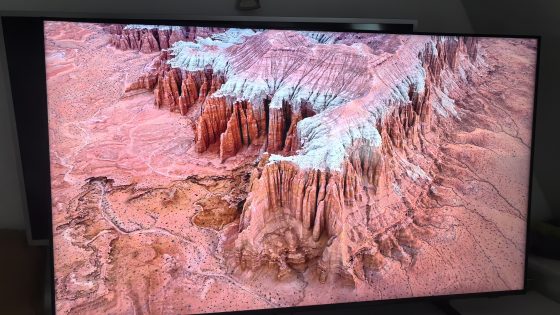
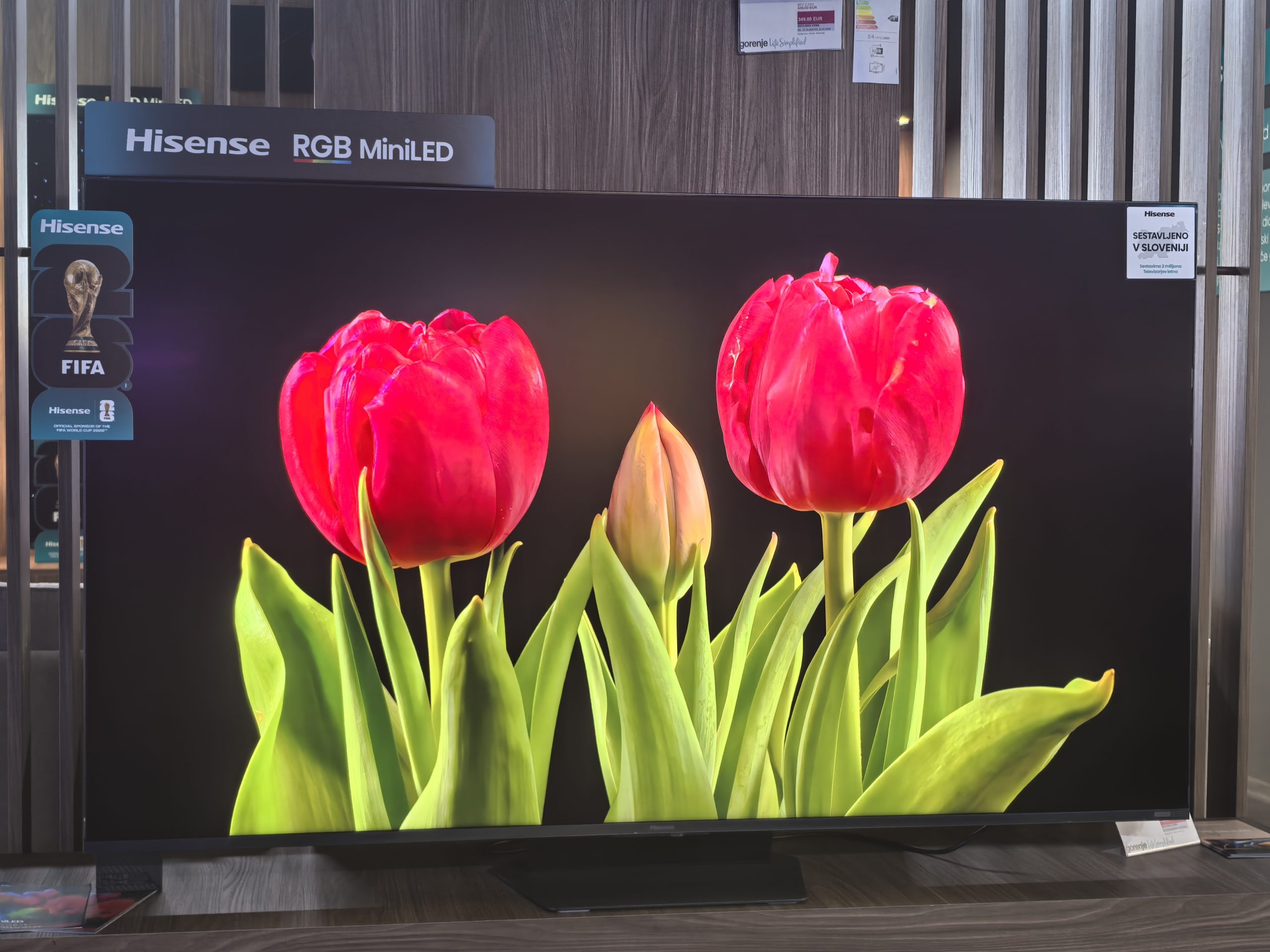
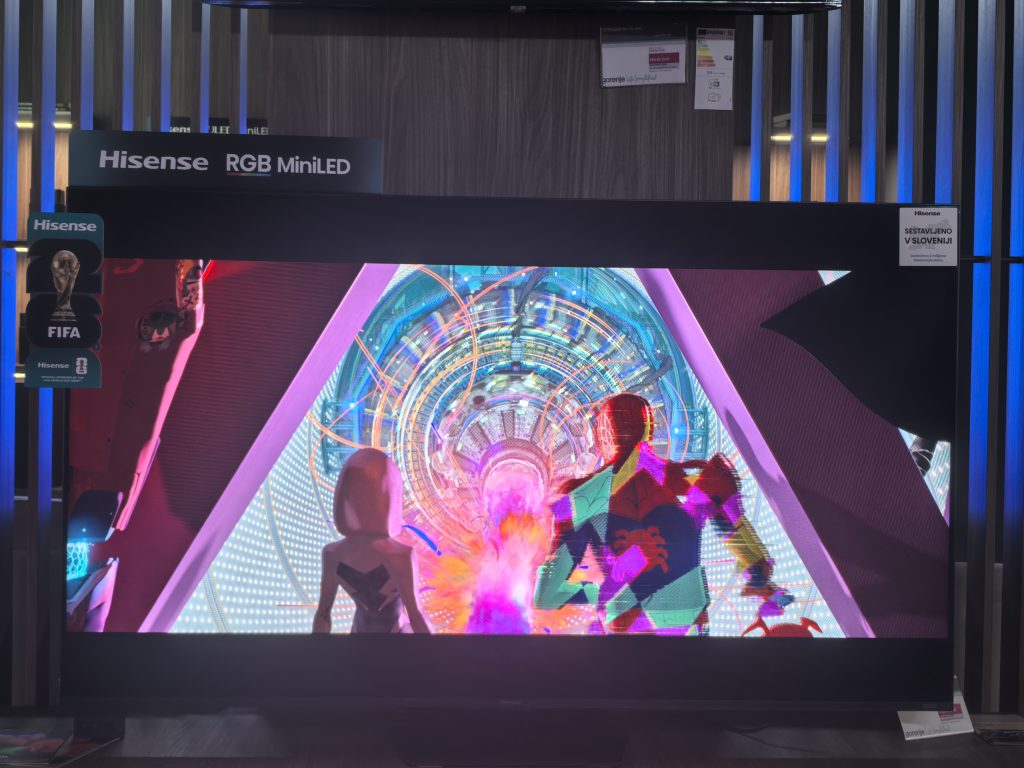
Colors are really the most obvious advantage of the Hisense 65UR9S. HDR animations, documentaries, lively scenes, concerts, sports broadcasts look very attractive. Red and green colors have more volume than most classic MiniLED TVs. Fireworks, neon signs, sunsets and brightly lit scenes show that the panel has a lot of color reserve.
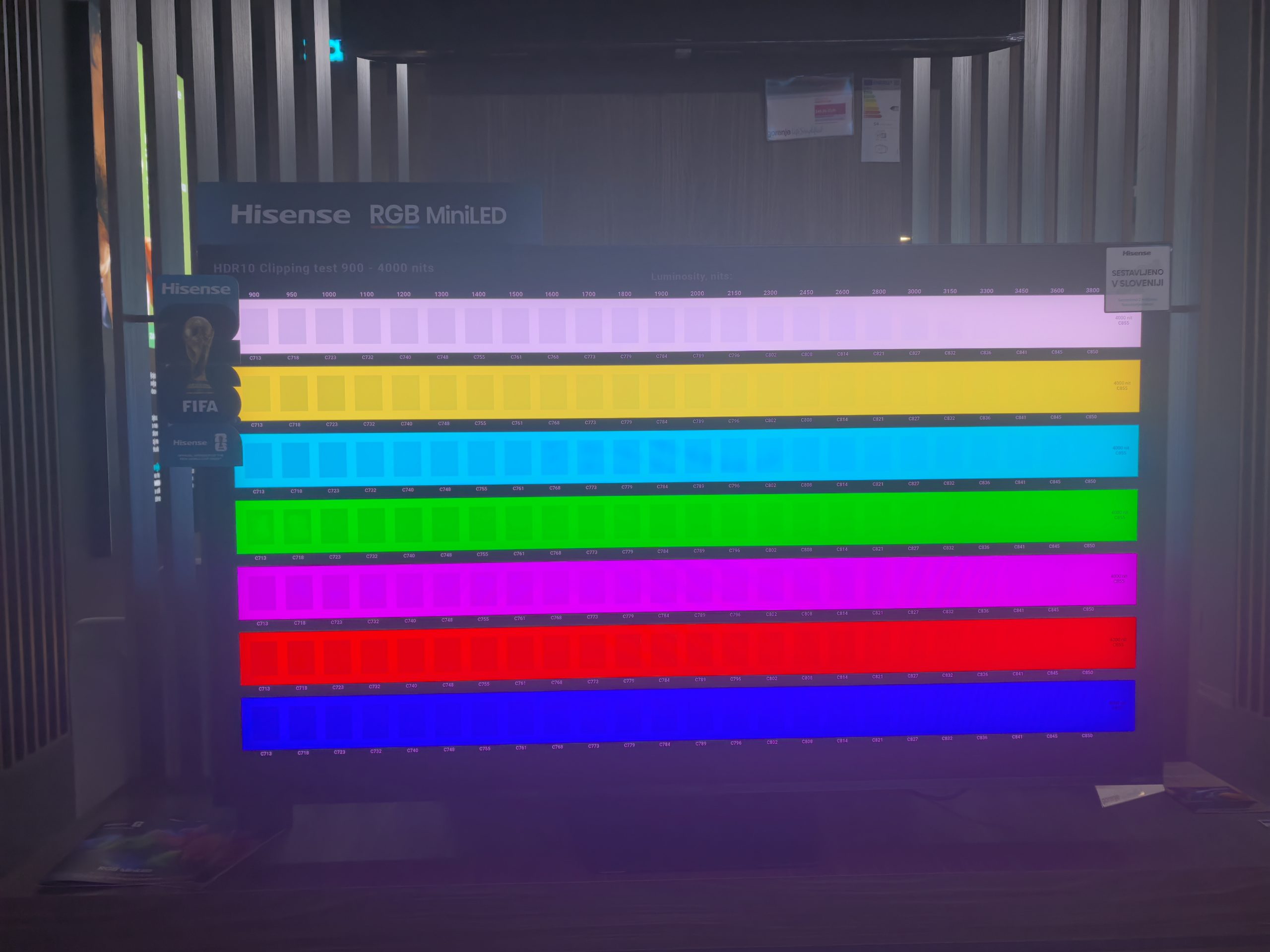
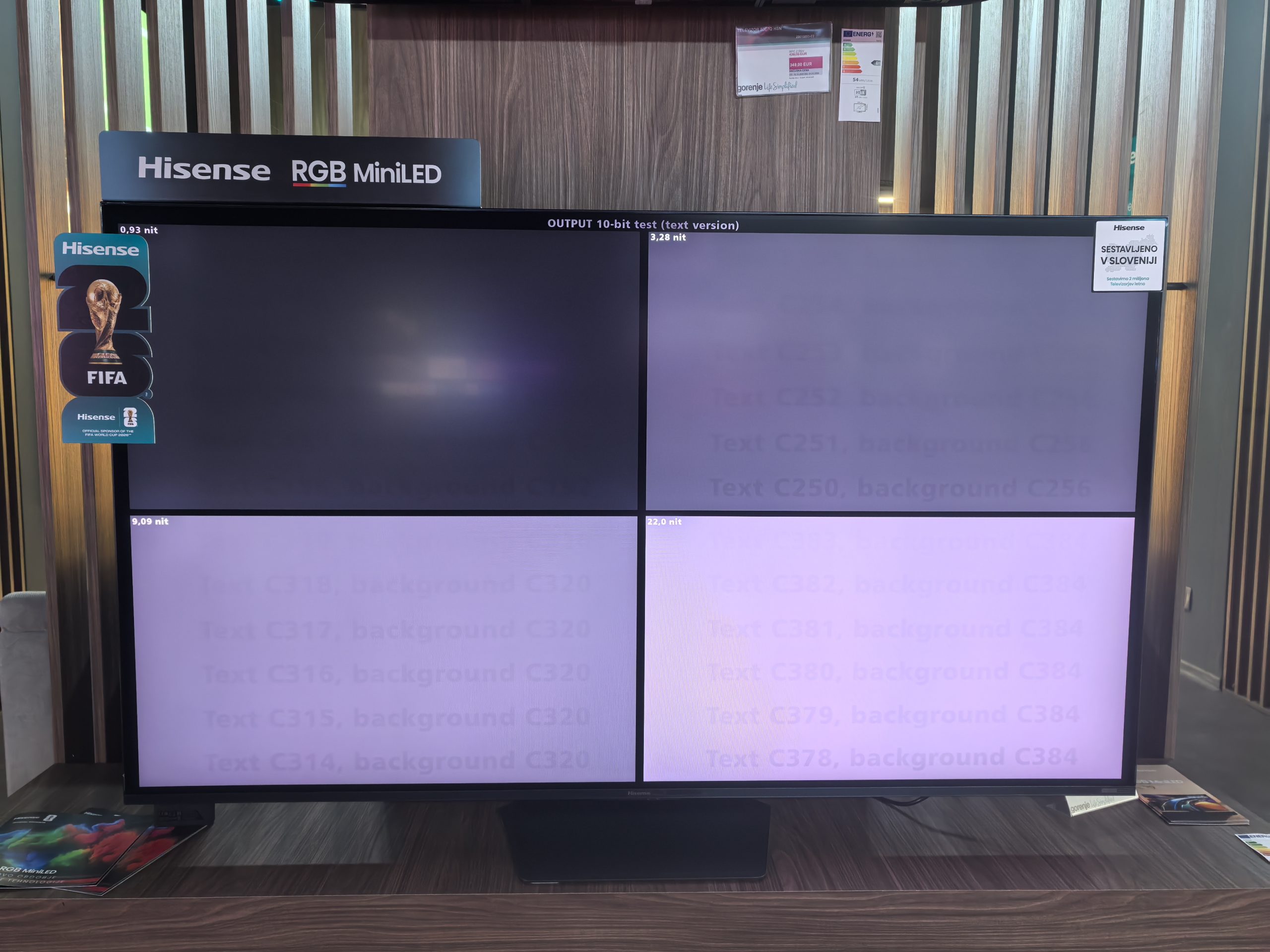
However, more saturated colors do not necessarily mean better colors or better picture quality. Hisense is overconfident in certain scenarios and picture modes. This is great for a store window display, but a little less so on the couch at home. If you are of the same opinion that saturated colors are not always the right choice, then you will, like me, prefer to use the Filmmaker mode, which is more calm. Colors are more natural, movement is perhaps less artificial, and contrast is still very strong.
Skin tones are very well rendered. Faces are not too warm or too reddish, and I rarely noticed the panel struggling with contrast. For example, if you have a night background with warm lights, the panel can dramatize it. It's not a fault, more of my preference, you might like it.
On bright surfaces, RGB MiniLED is better than OLED
The Hisense 65UR9S is a monster when it comes to brightness. It can reach up to 3500 nits (candelas), which is an incredible number and good news for users like me who have the TV directly in daylight. The brightness across the entire screen (and not just a few %) is also very impressive. I think it easily reaches over 1000 nits, which is something that very few TVs can do.
Light accents like reflections on metal, sun through clouds, explosions, car headlights and reflections in water have a very concrete effect. This is an area where OLED still struggles to compete in terms of overall lighting impression, especially in a bright living room. RGB MiniLED, at least for me, seems more convincing in this scenario.
HDR support is extensive. HDR10, HDR10+ Adaptive, HLG, Dolby Vision 2 and Dolby Vision Gaming are available. The user does not have to think about which format is used by Netflix, which by Disney+, which by Prime Video and which by console. The TV covers practically all the important formats.
The biggest challenge with HDR isn't brightness, it's control. With locally dimmed LCDs, we're always looking for a balance between deep blacks and shadow detail. If the dimming is too aggressive, the TV drowns out dark details. If it's not aggressive enough, we get a halo effect around bright objects on a dark background. The UR9S is very capable at this, but it's not magical. In normal scenes, the contrast is excellent. In extreme tests, such as white letters on a black background or a small bright light in the dark, you can still see some glow around objects, especially if you're looking at the TV from the side and not directly in front. In my opinion, the halo effect is less noticeable than on a classic MiniLED TV.
In addition to the insane brightness, I also like the anti-reflective layer or matte coating, which greatly reduces reflections. Even in the Hisense studio, where you are surrounded by lights, I was able to watch a movie without any problems.
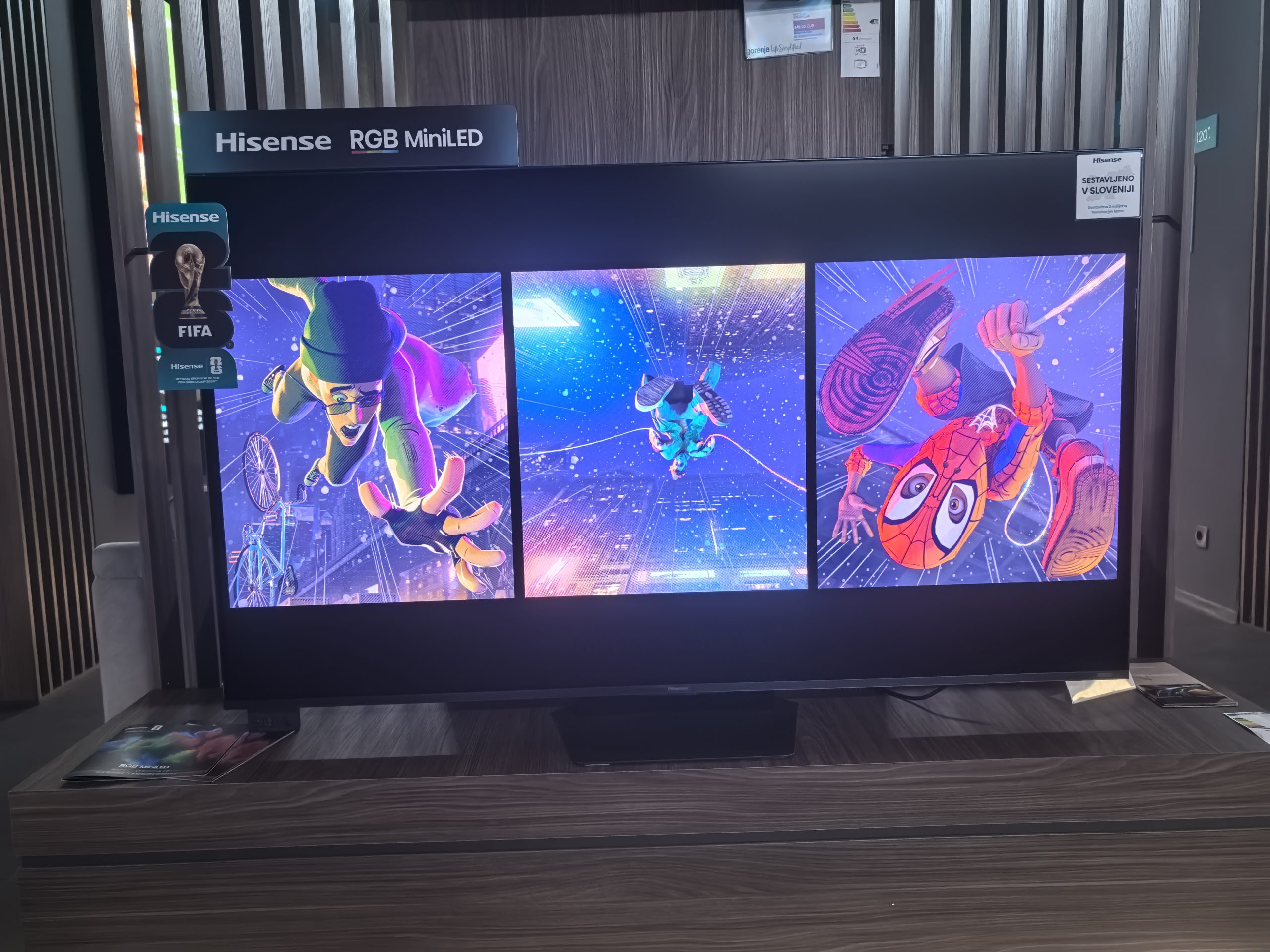
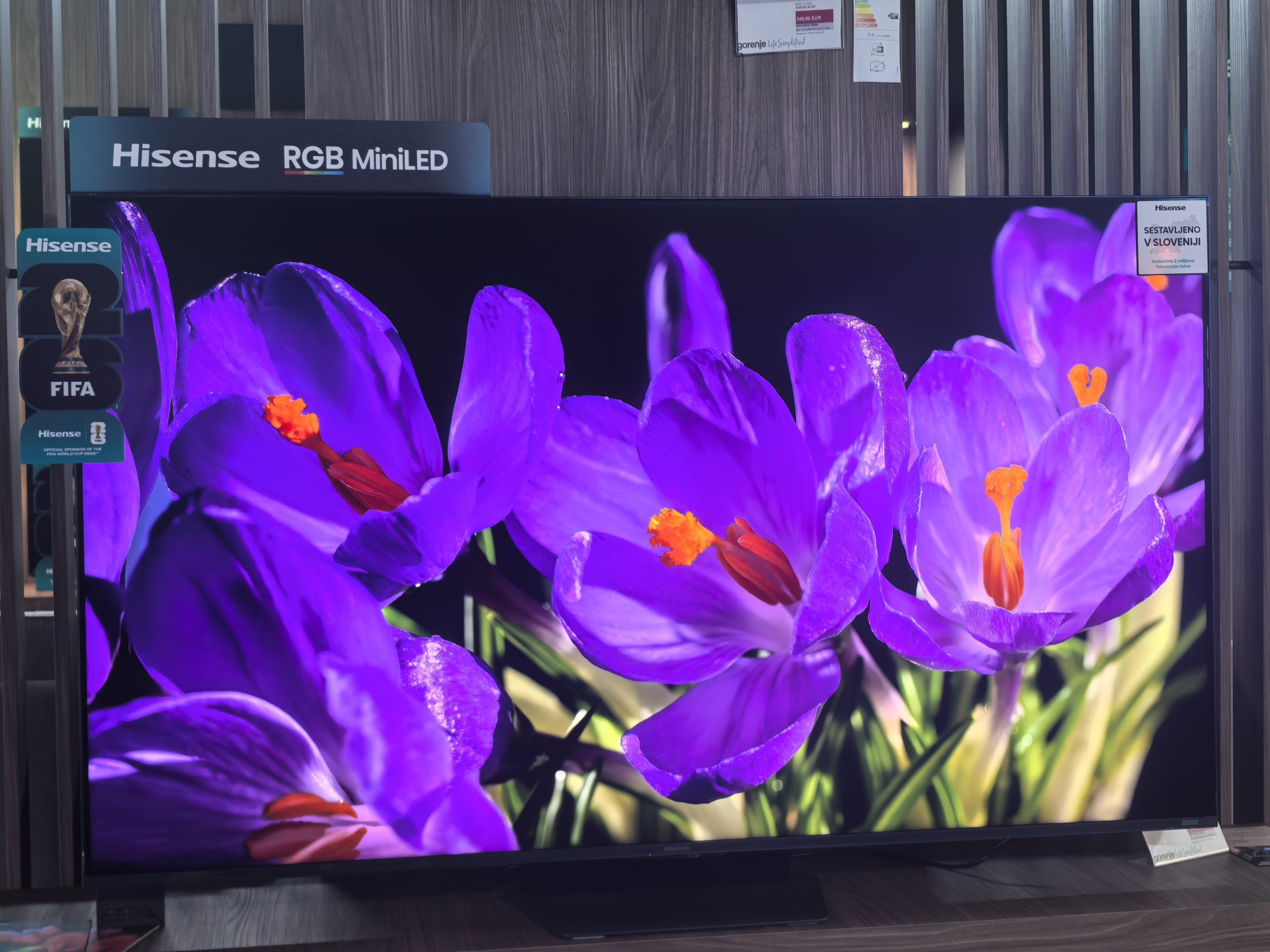
OLED returns to the forefront in contrast and black color
Hisense uses local dimming (around 1000 dimming zones), which means that the backlight behind the panel is not uniform, but divided into zones. These zones lighten and darken in real time depending on the scene. More zones and a better algorithm usually mean better contrast, less light blooming and more detail. The Hisense 65UR9S is good at making friends with black, especially in mixed scenes. However, it still can't surpass the blackness displayed by a good OLED. The latter can turn off each pixel individually, so the transition from black to light is absolutely precise. The UR9S has to trust the zones and the algorithm. Most of the time it does this very well, but with demanding night scenes, subtitles and small bright elements, the limitations of this technology are noticeable.
I took the time to briefly watch Dune Part Two and Spider-Man: Into the Spider Verse. The first problem I had with the first was that it wouldn't play the file. At first I thought it didn't support the .mkv format, but it played Spider-Man without any problems. Apparently the problem was the file size (70 GB), because the second version (around 30 GB) worked without any problems. Dune is great for analyzing contrast, detail, shadows, bloom (halo effect) and color gradation, but less so for color accuracy. So I also had an animated movie with me, where I could observe how colors behave, everything from neon pink to intense purple.
More than suitable for gaming, the sound is surprising
The only thing I haven't been able to test like I did at home is gaming. The Hisense 65UR9S supports a refresh rate of up to 170 Hz, which is great if you have a PC that can display that many frames, but for console users, 144 Hz would be enough. VRR (dynamic refresh) and ALLM (all-round lag reduction mode) are also available. Input lag is said to be less than 8 ms (at 4K 120 Hz), which is sufficient for a TV. Dolby Vision Gaming and HDR10+ Gaming are also enabled.
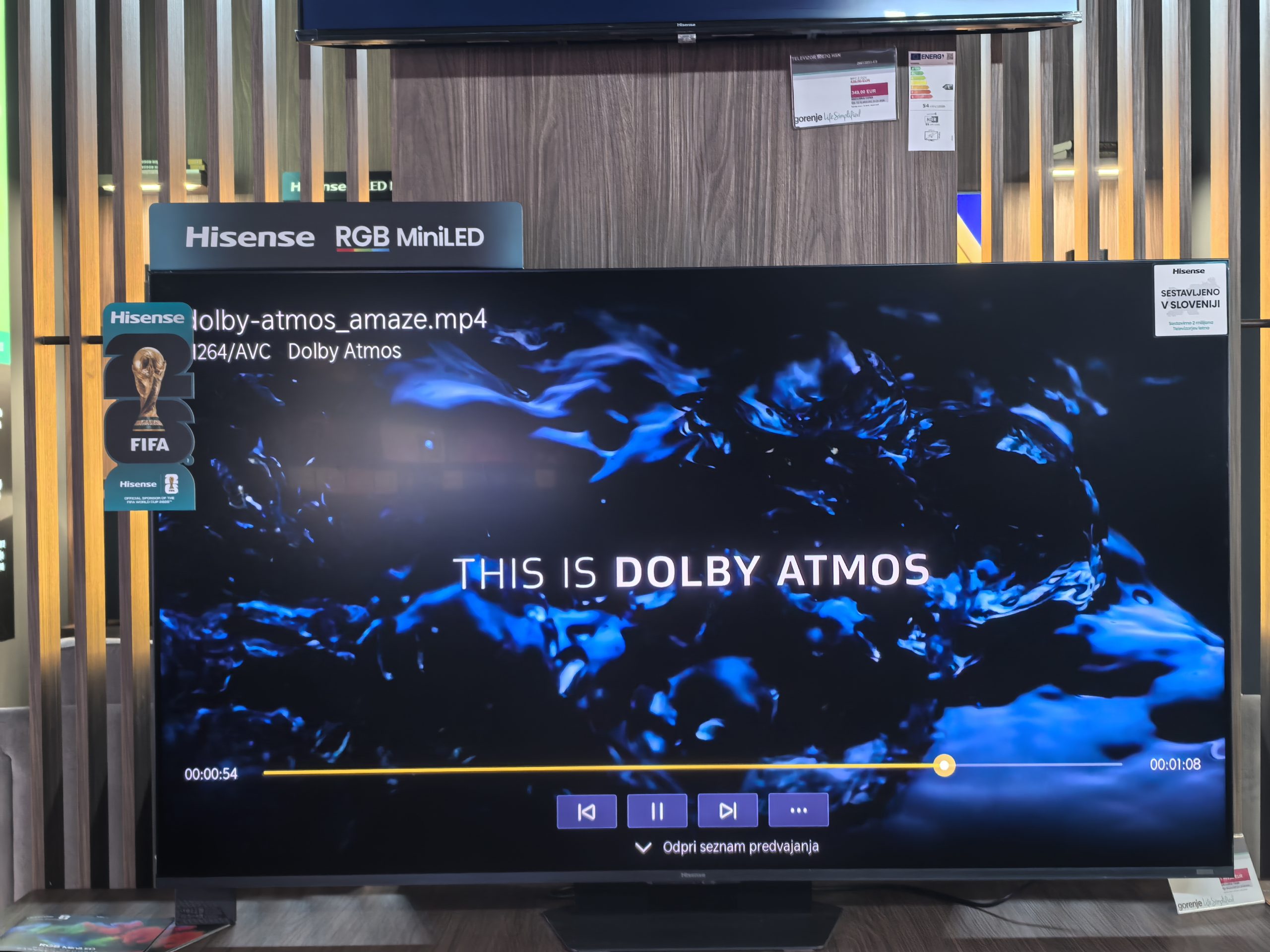
The sound is another area that I was pleasantly surprised by. The total power configuration is 2 × 15 W + 2 × 10 W + 20 W + 2 × 10 W, and Dolby Atmos is supported. Of all the TVs I have tested so far, this system is among the best. The dialogue was very clear, the sound has sufficient width, and the subwoofer also performs well, although I immediately compare it to my dedicated subwoofer and you immediately notice the difference. But for a built-in subwoofer, it is very good.
I don't think buying a soundbar or dedicated system will be necessary for most people.
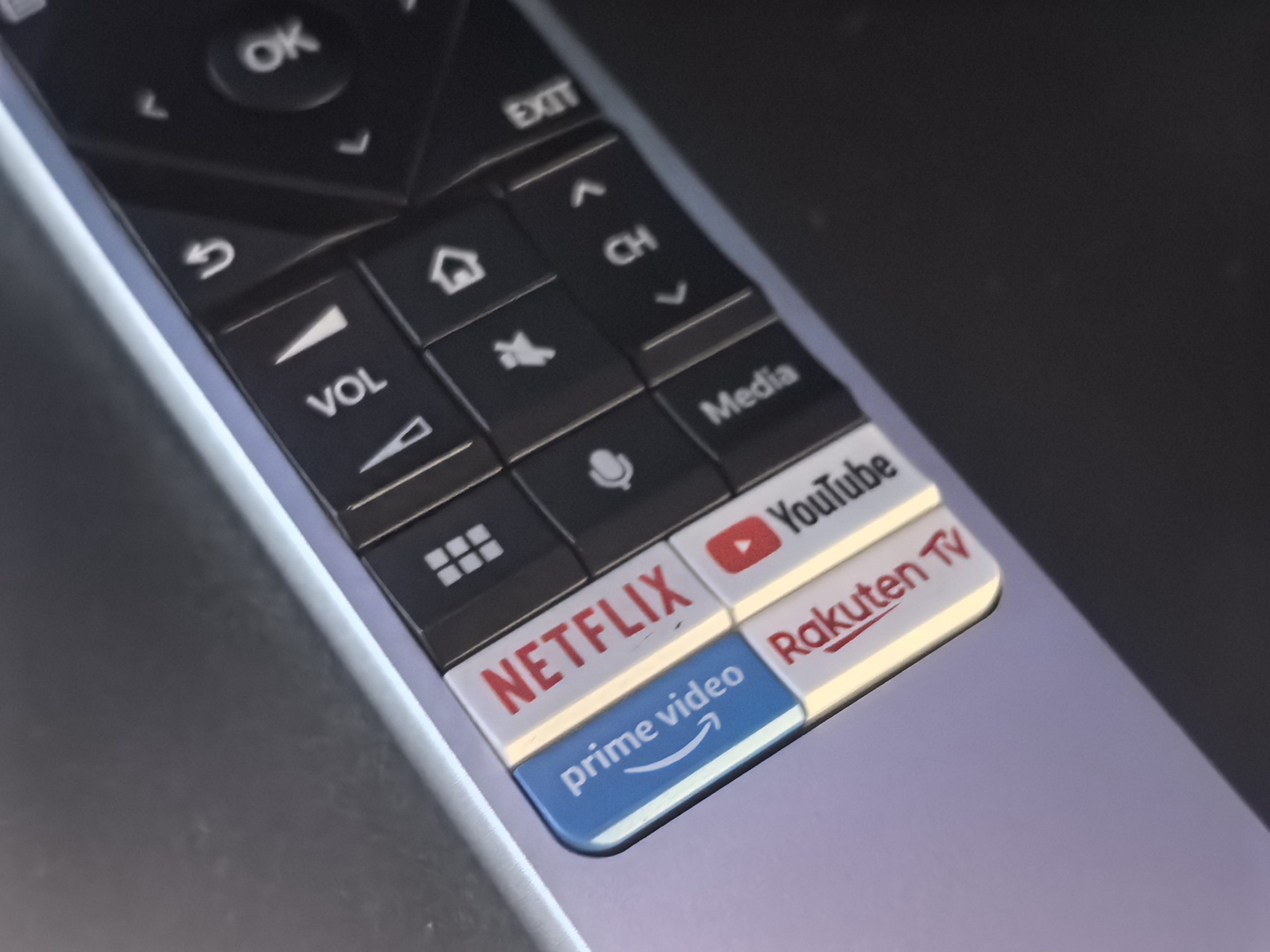
VIDAA OS is okay, but I miss more customization
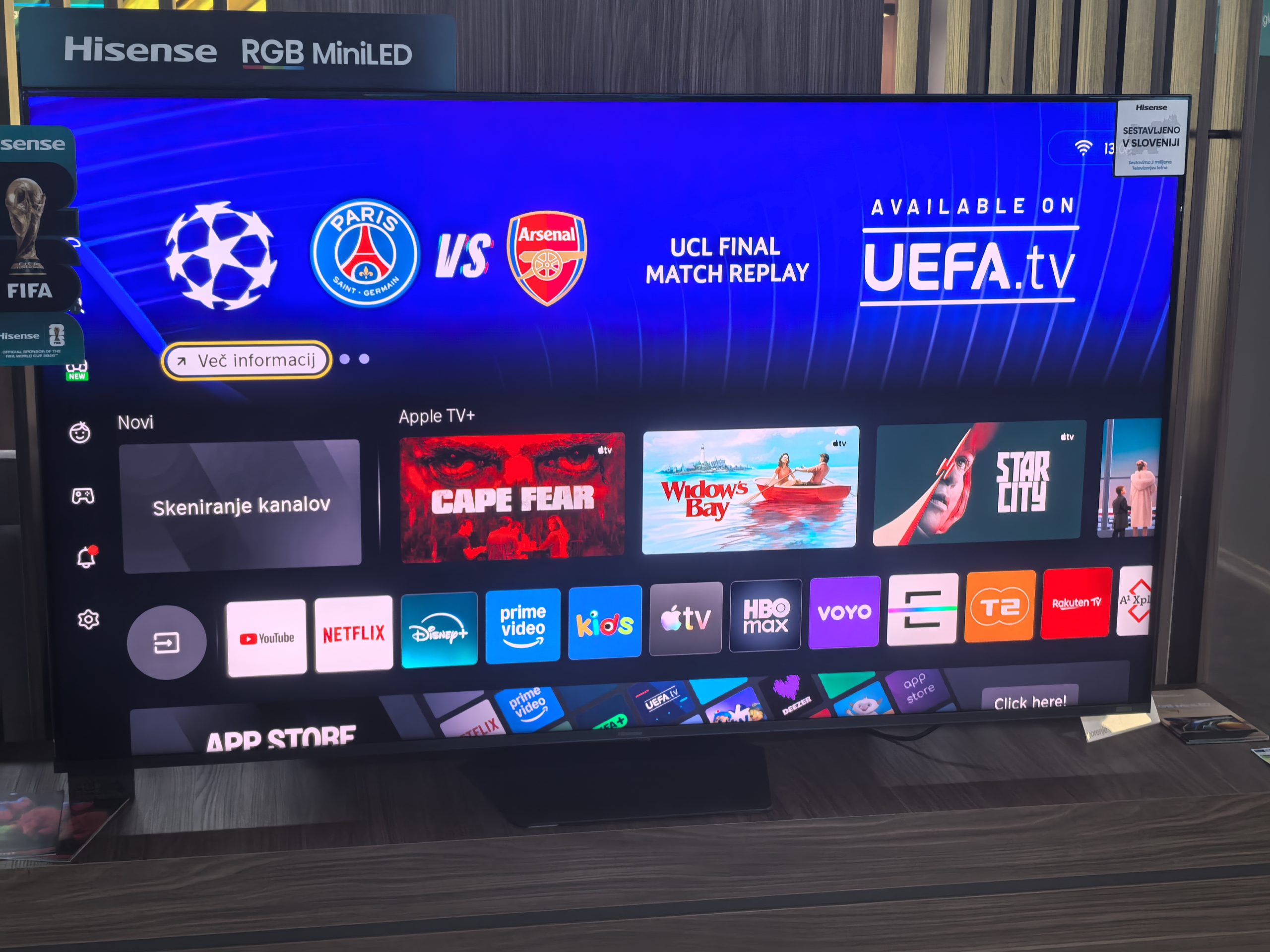
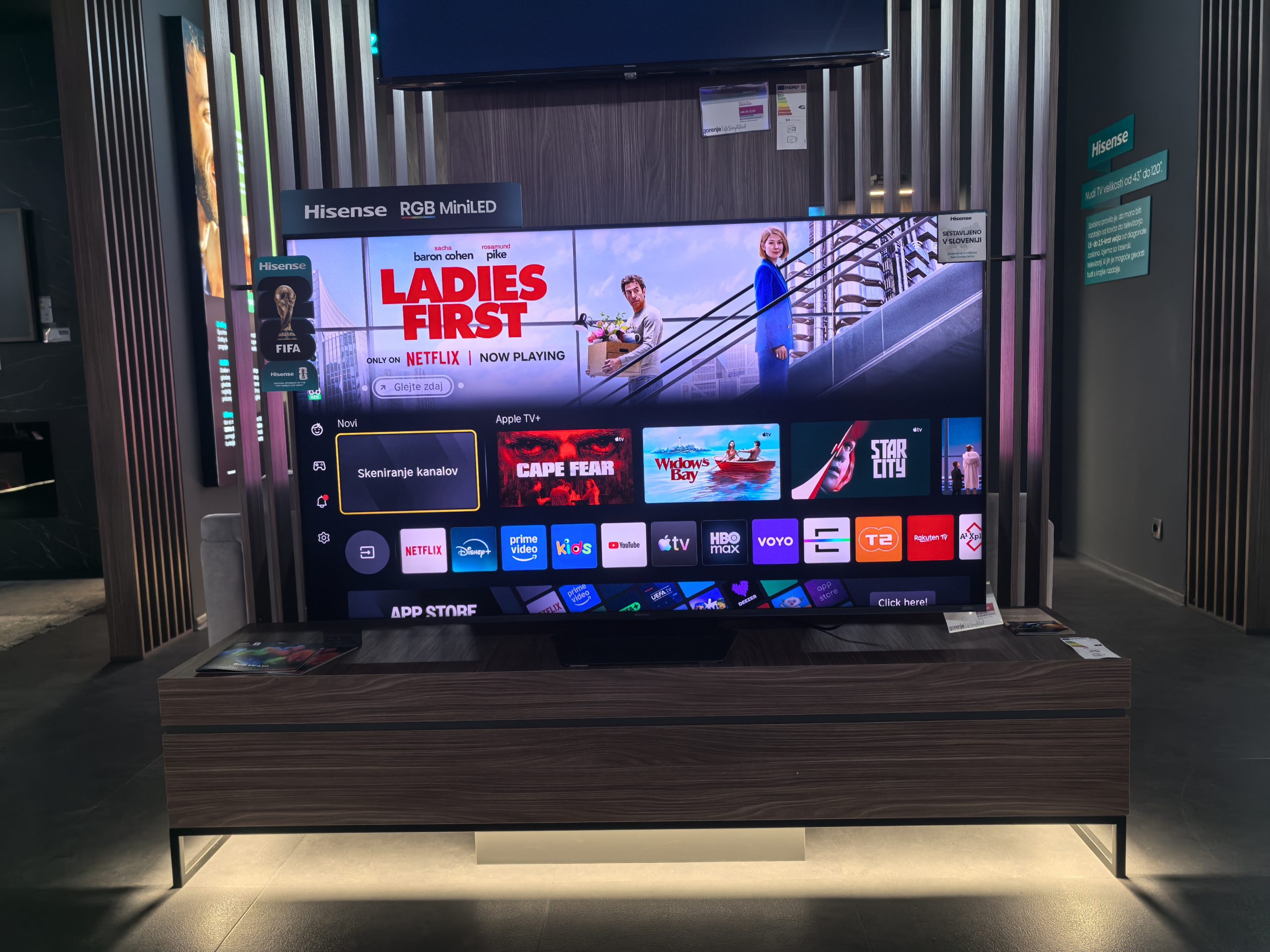
If you're used to Google TV, you'll quickly be able to navigate the VIDAA OS system. There's not a huge difference between the two systems. Both serve you content in individual applications, where you scroll through the suggested content. All popular applications (including all Slovenian ones) are supported, so compatibility won't be a problem for most.
What bothers me is the flexibility and the missing, otherwise niche applications. For example, I replaced Google TV at home with the Projectivy launcher, which allows me to customize every element to my liking. If I want to have Jellyfin at the top, I can do that. YouTube below it, a few clicks and it's sorted. But with VIDAA (and also with Google) I'm very limited. You can't move or remove content. You can move popular applications, but then the customization stops.
I also miss my more specialized apps. Moonlight for streaming games from my computer to my TV is not in the official store. As far as I know, there is no unofficial way to get this app on my Hisense TV. The same goes for Jellyfin. You can also use Plex, which is a more familiar program to many, but I have been loyal to Jellyfin for some time now.
There's also a lot of junk. If you browse the store, there are a bunch of apps that no one will install.
Hisense 65UR9S – RGB MiniLED is a concrete improvement
The Hisense 65UR9S is one of the more interesting TVs I've seen recently because it doesn't just try to replicate the old MiniLED formula with more brightness. RGB MiniLED is a technology that makes sense. The colors are incredibly vibrant, the brightness is excellent, the anti-glare treatment is very useful, and the local dimming is also strong.
It's not perfect, though. In a dark room, the best OLED TVs still offer more accurate blacks and more natural transitions in the most challenging scenes. Colors require some discipline in the settings, as the TV can quickly become too playful. The VIDAA OS is fast, but not as feature-rich as the alternatives.
If you decide to go for it, you won't regret not opting for OLED, especially at this price.