Share with others:

What does the expiration of Microsoft certifications at the end of June mean for your old computer?
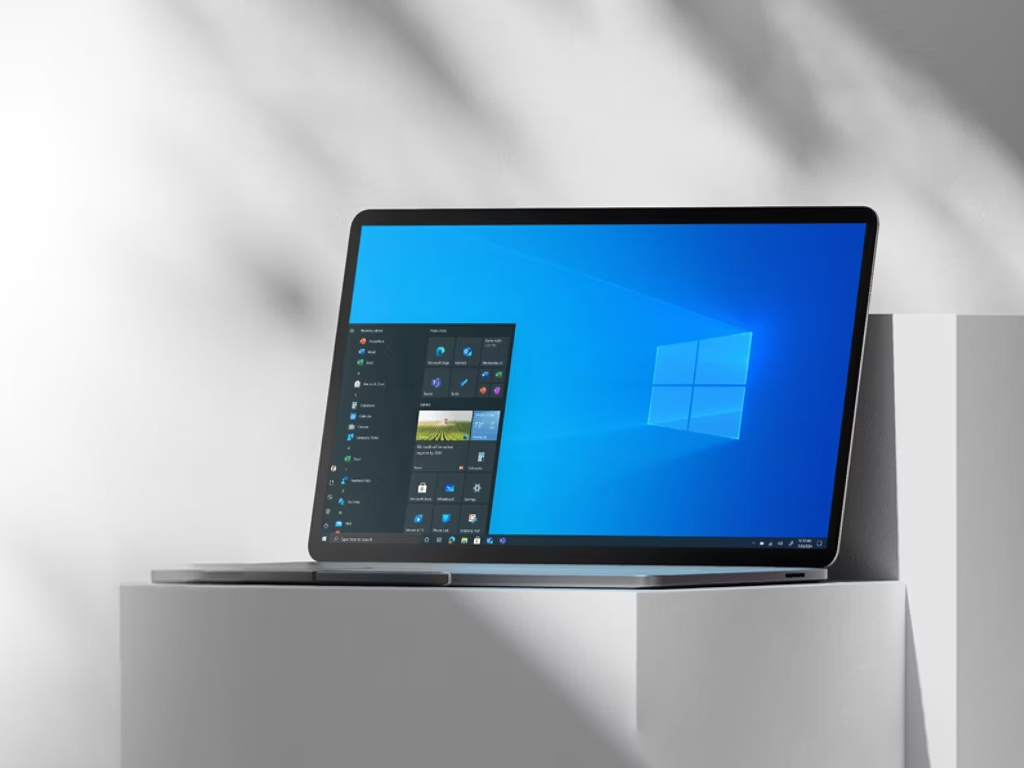
Secure Boot is a key security feature within the Unified Extensible Firmware Interface (UEFI) that starts as soon as you turn on your computer. Its job is to verify the digital signatures of boot components and compare them with a database of trusted certificates. These certificates, issued back in 2011, have an expiration date. The first series expires at the end of June this year, while the main certificate (Microsoft Windows Production PCA 2011) will expire a little later, on October 19th of this year.
Microsoft has already taken care of the vast majority of PCs, as the replacement process is automated. The new certificates, which were issued in 2023, will be valid until 2038, and systems receive them through regular Windows Updates. You can easily check the status on your device yourself, as Microsoft added a status check directly to the Windows Security app with the April 2026 update KB5083769.
To check the status, open Settings, select Privacy & Security, click Windows Security, and then open the main application window. Select the Device Security tab in the side menu. A green check mark and a notification that the feature is turned on and all certificate updates are installed mean that your computer is completely secure.
What if you encounter a warning? Some older systems do not support the automatic installation of these updates through Windows recovery operations. In the case of a yellow exclamation point, it is recommended to check if the manufacturer of your motherboard has released a firmware update (BIOS/UEFI). If the motherboard is too old and an update is not available, the system will not be able to accept new keys. The same applies to computers with a red cross or those where Secure Boot was manually bypassed when installing Windows 11 or the device uses an outdated Legacy BIOS.
However, there is no reason to panic. Even if your computer does not receive updated certificates, it will continue to function normally and boot without any problems. The only downside is that in the long run, its pre-boot security will be somewhat compromised. Since Microsoft will no longer be able to update the database of revoked or new threats on such devices, the device will not be protected against newly discovered vulnerabilities at the boot level. However, since the chances of the average home user being infected with an advanced boot virus (rootkit) are extremely small, following basic rules of safe Internet use will keep you completely safe.