

Share with others:

FRITZ!Box 6825 4G test - do you have a weekend you'd like to fill with the Internet?

All the Fritz!Box routers I've tested so far share one assumption: There's a wired connection waiting somewhere in the wall. Fritz!Box 7690 is made for DSL, 5690 Pro for DSL or fiber, 4690 and for an optical modem with a 10-gigabit port. But what if we don't have the option of connecting to an optical fiber at home or we need the internet on the weekend, in a holiday home or on the road? That's why there are routers like the Fritz!Box 6825 4G, which draws the internet from a SIM card, and everything else is the home network as we know it.
I have a T-2 fiber optic connection at home with 500 Mbit/s, so I tested it in two ways: as a standalone mobile router and as a backup for the main connection.
| Advantages | Weaknesses |
| Compact and easily portable body | No 5G support |
| USB-C power supply and the ability to use a portable battery | Wi-Fi 6 only on 2.4 GHz |
| FRITZ!Mesh and VPN support | Only one LAN port |
| Low energy consumption | No connectors for external LTE antennas |
| Five-year warranty |
FRITZ!Box 6825 4G price and specifications
FRITZ!Box 6825 4G is available for around €110, currently discounted to €99.99.
| Mobile network | 4G LTE Advanced (Cat. 6), 3G |
| Maximum 4G download speed | 300 Mbit/s (download), 50 Mbit/s (upload) |
| LTE frequency aggregation | Yes, up to two frequency carriers |
| Wireless network | Wi-Fi 6 (802.11ax) |
| Frequency band | 2.4GHz |
| Antennas | Built-in, 2×2 MIMO |
| SIM card | 1 × nano SIM |
| Wired connections | 1 × Gigabit LAN |
| Power supply | USB-C, possibility of using a portable battery |
| Mesh | Yes, FRITZ!Mesh |
| Safety | WPA2/WPA3, firewall, VPN |
The first Fritz!Box on USB-C, but with a few corners cut
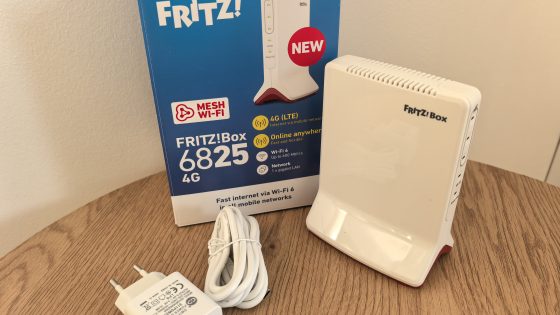
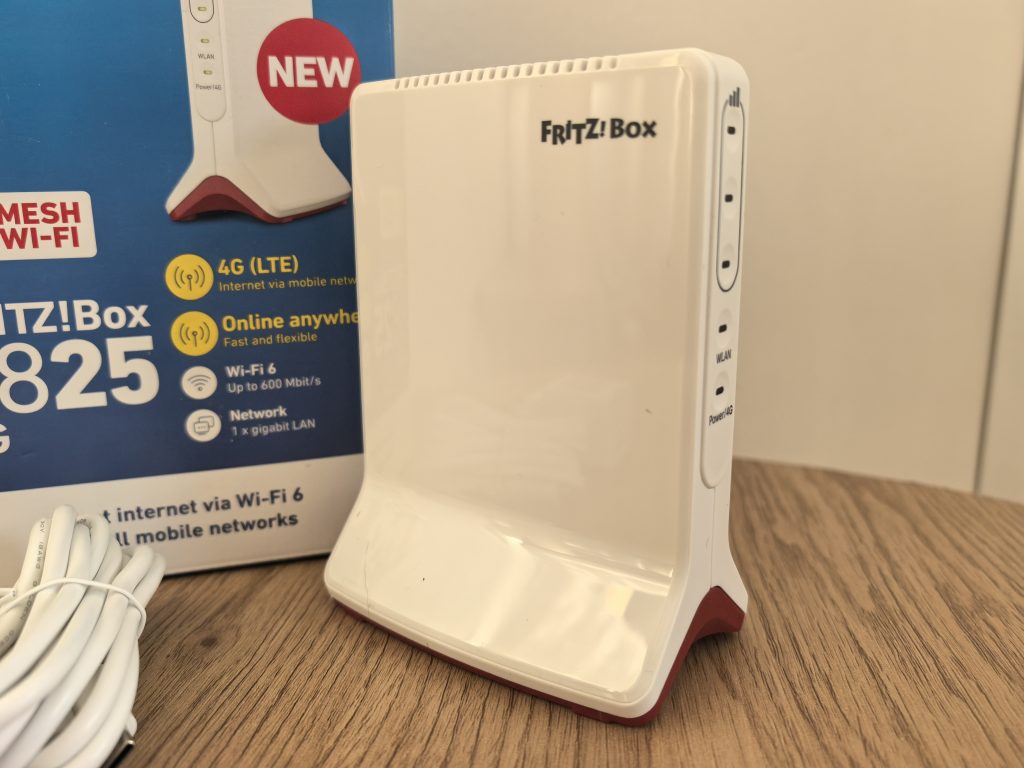
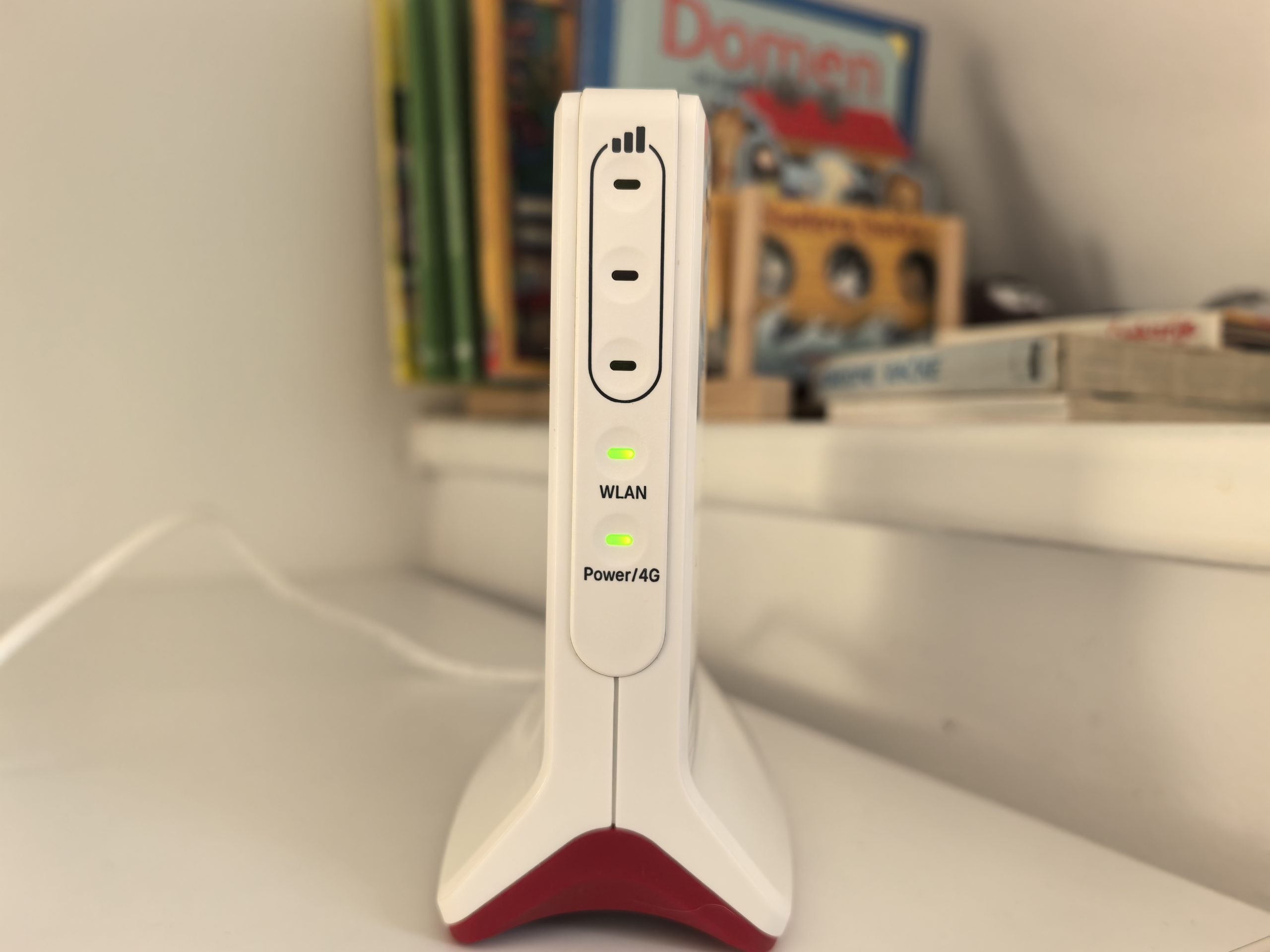
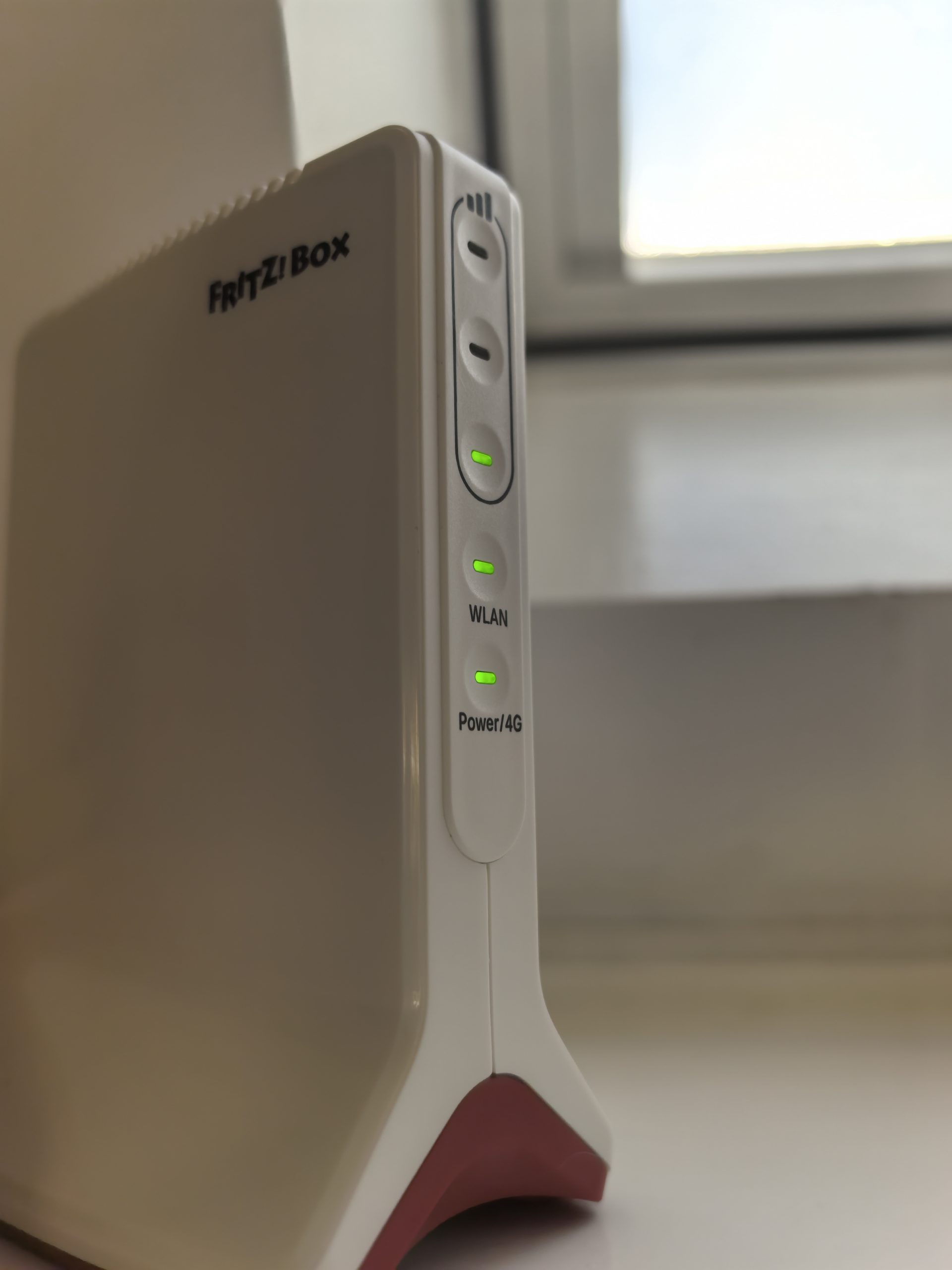
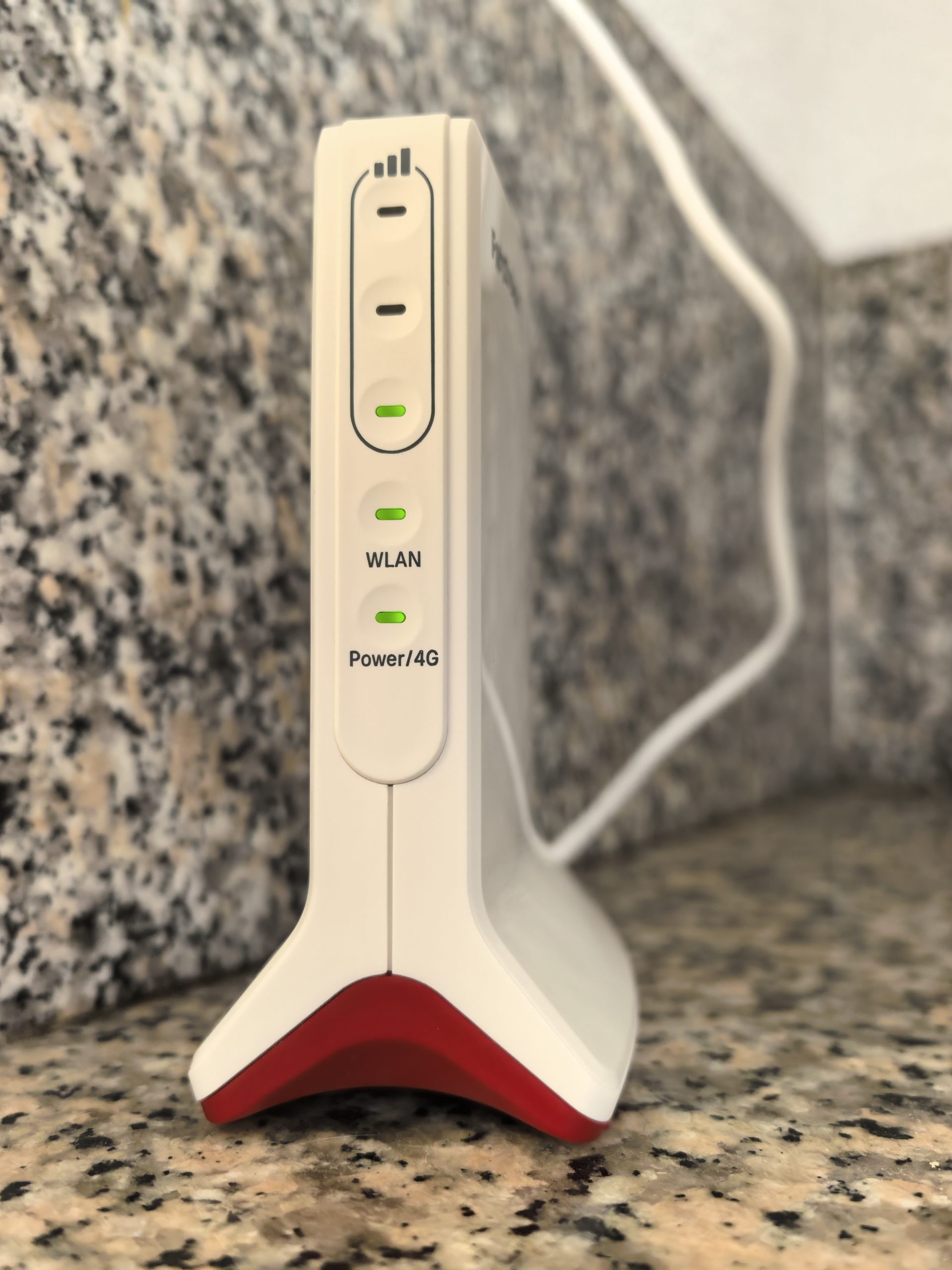
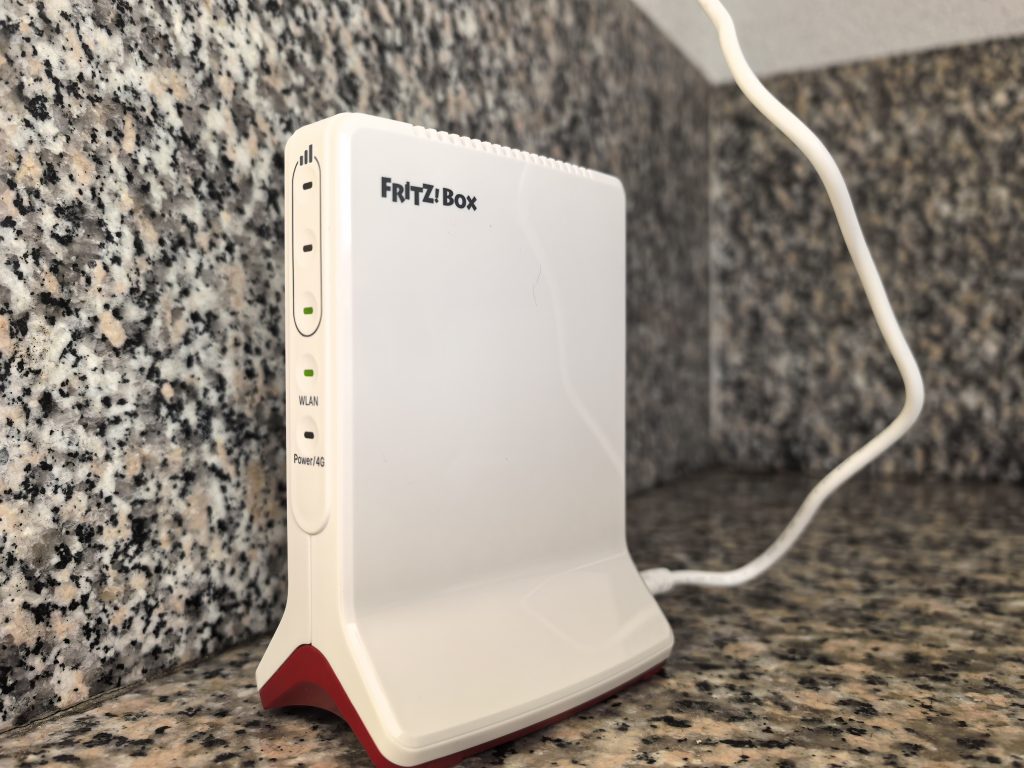
The design remains true to the FRITZ!Box family. The white housing with red accents is recognizable, although this time less pronounced than on larger models. It is placed upright, which takes up less space, while the operation and mobile signal indicators are clearly visible on the front. The FRITZ!Box 6825 4G is one of the smaller routers in the manufacturer's offer. With a width of 6.5 centimeters and a height of 13.5 centimeters, it does not require much space. It can be easily placed on a small shelf, desk or by the window, which is often the most sensible location for mobile internet.
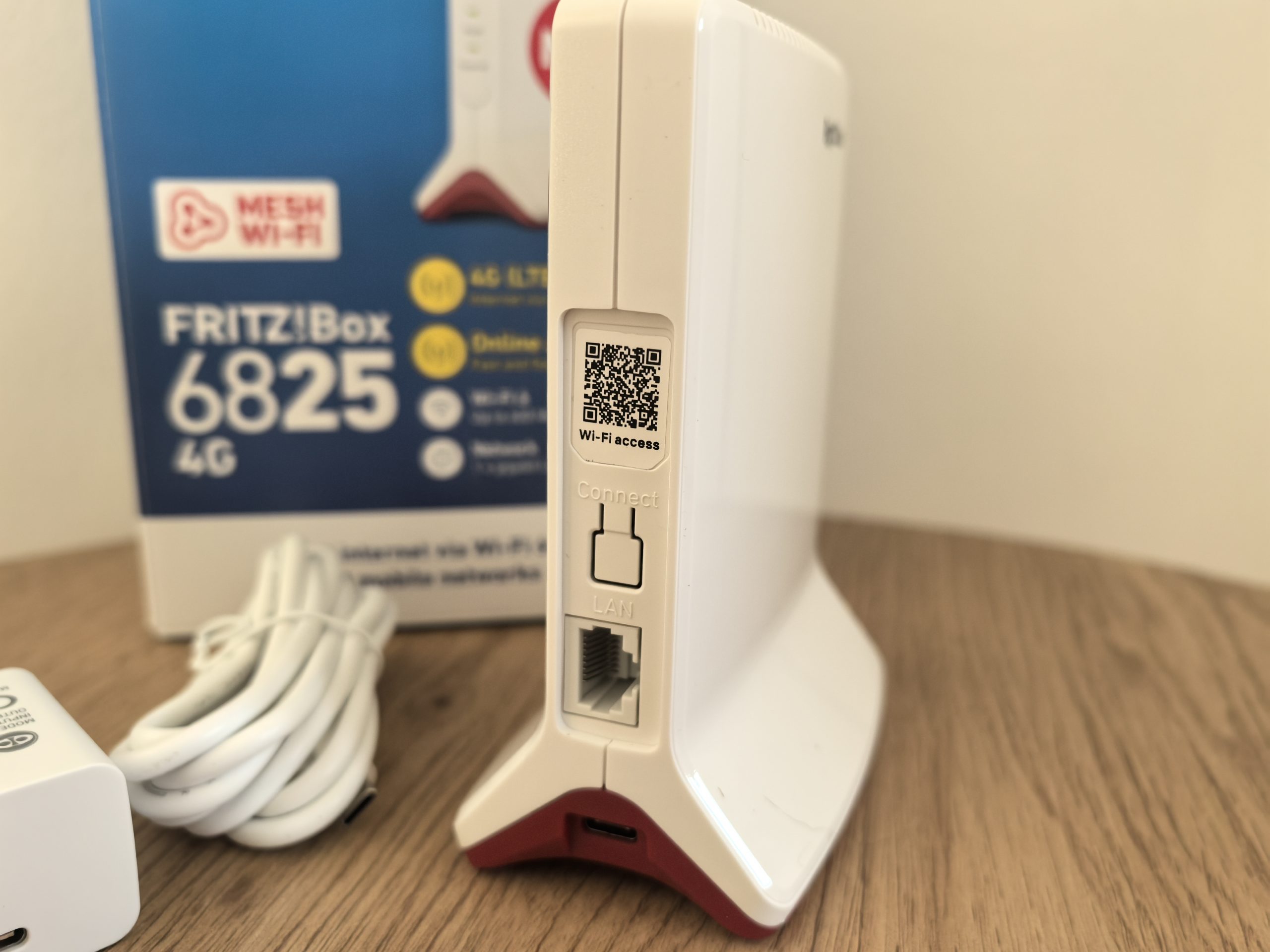
On the back, we have only one gigabit LAN port. We can connect a computer, TV, or other device to which we want to provide a wired connection. The port also plays an important role when using the router as a backup Internet source. There are practically no other ports. There is no USB port for external drives, no telephone ports, and no option to connect external LTE antennas. USB-C is intended for power supply, not data transfer.
These are limitations that you should be aware of before purchasing. The lack of external antenna connections in particular could be a problem for users in areas with poor mobile signal.
SIM card, a few settings and the internet is ready
The main advantage of such a mobile router is that we do not need any additional internet infrastructure. All we need is an active nano-SIM card with a suitable data package, a power supply and a sufficiently good mobile signal. We insert the card into the slot on the bottom of the device, connect the power supply and connect to the router's wireless network with our phone or computer. Then we open the address fritz.box in the browser, where the familiar FRITZ!OS user interface awaits us.
Anyone who has used FRITZ!Box routers will immediately find their way around. The settings are clearly divided, and a start-up wizard helps you establish an Internet connection. If necessary, enter the SIM card PIN and the APN data of the mobile operator. The router can automatically recognize many operators, but this does not mean that additional settings will not be required for each provider.
FRITZ!OS displays information about the mobile network and offers help in finding the optimal location for the router. With mobile Internet, moving just a meter or two can change the reception quality. A router placed in the middle of a room is not necessarily in the best location. The mobile network signal can be significantly better near a window.
300 Mbit/s over 4G network – too much or too little?
The FRITZ!Box 6825 4G uses a Category 6 LTE Advanced modem, which enables theoretical speeds of up to 300 Mbit/s for data transfer and up to 50 Mbit/s for upload. Yes, such numbers are very modest compared to fiber optics, but as I said, this router does not compete with fiber optics, but replaces it where it is not available.
For streaming movies, browsing the web, working with documents and regular video conferencing, we do not need hundreds of megabits per second. A high-quality connection with 50 or 100 Mbit/s can serve several users quite satisfactorily, provided that it is not overloaded and has adequate stability. The quality of a mobile connection is affected by the distance from the base station, obstacles, frequencies used, network load and subscription package limitations. Therefore, the internet can work very well at one address, while a few kilometers away the user experience is significantly worse.
The FRITZ!Box 6825 4G supports the aggregation of two LTE frequency carriers, or carrier aggregation. Instead of relying on just one frequency band, it can leverage two compatible carriers to make better use of available mobile network capacity. Support for multiple LTE frequency bands, including 700, 800, 1800 and 2600 MHz, allows it to be used on a variety of networks across Europe. If you travel a lot and want to have a device like this with you, this will be important to you.
Before you buy it, you can do a quick test with your phone. Go to your weekend getaway or wherever you want to have internet access, run a speed test and see if the 4G network in that location is sufficient for your needs. You will most likely not be able to play multiplayer games (Apex Legends, Valorant, etc.) over 4G because there is simply too much latency even in the best conditions. However, for watching TV or browsing the web, this is not important.
I tested with a Telemach SIM card. I placed the router in three locations and let the connection settle down in each one. I repeated the measurement (Speedtest and downloading a large file from a local server) in the morning and evening, because mobile cells are usually more busy in the evenings.
This morning, in the children's room on the top floor, where the signal is the weakest, I got around 55 Mbit/s (download) and 19 Mbit/s (upload), which is enough for browsing the web and watching YouTube videos with the occasional stutter. I got the best result on the terrace, where the signal was the best. This time I got 160 Mbit/s (download) and 40 Mbit/s (upload) when I measured in the morning, and 115 Mbit/s and 29 Mbit/s when I repeated the measurement in the evening. Your results will also fluctuate a lot. We depend a lot on how close we are to a base station and how many jammers are between us and the station. You can only hope for the best possible conditions, but even in very bad conditions, you will still have a connection that is sufficient for browsing the web.
When gaming, I'm used to around 30ms to servers on optical, so I was curious to see how the mobile connection would perform. As I said, playing online games (I played Apex Legends) over a 4G (or 5G) network is not ideal. When the connection was at its most stable, I played with 90ms of latency, but the worst were sudden jumps to 150ms or more.
Wi-Fi 6, but only at 2.4 GHz? I expected more
I admit that the most annoying thing about the specifications was the limitation of the wireless network. The FRITZ!Box 6825 4G supports Wi-Fi 6, but it only works on the 2.4 GHz frequency band. There is no support for 5 GHz. This means that we have to make do with a theoretical speed of up to 600 Mbit/s and, above all, with the limitations of a rather busy frequency range. Why could this be a problem?
Because 2.4 GHz isn't just for our phones and laptops. It's also home to many smart home devices, wireless accessories, and neighbors' networks. In an apartment building, the frequency band can quickly become quite busy. The result is interference, slower speeds, and occasionally less consistent response. Of course, 2.4 GHz also has its advantages. Due to its properties, it generally penetrates obstacles better than higher frequencies and is suitable for providing connections over slightly longer distances. For a router that will be used in a vacation home, small apartment, or camper, this isn't such a bad starting point.
In addition, the mobile modem itself limits internet transfer to a maximum of 300 Mbit/s, so a higher theoretical wireless network speed would not in itself bring a faster internet connection. However, I would also like support for 5 GHz. Not so much for record speeds, but for the possibility of choosing a less busy frequency band.
Fortunately, support for FRITZ!Mesh remains. The network can be expanded with compatible FRITZ!Repeater devices, which is especially useful in rooms where the signal from the basic router does not reach far enough.
I have already explored how big a difference there can be between a single router and a well-established mesh network in FRITZ!Mesh Set 1700 testWe just have to be careful not to try to solve problems that actually stem from a poor mobile signal with additional amplifiers. Mesh expands the local network, but does not automatically improve 4G network reception.
Why don't we just use our phone as an access point?
Why pay €120 for a FRITZ!Box 6825 4G when you can do the same with a hotspot on your phone, where you even have a 5G network? If you only need internet occasionally, for example for a laptop while traveling or for a few hours of work outside the office, you may not really need it. The phone will often do the job quite satisfactorily. The consumption will be slightly higher, but for that short time, this is the least of the problems.
The difference becomes more obvious with longer and regular use. The phone must be available at all times, the access point puts an additional strain on the battery, the device can heat up and it is not the most convenient if several devices are connected to the same network and you have to go somewhere with the phone. A dedicated router, meanwhile, can stand in the place with the best signal and take care of the Internet connection independently of the phone. We can also connect the device with a network cable, which a regular telephone access point does not allow directly.
The FRITZ!Box 6825 4G is not for everyone, but for the right user it can be a good solution
The group of users who need a 4G router is small. Households without access to fiber optic cable come to mind first, although I would prefer a 5G router in this situation. In second place, of course, are adventurers who travel a lot with a camper, those who spend a lot of time camping, and users who would like to fill their remote weekend with stable internet without having to have an access point on their phone all the time. I like that it charges via USB-C, because it means that I don't even need electricity at the location, a power bank or portable charging station is enough.
It's not without its drawbacks. As mentioned, many people will want access to 5G networks and the 5 GHz band, and maybe even an additional port for wired connections. If you don't need that, you'll be happy with what the FRITZ!Box 6825 4G offers.