Share with others:

Windows 11 update turned on ads

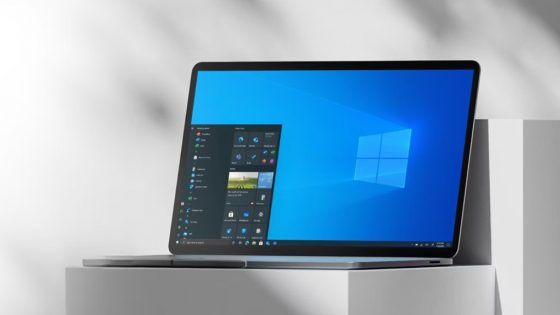
Microsoft enabled ads in the Start menu for all users with its latest update to Windows 11. After a brief test with Windows Insiders earlier this month, Microsoft this week began rolling out update KB5036980 to Windows 11 users, which includes “recommendations” for Microsoft Store apps in the Start menu.
“The Recommended section of the Start menu will show some apps from the Microsoft Store,” the update notes for the latest public release of Windows 11 say. “These apps come from a small set of select developers.” The ads are intended to help Windows 11 users discover more apps, but they will largely benefit developers, who Microsoft is trying to attract to build more apps for Windows.
Microsoft only started testing these ads two weeks ago, so it's surprising that this "feature" has progressed from Beta to full release in such a short time. We were all hoping that Microsoft would abandon the idea of ads after all given the flood of negative comments, but apparently, analysis has shown that it can afford user anger in exchange for more revenue.
Fortunately, you can disable these ads, or “recommendations,” as Microsoft calls them. If you’ve installed the latest update, KB5036980, go to Settings > Personalization > Start and turn off the “Show recommendations for tips, app promotions, and more” switch. While the KB5036980 update is currently optional, Microsoft will push it to all Windows 11 PCs in the coming weeks.
Microsoft's move to enable ads in the Windows 11 Start menu follows similar promotional spots in the Lock screen and Start menu of Windows 10. Microsoft also began testing ads in File Explorer in Windows 11 last year, then defended, that it was just an experiment. Let's hope it stays that way.