Share with others:

The hidden trick that instantly speeds up your File Explorer in Windows 11

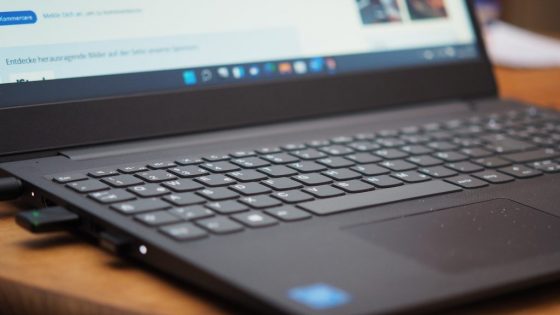
File Explorer is a key part of Windows 11, but it can become cumbersome due to constant indexing and visual effects. The problem is most noticeable on laptops with screens around 14.8 inches to 15.6 inches, where users often notice a lag when displaying folder contents. The solution lies in disabling certain web search features that are integrated directly into the toolbar.
By simply going into Folder Options and turning off the “Show files from Office.com” feature and clearing your Explorer history, you can increase your opening speed by more than 20 percent. This change is especially useful for those who work with large databases or edit high-definition videos, where every second counts. Instead of shelling out an extra $65 or $110 for a memory upgrade, any user can perform this free optimization themselves in less than a minute.
Additionally, experts recommend reducing the number of animations when opening windows in the system settings. Although these animations are only a few millimeters long on the screen, removing them creates a feeling of immediate response. This makes Windows 11 significantly smoother, which improves productivity on all devices, regardless of their size or price.