Share with others:

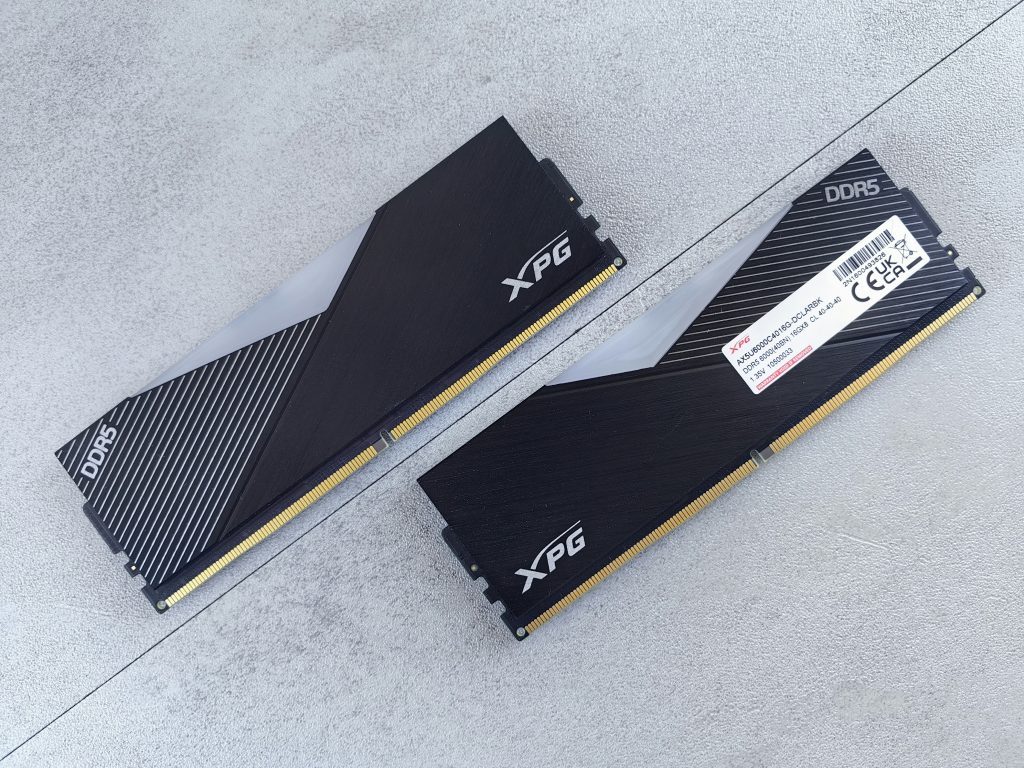
Is 16GB of RAM still enough?

For basic use, 8 GB was still acceptable, while 16 GB was a comfortable and safer choice in the long run. Today, 16 GB of RAM is no longer a super standard, but in many computers it is already the basic limit, below which you would not go if you were serious about buying.
This doesn't mean that 16 GB is not enough for everyone. Far from it. For many users, 16 GB is still more than enough, but the answer always depends on the usage. A computer for web browsing, email, office work, and video conferencing is not as demanding as a laptop for editing 4K video, playing the latest games, programming with Docker, or using AI tools locally.
What does RAM actually do?
RAM, or working memory, is the space where your computer stores data that it is currently actively using. These are not permanently stored files, such as photos, documents, or games on an SSD, but currently open programs, browser tabs, system processes, files that we are editing, textures in games, and data that the operating system is constantly working with.
The easiest way to imagine it is as a desk. The SSD is a drawer, and the RAM is the surface of the desk. If the desk is large enough, documents, notebooks, a laptop, a calculator, and a cup of coffee can be on it at the same time. If it is too small, things have to be constantly put away in the drawer and taken out again. The computer does something similar when it runs out of RAM. It starts to transfer data to the SSD, in the so-called "pagefile" or "swap". Since the SSD (up to 14 GB/s) is slower than RAM (even up to 80 GB/s), this is noticeable in slower switching between programs, stuttering, reloading tabs, or the feeling that the computer is thinking, even though the processor is not necessarily fully loaded.
Therefore, more RAM does not always mean more frames per second or faster computer startup. It does mean more headroom. And this headroom is important when the user is doing several things at once.
16GB of RAM is not the same on all computers
In a desktop computer, memory can often be upgraded fairly easily. If a user buys a computer today with 16 GB of RAM, they can add another 16 GB in a year or two (although I doubt that prices will be normal by then) if the motherboard has enough slots and the configuration is chosen correctly. In such a computer, 16 GB is not necessarily a big mistake, especially if the purchase is limited by budget.
With laptops, it's a different story. Many thin laptops have the RAM soldered to the motherboard. This means that unless you have a Framework and can easily replace the entire board, the decision is final.
If a user buys a laptop with 16 GB of RAM, they will still have 16 GB in three, four or five years. For a cheaper laptop for basic use, this is still acceptable. For a more expensive business, creative or student laptop, however, I would be much more cautious. If the computer is not upgradeable and is expected to last for several years, 32 GB of RAM is often a smarter choice, even if it seems a bit excessive today.
A special example is systems with unified memory, such as computers with Apple chips and upcoming Nvidia computers, where the processor, graphics, and accelerators share the same memory space. Such an architecture can be very efficient, but 16 GB still leaves 16 GB of shared space. If some of that space is used by graphics, a creative application, or a UI function, there is less space left for other programs. So even with unified memory, I wouldn't blindly assume that less is always enough just because the system is well optimized.
For basic use, 16 GB is still enough
For the average user who uses their computer for web browsing, email, online banking, writing documents, editing spreadsheets, video conferencing, watching videos, and basic photo editing, 16 GB of RAM is still plenty. With a good SSD, a solid processor, and a well-organized system, such a computer will perform quite decently.
The problem arises when basic usage turns into disordered multitasking. Many people say they only use their computer for the web, but then they have 35 Chrome tabs open, plus Teams, Zoom, Spotify, cloud sync, Bitwarden for passwords, Word, Excel and random applications. In such a case, 16 GB may still be sufficient, but with significantly less headroom. The computer won't necessarily be unusable, but it won't run as smoothly, especially if you have multiple demanding web applications open at the same time.
For basic use, I wouldn't write off 16 GB of RAM. If someone is buying an affordable computer for home use, school, office or administrative work, I would still consider 16 GB as a reasonable minimum. However, I would also add that I would really not recommend 8 GB in a new computer in 2026, except for very basic devices and very limited use. I know that the Macbook Neo with 8 GB of RAM was a great success and that some Windows laptops are now following suit, but I still don't think this is the best decision for the future.
The browser has become one of the biggest memory consumers
RAM used to be a topic for gamers and professionals. Today, even a browser can fill it. Web pages are no longer static documents, but applications. Gmail, Google Docs, Canva, online photo editors, analytical dashboards, advertising platforms, project management systems, and social networks operate almost like standalone programs.
Someone who uses five to ten tabs will be fine with 16 GB. Someone who works with dozens of tabs, multiple browser profiles, and has a video conference open at the same time will quickly reach the limit. Browsers can put inactive tabs to sleep, but this is not a perfect solution. When a tab is reactivated, it often has to be reloaded, which causes lag.
For gaming, 16GB is the minimum, but 32GB is a better choice
When it comes to gaming, the answer is less black and white. Many games still run well with 16GB of system memory, especially when playing at 1080p, esports titles, and slightly older games. If you're playing Counter-Strike, Valorant, Fortnite, Rocket League, League of Legends, or similar games, 16GB is usually not going to be the biggest issue. The processor and graphics card will be more important.
If I were building a new low-end gaming PC today, I would still accept 16 GB, but only if the budget is really limited and upgrading is easy. For a mid-range or high-end PC, I would choose 32 GB. This makes sense especially if the PC has a powerful graphics card, a fast processor, and is expected to last for many years.
Content creators quickly outgrow 16GB
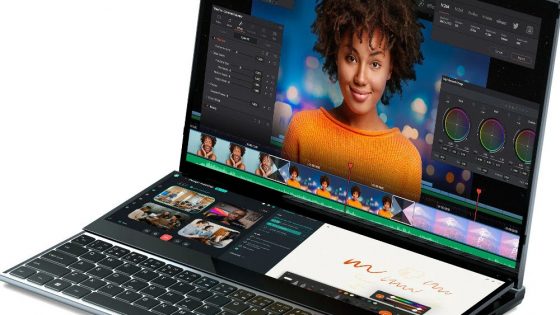
For content creators, 16GB of RAM is increasingly a compromise. For basic photo editing, working with smaller RAW files, preparing graphics for the web, and simple video projects, it's still usable. But if the work moves to multi-layered Photoshop documents, larger Lightroom catalogs, 4K editing, color grading, effects, or using multiple creative programs simultaneously, 16GB quickly becomes a limitation. Adobe also lists 32GB as the standard for Premiere Pro (if you plan on working in 4K).
Programming, Docker and virtual machines
In programming, the answer depends on the field. Someone who makes websites, uses a code editor, a local server, and a browser can work perfectly fine with 16 GB. Even many computer science students will get through basic programming with a good laptop with 16 GB of RAM without any problems.
It's different when developing with Docker, local databases, Android emulators, virtual machines, multiple development environments, and multiple projects at once. Docker containers may be frugal, but their usage quickly adds up. The Android emulator alone can consume several gigabytes. The local database, development server, IDE, and documentation browser quickly push the 16 GB to the edge.
UI features bring new memory usage
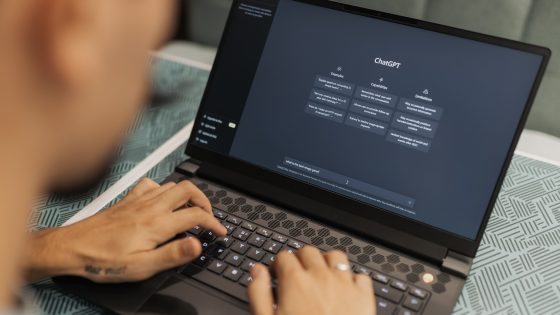
A large part of users still use AI in the cloud, so the local computer does not carry the main burden. Chatbots, online image generation and many assistants run on service providers' servers. In such a case, the amount of RAM on the computer is not a significant factor.
However, some of the functionality is moving locally. New computers with NPUs perform translation, video call enhancements, search assistance, summarization, and other tasks directly on the device. Those more advanced users are establish local AI models, where even 32 GB is a very fast bottleneck.
Why is Linux more frugal with RAM?
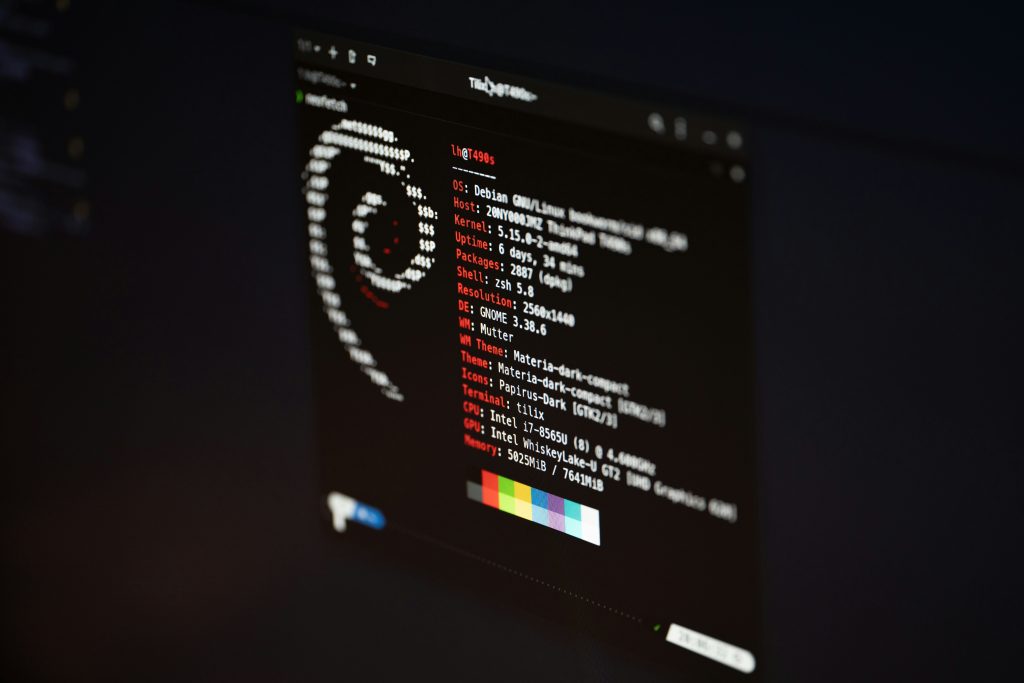
For Linux, the answer is a little different than for Windows or macOS. If someone is using a lighter distribution, such as Linux Mint, Fedora Workstation, Debian, or one of the lighter environments like Xfce or KDE Plasma with a reasonable configuration, 16 GB of RAM is still a sufficient amount.
Linux can be basic in use more economical with working memoryPrimarily because it has fewer manufacturer add-ons running in the background, fewer preloaded services, and more control over what starts at login.
However, Linux is not omnipotent either. If you are going to use DaVinci Resolve, Android Studio, any virtualization environments, Docker containers, or anything similarly intensive, you may also exceed 16 GB. Again, in this case, I would rather recommend 32 GB.
16GB is enough until it runs out
Yes, 16 GB is still enough for basic and moderate use. No, 16 GB is no longer the best choice for every new computer.
If I were buying a computer today for my parents, basic office work, web, email, and video conferencing, I would accept 16 GB without much hesitation. If I were buying a laptop for myself for work, gaming, photo editing, multitasking, and extended use, I would choose 32 GB. If I were working with video, 3D, virtualization, or local UI models, I would also consider 64 GB.
I know it doesn't make much sense to talk about upgrading the RAM. For 32 GB of mediocre RAM, we currently have to pay around €400.
If you're stuck at 8GB, wait until this pricing madness ends. If you're at 16GB and find that's not enough, you can try Linux for starters, or look for alternatives that aren't as memory-hungry for your memory-hungry programs.