Share with others:

Best map app? Google Maps, Petal Maps, Waze, Apple Maps, CoMaps...

However, Google Maps isn't the best navigation app in every category. Its rivals' offerings aren't bad, far from it. There are many features I'd like to see in Google Maps as well.
I've been using Google Maps, Petal Maps, Waze and Apple Maps in parallel for some time now. I also briefly tried Sygic, CoMaps and OsmAnd. The most interesting period was when I was traveling from Kamnik to Ljubljana every day during the afternoon rush hour. One app persistently wanted to take me through dead ends, another wanted me to drive across a double solid line in the opposite direction, and the third one apparently thought I had a rally car and liked to test out dirt roads.
Google Maps: the best overall answer, but not always the best navigation
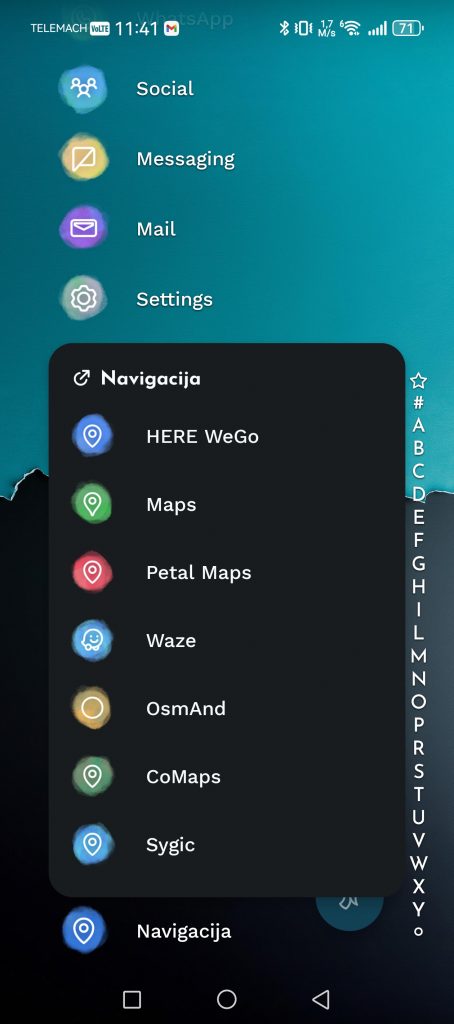
If I had to recommend one app to most people, I would still choose Google Maps. Not because it's perfect, but because it's the most useful in the most different situations. Google Maps is a search engine, a collection of reviews, a business directory, a route planner, a public transport guide, a GPS for cyclists (although not the best), and tourists.
Their biggest advantage, as already mentioned, is the amount of data. When I search for a store, service center, restaurant, opening hours, phone number or photos of a location, I usually find the most information right there. When planning a route in an unfamiliar city, it means a lot to me to be able to look at reviews, photos, entrances, traffic congestion and nearby parking before leaving. If you have an electric car, Maps also shows the nearest electric charging stations to make route planning easier.
Google Maps, like almost every app on this list, can warn you about traffic, congestion, estimate arrival times, suggest alternative routes, and more.
But they are not perfect. They were one of those apps that wanted to take me on a shortcut through a field on my way home. There is a railway crossing in front of Supernova Kamnik, which gets very crowded during rush hour. If there are trucks in front of you, you can quickly lose a few minutes. It is annoying, even though you are only 500 meters from home. Well, Google Maps has been trying to redirect me to a nearby path through the fields for two years now. Technically, it is a road and I also notice that some people use it out of desperation, but I have not taken this route more than once. My Fiat is too low and too old to risk any damage to the chassis. The angry looks of the locals who like to walk there also bother me too much. And I do not want to risk the wrath of some farmer.
Sometimes Google Maps is too safe and doesn't take risks. The Ljubljana bypass is a closed red circle in the early morning and afternoon. Instead of at least trying to find me an alternative (which I know exists), they prefer to leave me waiting in traffic. Only when I take the first step and move off the road do they start thinking about possible shortcuts.
I also miss the easier way to add .gpx files when I go cycling or hiking in the mountains.
Petal Maps is Huawei's alternative
Because I'm one of the few who still uses Huawei phone, means that I am also one of those who is even aware that the Petal Maps app exists.
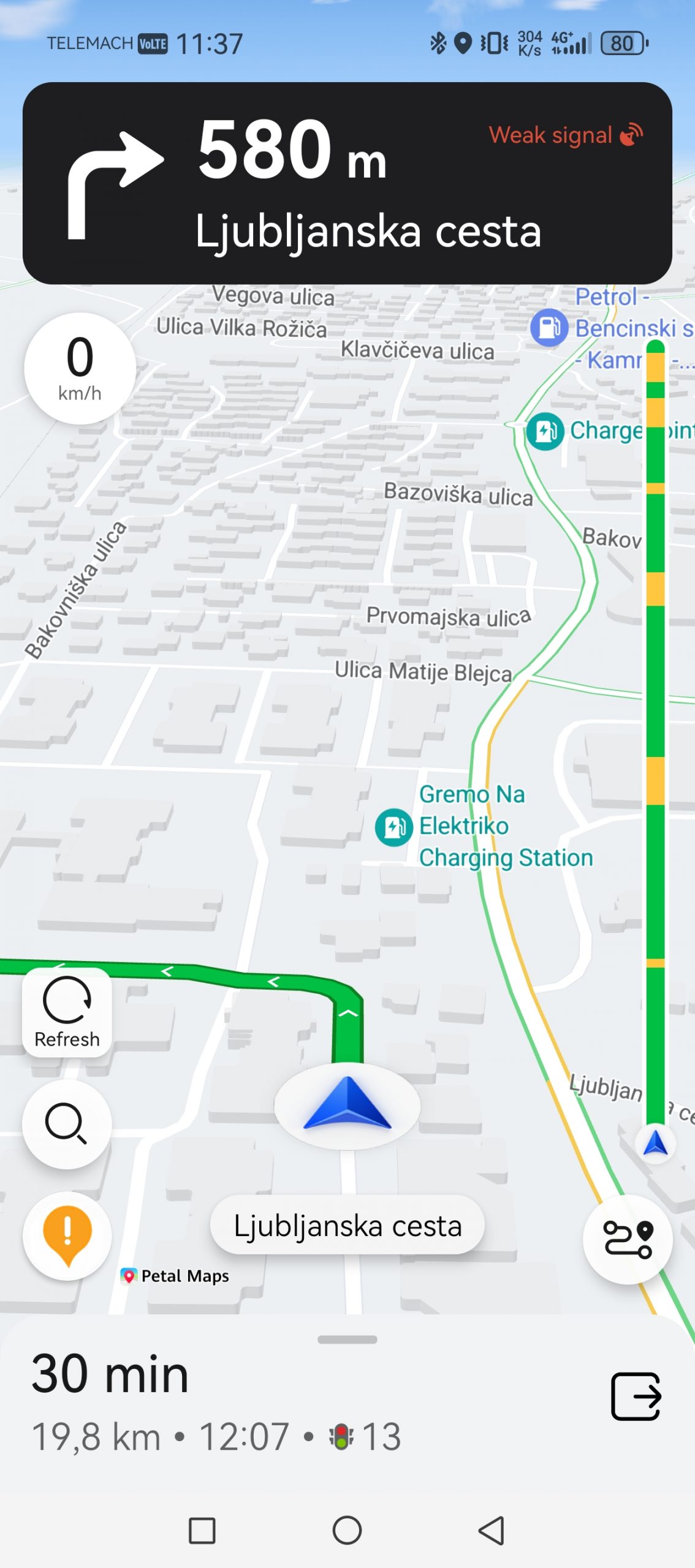
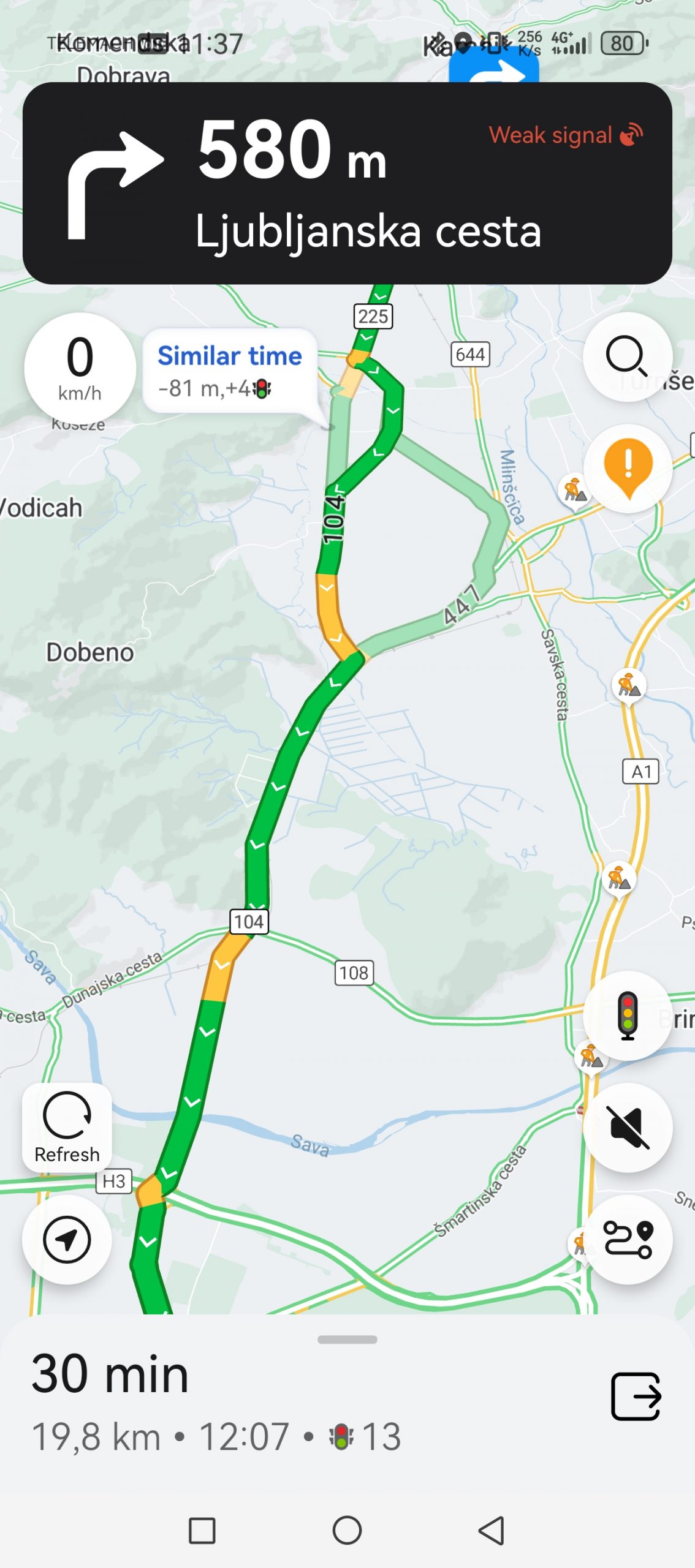
The Petal Maps app was created because Huawei was left without access to Google services after US sanctions and had to build its own alternative. Although Google Maps never stopped working on Huawei phones, it was still time for independence. The Petal Maps app offers practically everything that Google offers, but at the same time it has some interesting features that I really like. On the right side of the map there is a route indicator that is colored according to traffic and congestion. Green for flowing traffic, orange for heavy traffic, red for congestion. Just like what Google shows on the map itself, Petal Maps also has an indicator on the side to make it easier to see which part of the route has the most traffic. An interesting detail is that the app also shows the number of traffic lights you will pass.
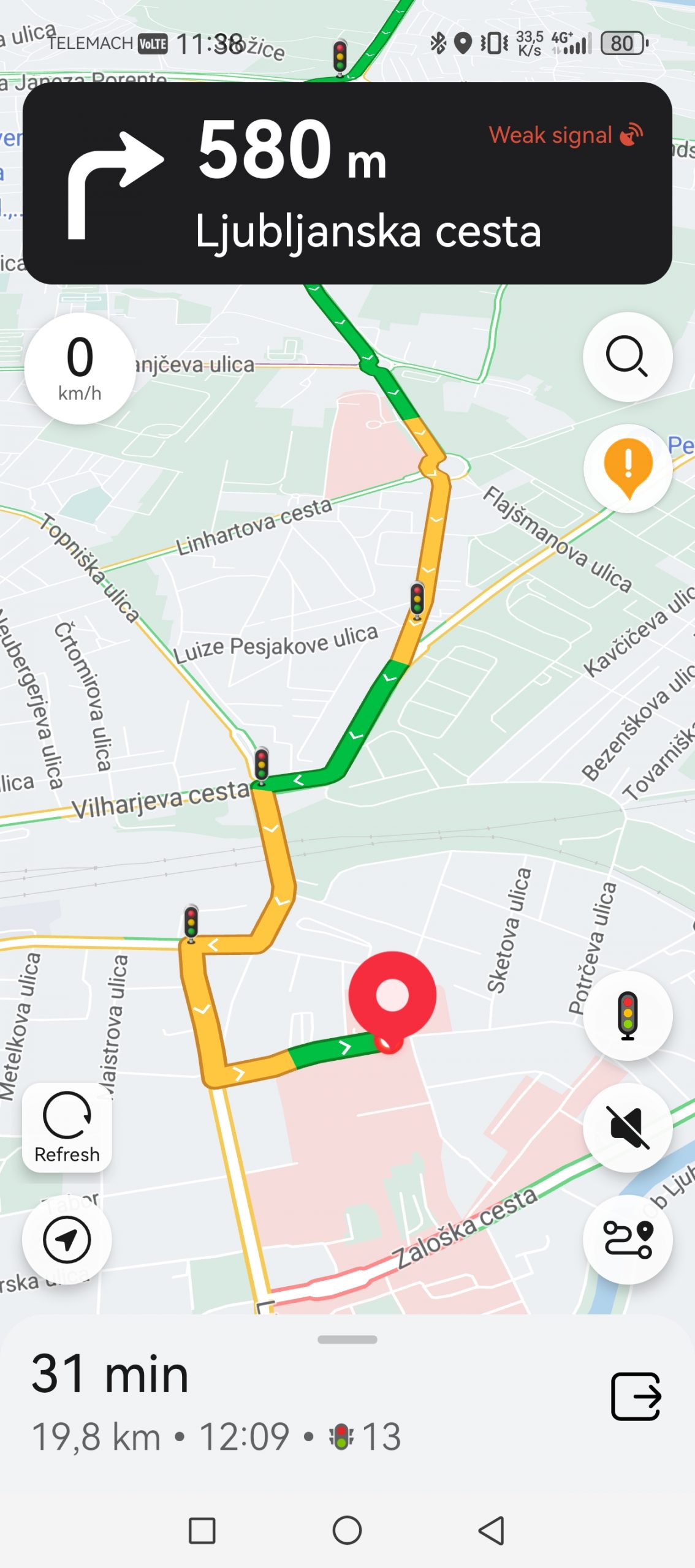
For Huawei watch owners, Petal Maps has another advantage. If you have it, the app will also appear on your watch screen.
Petal Maps, however, suffers mainly from a lack of data. Train and bus schedules are lacking, as are cycle routes. Since they have fewer users, there are also fewer manual notifications from drivers – for example, about road closures, accidents, etc. If I wanted to see a picture of my final destination, it would mostly not be there. They are also one of the few apps that simply did not find a specific destination, for example a computer store in Domžale. On the way to Ljubljana, however, it insisted that I drive a double continuous line near the Orto bar, because according to its calculations this was a shortcut to the paediatric clinic.
Another downside is the incompatibility with Android Auto.
Waze: the only app that helped me discover new shortcuts in Ljubljana
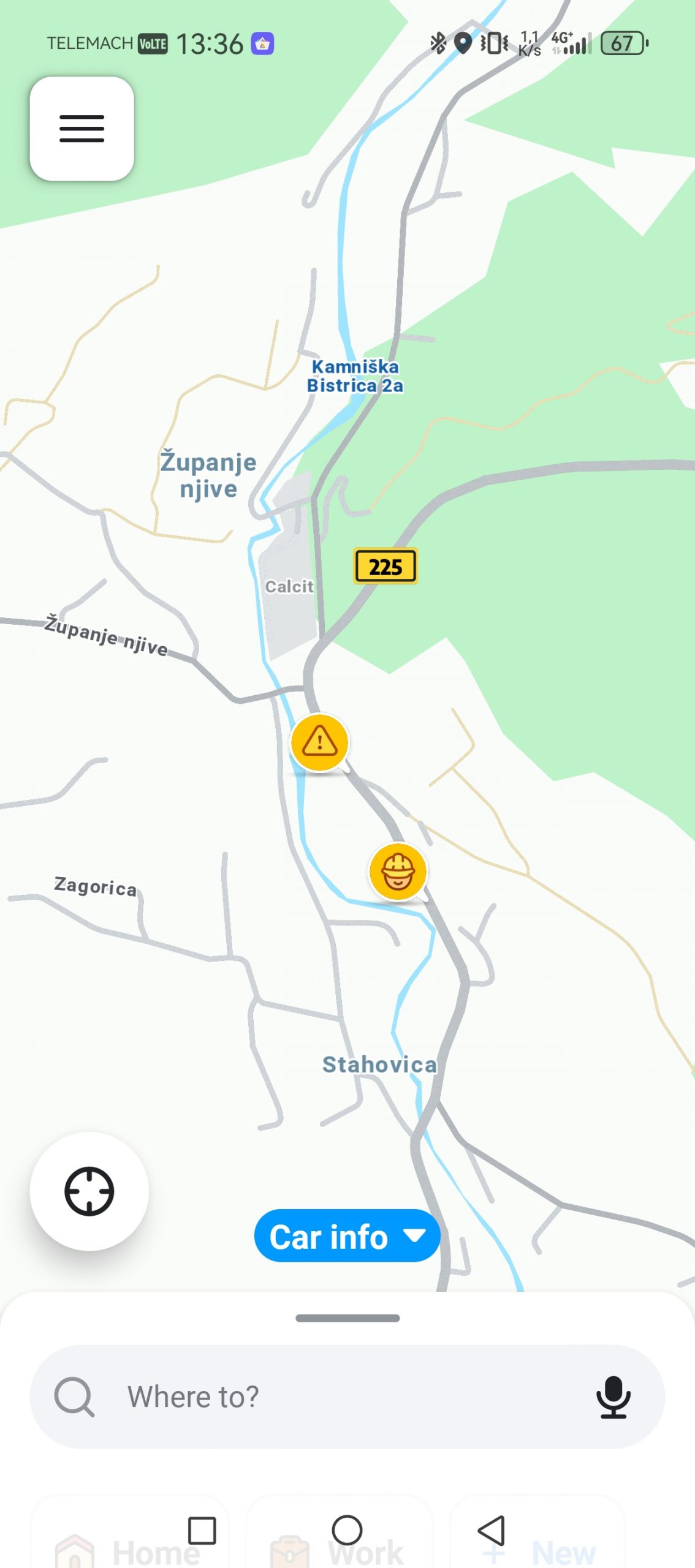
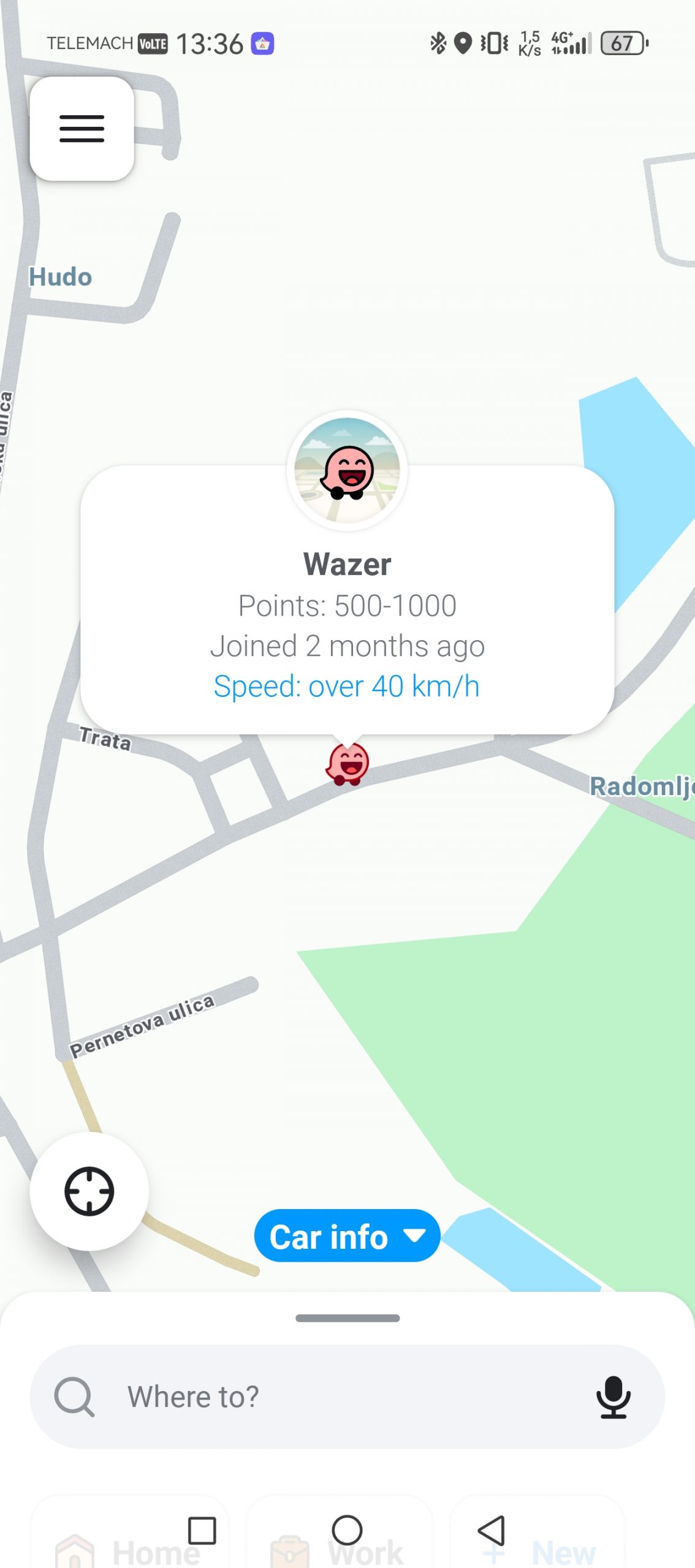
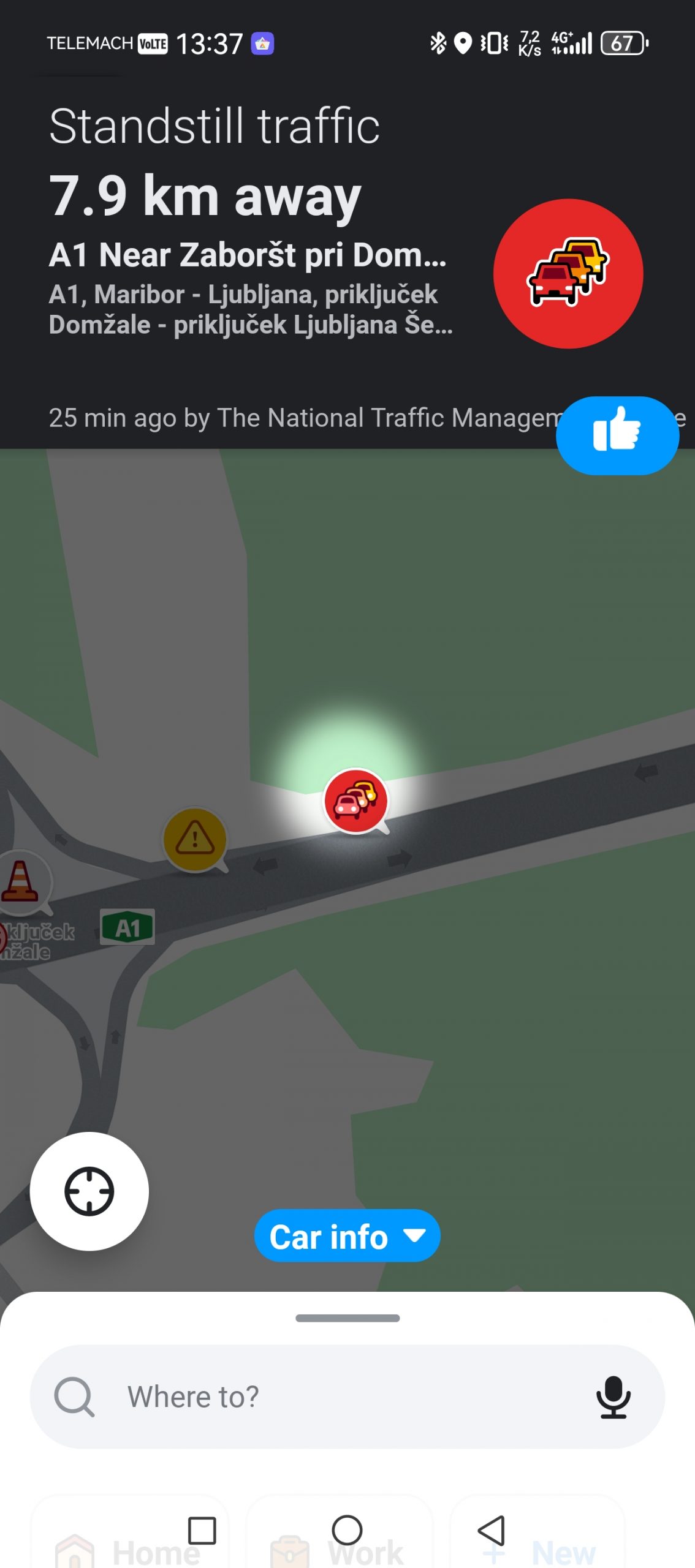
The biggest advantage of the Waze app is its active community, which diligently informs other users about what's happening on the road - for example, is the overtaking lane still closed near Domžale, or has there been an accident on your route... The problem is that this community in Slovenia is not as rich as in other markets, so this trump card is not as strong.
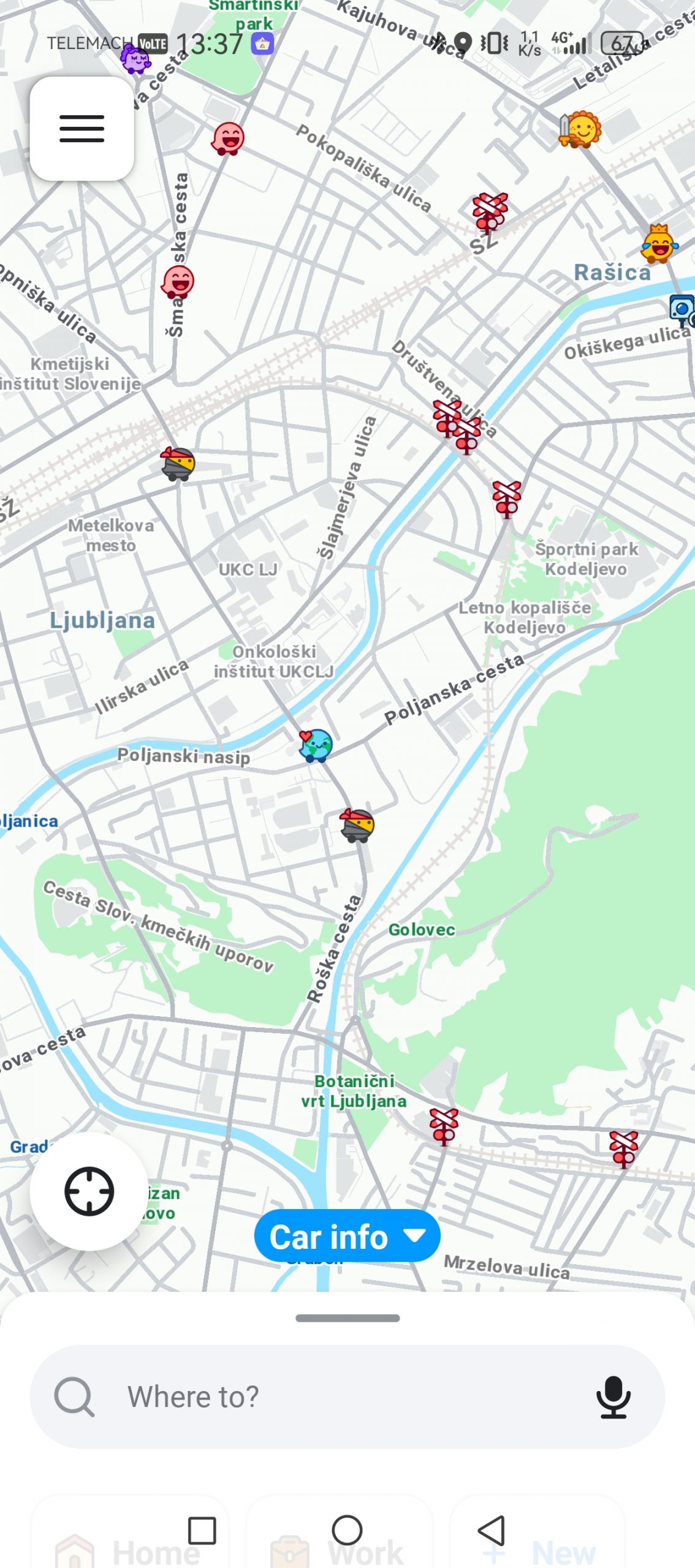
But I really like that it tries to find other routes to my destination several times. For example, on my daily drive to Ljubljana, Google Maps offers me three classic routes that I don't deviate from. Waze immediately offered me a slightly different route, which really saved me a minute or two. On the other hand, it can also overdo it with side routes, sometimes not predicting how long the trip will take because I'm driving 20 km/h instead of 50 km/h.
Apple Maps: a target of ridicule for a long time, now a very good solution
I haven't been able to test Apple Maps in the traditional way. It's only available for Android users via a browser, not as an app, so there are some limitations. I can't log in with an account, so I don't have access to saved locations that could make planning easier. The map is also severely flawed. For example, if I wanted to search for "Ljubljana Maternity Hospital," I got empty search results instead. My home address wasn't there either. The solution has been in beta for over a year, and it seems like Apple has forgotten about Android integration.
I believe or know that the experience in the form of an app is a completely different story, although the beginnings of the app were anything but rosy. The interface in the app is very clean, the navigation is clear, and the integration with Apple devices is of course almost flawless. Just like everywhere else, you have access to offline maps, users can report road conditions, and electric car owners can plan charging stops (otherwise, there are no charging stations and compatibility with various electric cars).
Apple announced a visual upgrade to Apple Maps at WWDC 2026, most notably an improved Flyover mode. The new version of Flyover uses aerial imagery combined with Visual Intelligence models to better display architectural details, the shapes of individual trees, and other elements of urban space in 3D. This isn't a feature that will decide whether a user will get to work on time every day, but it's important for exploring cities, planning routes, and getting a feel for a place before arriving at a location.
Sygic and offline navigation
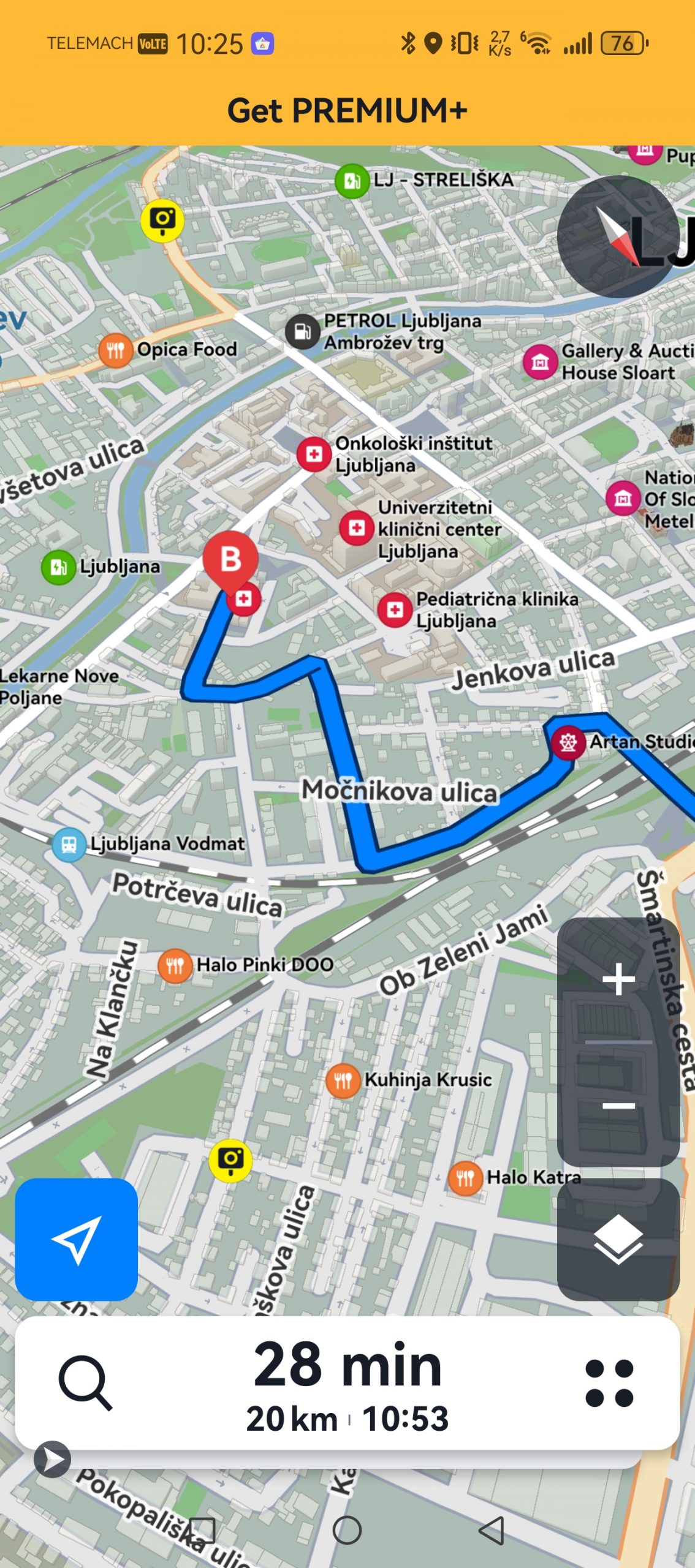
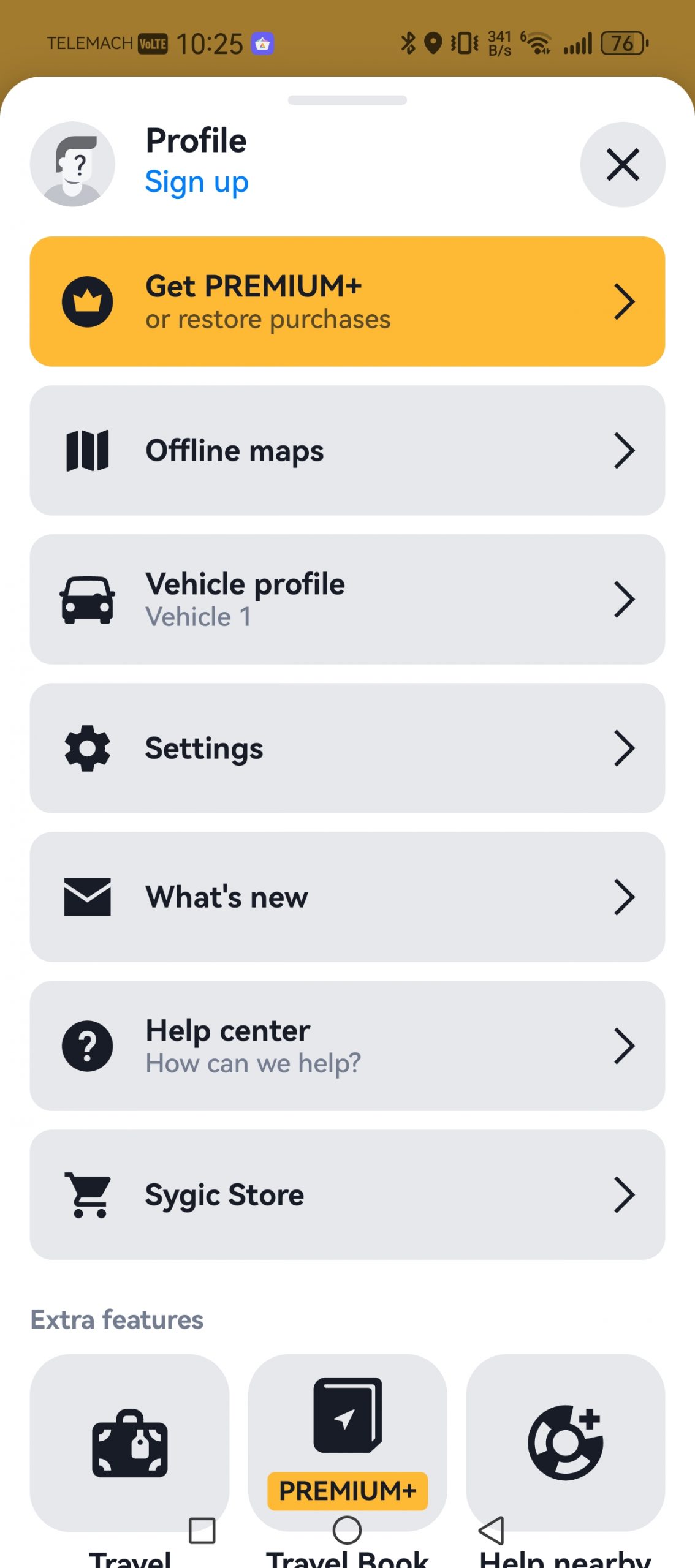
The problem with more specialized apps like Sygic is that you can find similar features on Apple or Google. So why would you even consider such alternatives? Honestly, it's hard to recommend Sygic to most users. It's not a bad app. I like that the map isn't overloaded with information and that the focus is mostly on driving. The main advantage is that you can save maps locally, but others can do that too. What I don't like is that certain features are paid - like live traffic and optimal departure times. They're also very annoying in that regard. There's always a pop-up notification at the top of the map asking me to get PREMIUM+. No thanks.
I can also praise the easy import of .gpx files, for example for hiking or cycling.
It certainly won't be my first choice for navigation. But I think it will appeal to those who want to completely detach themselves from Google or Apple, or those who want to have more control over what someone does with their data. And of course, those who are willing to give a few euros to the developers.
OsmAnd is good if you're willing to be patient.
In most cases, I'm one of the first to suggest an open source app. Not because this tag will magically deliver a better app, but because there are often hidden gems in this community.
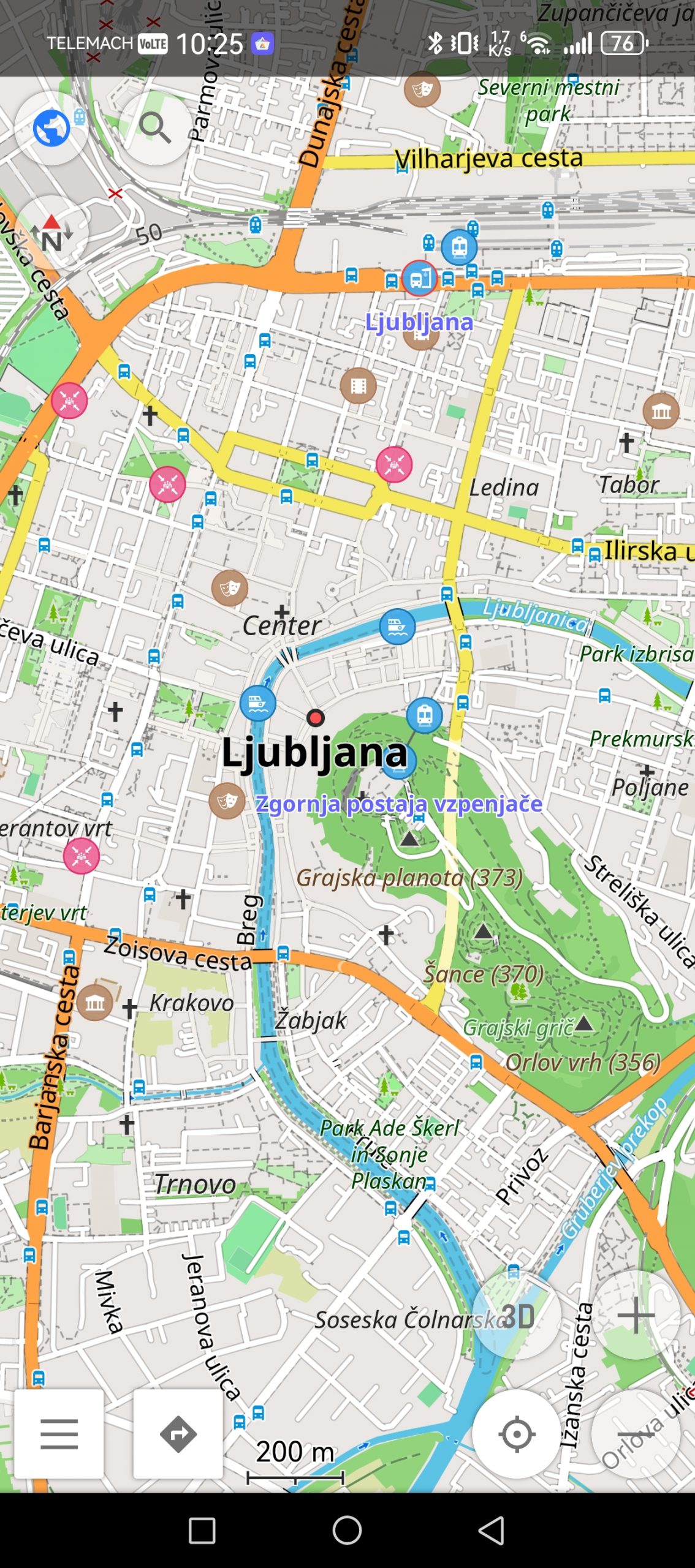
OsmAnd is one such example, but again, I can't recommend it to everyone. Where Google Maps tries to simplify everything, OsmAnd often does the opposite. It shows you that a map is not just a road and a destination, but layers of data, routes, reliefs, elevations, trails, cart tracks, GPX tracks, and settings that you don't even see in regular apps.
I like it best outside of classic car use. For walking, hiking, cycling, dirt roads and areas where Google is not the most familiar, OsmAnd can be significantly more useful. Especially because it is based on OpenStreetMap data, which is extremely detailed in some places. In our country, this is quickly noticeable on routes that classic navigations treat more superficially. If I am interested in a path through the forest, a mountain path, a dirt road or more detailed terrain, I prefer to look at OsmAnd than Google.
But this is not an app for those moments when you're sitting in the car, your passenger is watching you, and you have to find your way in ten seconds. The interface takes some getting used to. There are a lot of settings, and the map can be overwhelming.
I would have OsmAnd on my phone mainly for trips, walking, cycling and orienteering when I don't have internet access. I'm used to Komoot, which has proven to be a very reliable solution so far, but if I ever get tired of it, I now know a good alternative. However, I would still prefer Google Maps for my main car navigation.
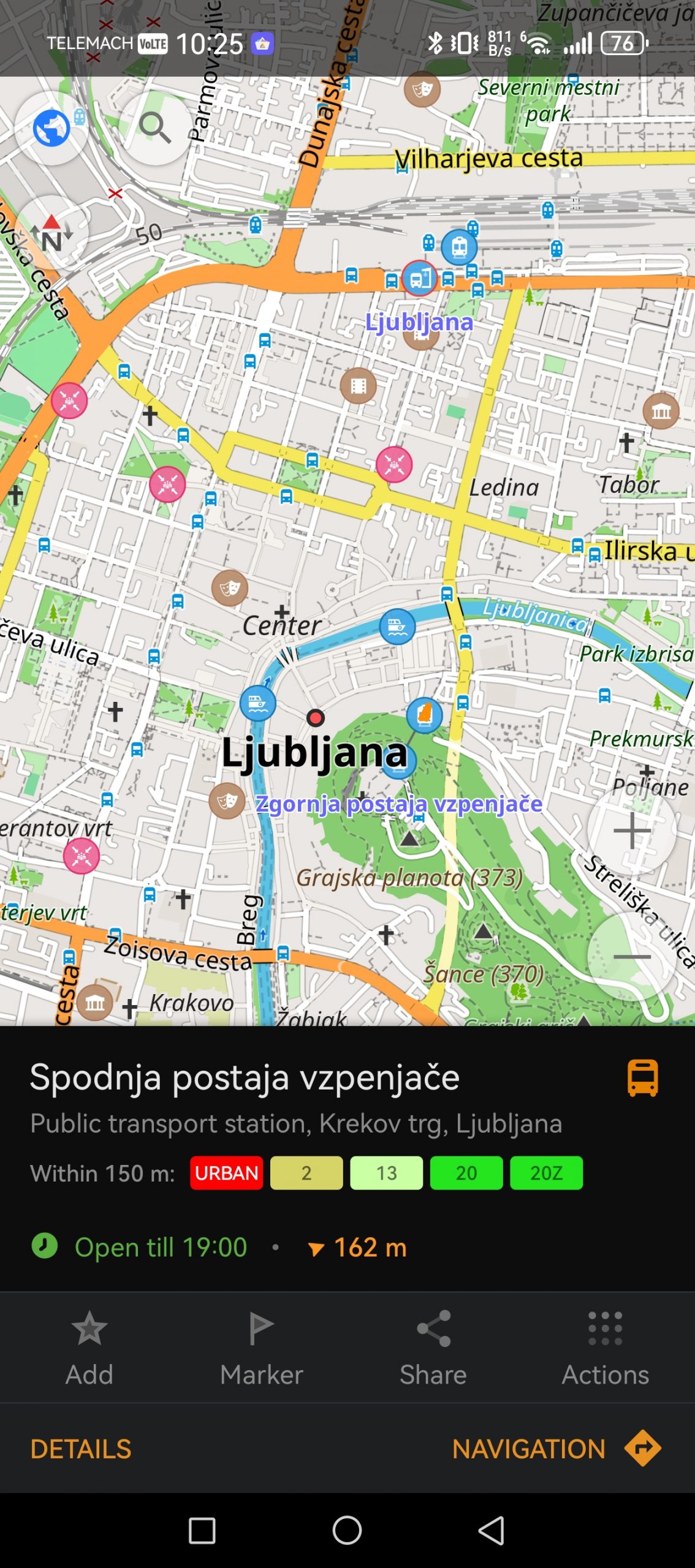
CoMaps is another "open source"
Once you go down the rabbit hole of the open source community, you'll find a ton of navigation solutions, but the main representatives are OsmAnd and CoMaps (formerly Organic Maps).
CoMaps is not a 1:1 replacement for Google Maps. It does not have the same database of business reviews, photos, information about opening hours, and the like. It is more in the same league as its peer OsmAnd, although the latter is more powerful, at least in my experience, while CoMaps is perhaps more “direct”. You download a map, search for a location, save favorite points, and plan your route. There are not so many settings, there are no super advanced tools, the emphasis is mostly on offline maps. Navigation does not take into account current traffic conditions (a disadvantage of all offline maps), sometimes (very rarely) you will also have to enter a destination manually, there is no navigation with public transport, and what else could I find. Otherwise, the map is very clear, you can even see traffic lights on it, and it also works via Android Auto.
I wouldn't extol it as a miracle alternative. It's a good solution if you're looking for something that doesn't require a connection and doesn't fit into the Google or Apple ecosystem. The app is free.
CoMaps is available on GitHub, but you can also download it via the store Orion Store.
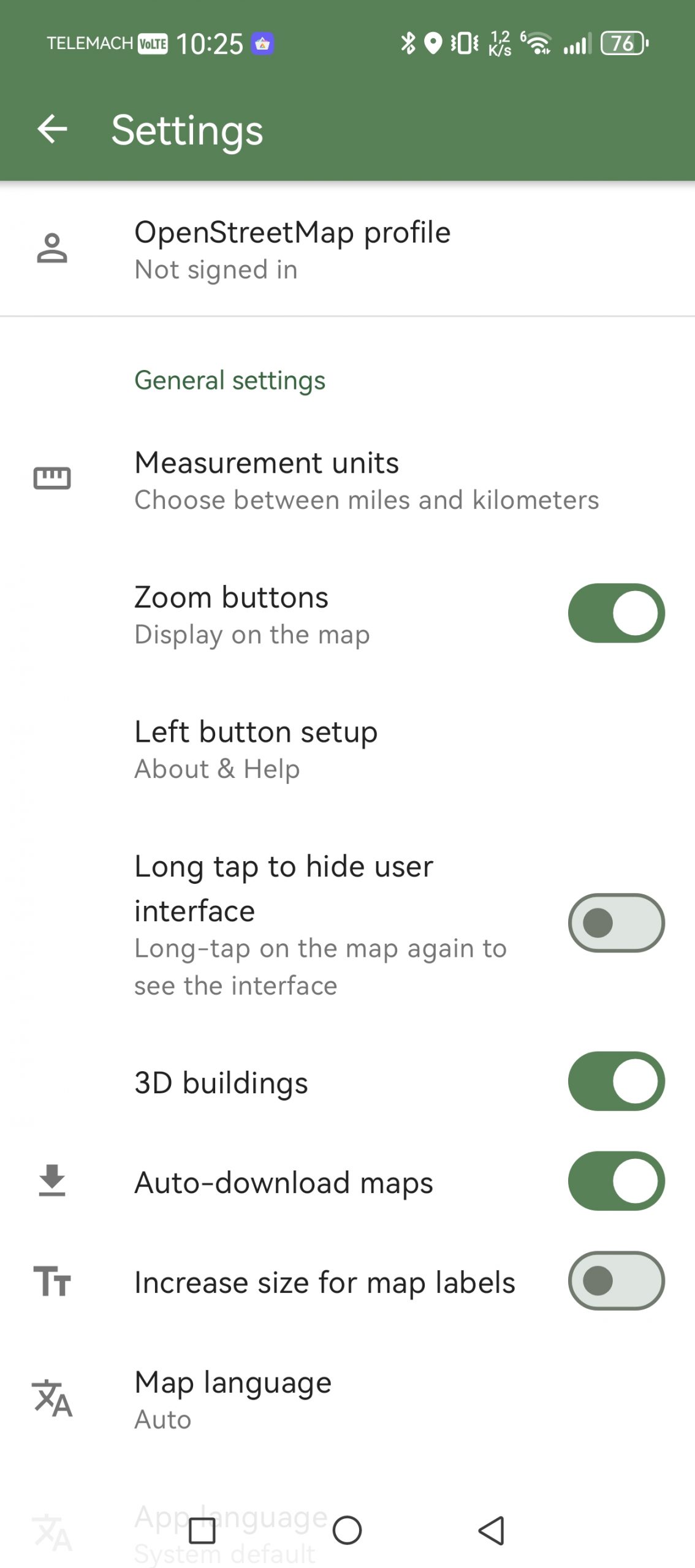
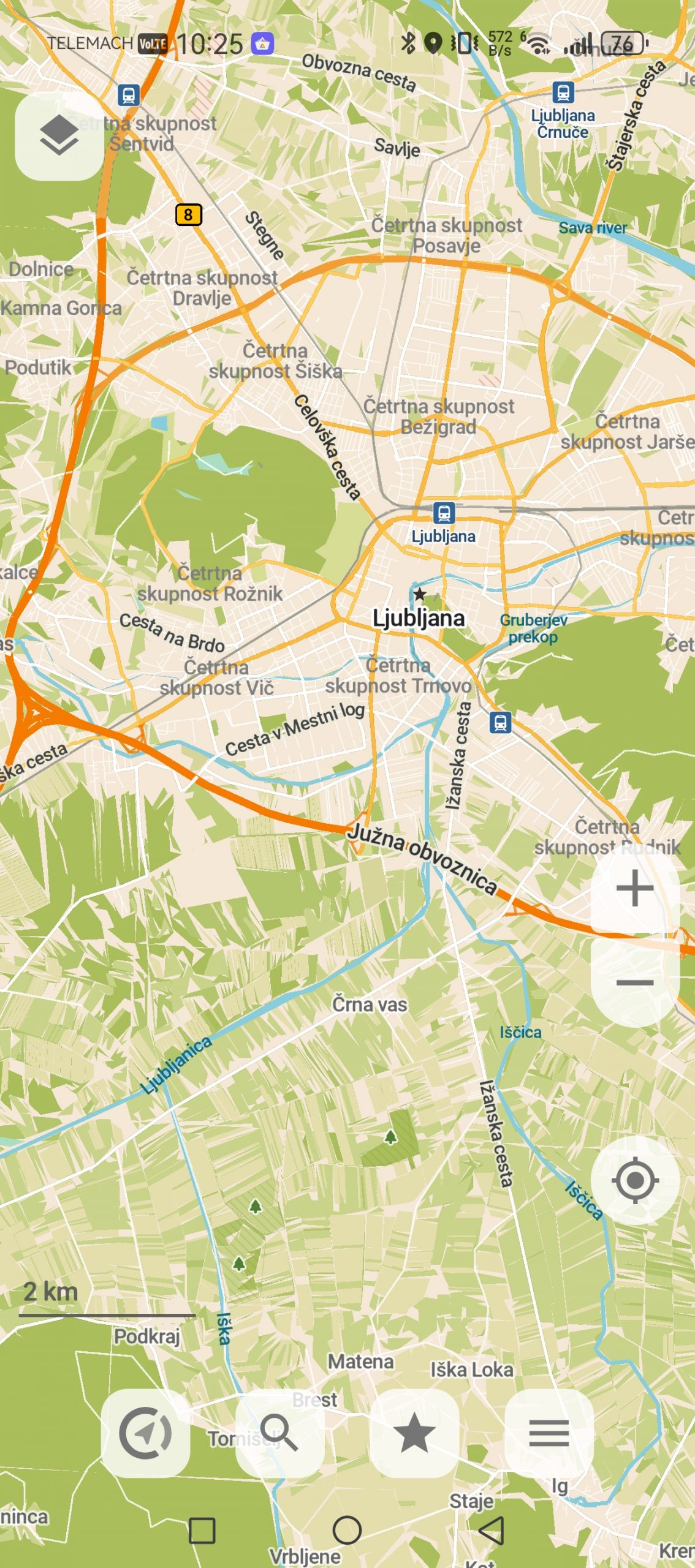
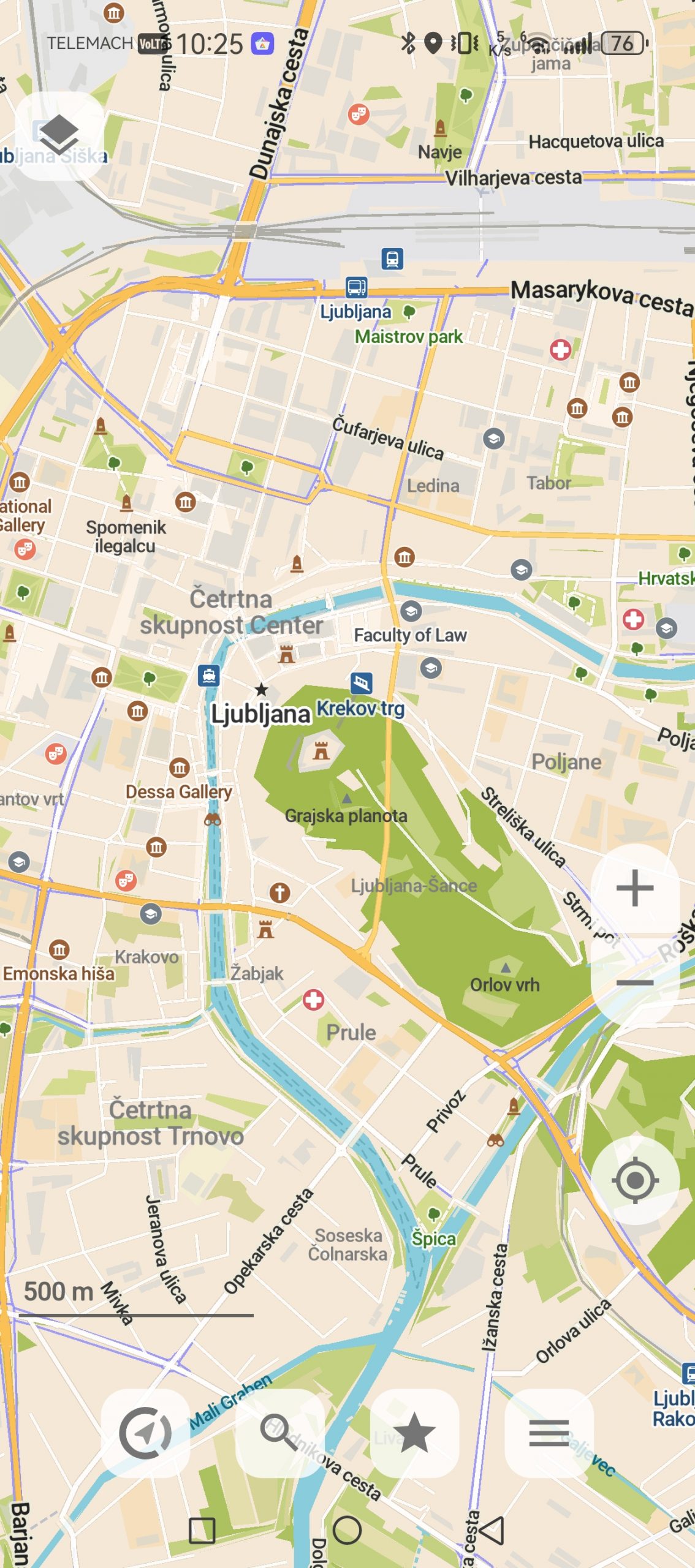
Which app do I use?
In 90% of cases, Google Maps. For what I need, they are the simplest solution. Apple Maps are out of the question, because I am an Android user. When Google Maps fails on my Huawei phone (a few times a year), I have so far used Petal Maps, which is a decent alternative for a short period of time. I will probably keep the CoMaps and Waze applications on my phone, and delete the others. Waze solely because I expect it to help me find a shortcut in the future, and CoMaps for trips when I don't want to waste data, as well as for weekend trips to nature.