Share with others:

Microsoft PC Manager: The easy way to make Windows 11 faster
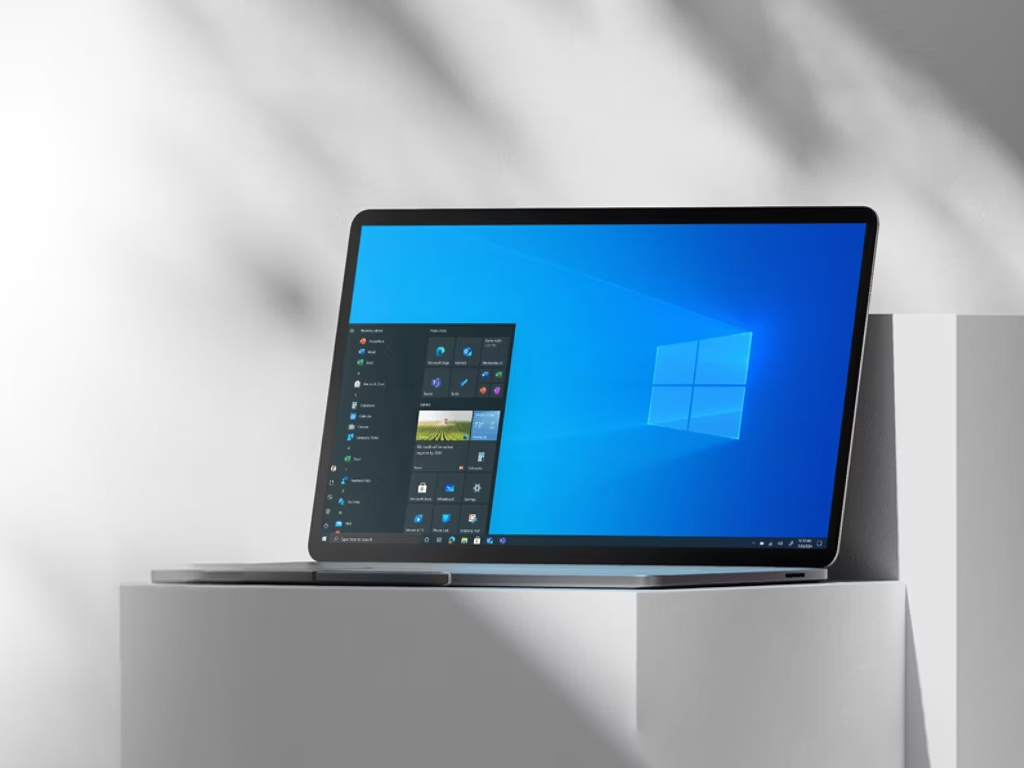
Microsoft has introduced a new free PC Manager tool aimed at Windows 11 users who want to simplify PC maintenance and improve its performance. The tool first appeared in beta in 2022, and is now available to anyone who wants to easily optimize their PC.
After installation, a small pop-up screen appears in the lower right corner, showing the current system memory usage, the number of active processes, and the amount of space taken up by temporary files. Users can set the application to automatically start with Windows and, if necessary, clean up system memory or remove unnecessary files on the fly.
The tool includes a System Health Checkup that analyzes everything from Wi-Fi connection quality to duplicate files, and provides recommendations for system optimization. The Disk Analysis feature helps users identify large or redundant files that are safe to delete, while Deep App Uninstaller ensures that programs are completely removed, including files that Windows typically leaves behind.
PC Manager also includes a Toolbox, which provides shortcuts to standard Windows tools such as Notepad, Calculator, and the Screen Capture tool, as well as the option to display a permanent control panel on the desktop. Although some features overlap with existing Windows tools, the centralized interface makes system management easier, especially for less experienced users.
Overall, PC Manager is a good choice for those who want an easy way to maintain and clean up their Windows 11 system without having to delve into various settings. While it's not a miracle tool for speeding up your computer, the app makes managing files, memory, and programs much easier, and improves the user experience.